Some files are just files, and some can wreck your year if they land in the wrong hands. A tax form has your Social Security number. A scanned ID is a ready-made identity-theft kit. A signed contract or a medical record carries details you'd never post publicly. These deserve more care than dragging them into an email and hitting send.
The mistake most people make is treating sensitive documents like ordinary ones: emailing the attachment, texting a photo, or dropping a permanent link in a chat. Email attachments sit in inboxes for years, and photos get backed up to the cloud automatically. Once sent, you lose all control over where they go and how long they last.
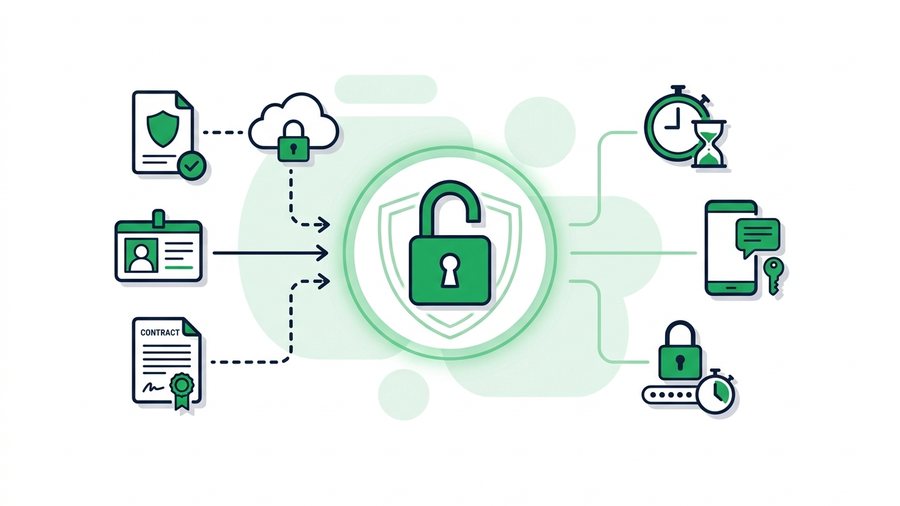
There's a simple, repeatable method that fixes this: password-protect the file, set it to expire quickly, and send the password through a completely separate channel. This guide walks through that method, adds redaction tips, and gives you a settings table for common document types.
Key takeaways
- Use a strong password of at least 12 characters that you never reuse elsewhere.
- Always send the link and the password through separate channels, so one leaked message isn't enough.
- For IDs and passports, pick delete-after-first-download so the file vanishes the moment it's opened.
- A drawn black box doesn't truly hide text; flatten the page to an image or use a real redaction tool.
The Core Method: Password, Expiry, Separate Channel
Three moves, done together, turn a risky share into a safe one. Skip any one of them and you leave a gap.
1. Password-protect the file
A password means that even if the link is forwarded, screenshotted, or leaked, only someone who knows the password can open the file. Use a strong one: at least 12 characters, mixing words and numbers, never a password you use elsewhere. "Blue-Otter-Runs-41" beats "1234" by a mile and is still easy to type.
2. Set a short expiry
A sensitive file has a short useful life. Your accountant needs the tax form today, not next February. Set the link to expire in hours, or use delete-after-first-download so the file vanishes the moment it's received. A file that no longer exists cannot be stolen. Our guide on why expiring links are safer shows just how much this shrinks your risk.
3. Send the password separately
This is the step people skip, and it's the most important. Never put the link and the password in the same message. If you email the link, send the password by text or say it over the phone. That way, anyone who intercepts one channel still can't open the file. Two locked doors, two different keys.
Redact Before You Send
The safest data is the data you never share. Before sending, ask whether the recipient actually needs every detail on the page.
Trim what isn't needed
If a landlord needs proof of income, they rarely need your full account number. If a form only requires the last four digits of your SSN, black out the rest. Sending less means less to lose.
Redact properly
Don't just draw a black box over text in a PDF viewer, because the text underneath can often be copied or recovered. Instead:
- Flatten the document to an image, then black out the area
- Use a real "redact" tool that removes the underlying text
- Print, mark with a marker, and rescan for truly stubborn cases
- Double-check by trying to select or copy the hidden text
A fake black box is one of the most common ways private info leaks by accident. Take the extra minute to redact for real.
Recommended Settings by Document Type
Different documents carry different risk. Match your settings to what you're sending.
| Document type | Password? | Expiry | Extra step |
|---|---|---|---|
| Tax forms (W-2, 1099) | Yes | 24 hours or delete-after-download | Redact full SSN if possible |
| Government ID / passport | Yes | Delete-after-download | Add a "for [purpose] only" watermark |
| Signed contracts | Yes | 3 to 7 days | Confirm recipient before sending |
| Medical records | Yes | 24 hours | Share only the needed pages |
| Bank statements | Yes | 24 hours | Black out account numbers |
| Resume (no ID numbers) | Optional | 7 days | Remove home address |
When in doubt, choose the shorter expiry and add the password. You can always resend; you can't un-leak.
Warning: Delete-after-first-download means the very first open destroys the file. If your recipient's email app or antivirus quietly previews the link before they do, that preview can count as the download. For important handoffs, tell the person to expect a one-time link so they open it deliberately.
A Pre-Send Checklist
Run this every time before you share something sensitive. It takes about a minute.
Putting It All Together
If you are sending on behalf of a firm rather than yourself, the bar is higher - secure file transfer for law firms sorts documents into tiers and says plainly where free tools stop being appropriate.
Say you need to send a signed lease to a new landlord. You scan it, black out your old account number as a flattened image, and upload it to a tool that supports passwords and expiry.
With ShareIt.onl, for example, you add an optional password, set the link to expire in three days, and copy the link into your email. Then you text the landlord the password separately.
If that email ever gets forwarded or breached, the file is either already expired or still locked behind a password the wrong person doesn't have.
That's the whole idea: assume the link might leak, and make sure a leak doesn't matter. For everyday documents that aren't as sensitive, our guide to sharing documents covers a lighter workflow. And for a deeper dive on the security side, see the secure file-sharing guide.