File Sharing Tools & Alternatives Compared
How ShareIt.onl and browser link-sharing stack up against WeTransfer, Google Drive, AirDrop and the rest.
There is no shortage of ways to send a file online, but they are not interchangeable. Some give you huge storage in exchange for an account, others send big one-off transfers, and a few keep things anonymous and short-lived. This guide compares the popular options so you can match the tool to the task.
Three questions sort most of the confusion: How big a file can I send for free? Do I have to sign up? And does the link expire on its own? A tool that scores well on one of these often trades off another, so the best pick depends on what you value most.
ShareIt.onl aims at the quick, private, no-account case: up to 3 GB free, no sign-up, and a link that expires on a schedule you choose. WeTransfer sends similar-sized one-time transfers behind an account, Google Drive offers big shared storage, and Dropbox Transfer sits in between with expiry built in. The table lines them up side by side.
- How ShareIt.onl, WeTransfer, Google Drive, and Dropbox Transfer differ on free size
- Which tools require an account or email and which are fully no-sign-up
- Which options give you links that expire automatically and which keep files indefinitely
- How to choose the right tool based on file size, privacy, and convenience
File-sharing tools compared on size, sign-up, and expiry
| Tool | Free size / Sign-up | Expiry? |
|---|---|---|
| ShareIt.onl | 3 GB / No sign-up | Yes |
| WeTransfer | 3 GB / Account | Yes, 3 days |
| Google Drive | 15 GB shared / Yes | No |
| Dropbox Transfer | 100 MB / Yes | Yes |
Guides in this section
3 in-depth guides on comparisons & alternatives.
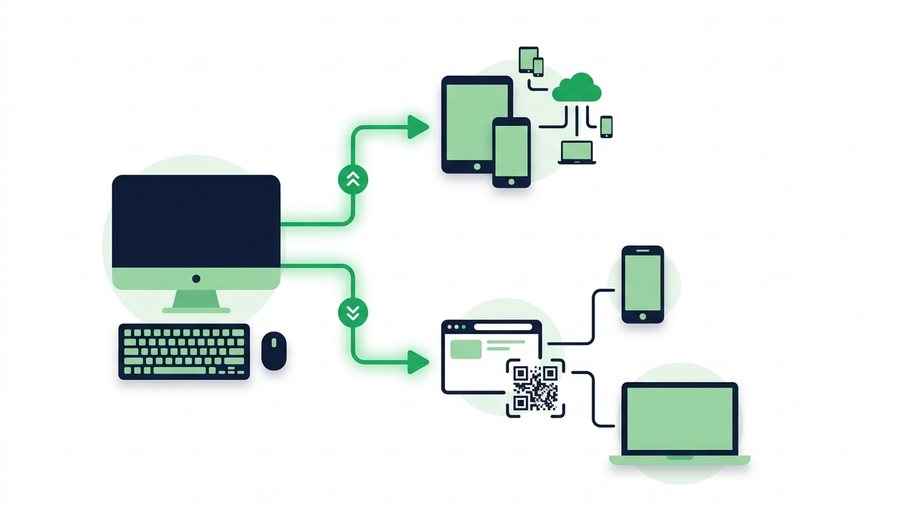
AirDrop for Windows: How to Send to Any Device
AirDrop is Apple-only, so here are the real Windows equivalents plus a browser link and QR that work on any device.

Best Free File Sharing Services Compared
Compare free file sharing categories - Transfer links, cloud drives, P2P, and messaging - By size, account needs, and privacy.

7 Best Free WeTransfer Alternatives (2026)
Seven free WeTransfer alternatives compared by size limit, sign-up needs, link expiry, and password options to match your scenario.
Try it now: Send Large Files Online
Free, up to 3 GB, link + QR code in seconds - No sign-up.
Open the tool →