Instagram Photos & Reels - Export Yours, Share Full Quality
Instagram crushes a 12-megapixel photo down to 1080 pixels. Learn how to export your own photos, Reels and Stories the official way - And how to hand someone the full-resolution originals instead.
Your link expires on the schedule you pick above (24 hours by default). Every download keeps it alive for another 24 hours. Expiry disables the public address; normal files remain private in My Files.
Copy and send it now - The files appear for the recipient as the upload finishes, using the security settings you chose before selecting them.
Scan the QR code with any phone camera to open the link instantly.
Instagram keeps a copy of everything you post, and you can get it all back through the app's own tools. Download Your Information builds a full archive of your photos, Reels, and Stories, while smaller options let you save a single Reel or set your Stories to save on their own. Each content type has its own size and shape rules, which is good to know before you export. No outside apps are needed.
This page only covers Instagram's official export features. Pulling down posts you don't own with a third-party downloader breaks Instagram's Terms of Use, so we leave those tools out. Once you've exported your own content, ShareIt.onl lets you hand off the original files with an expiring link and QR code, and there's no sign-up to slow you down.
What you can do with Instagram content
- Export photos, Reels and Stories via Accounts Center
- Know the exact specs for Reels, Stories and posts
- Share posts with Collabs, reshares and DMs properly
- Send full-resolution originals with a ShareIt link + QR
Related Instagram tools
Download public, non-DRM Instagram videos and Reels with Orbit Downloader.
Official ways to export your Instagram content
- Go to Settings, open Accounts Center, choose Your information and permissions, then Download your information to request an archive of your photos, Reels, and Stories.
- When requesting the archive, set Media quality to High so your photos and Reels export close to how you uploaded them.
- Save a single Reel or post you made by opening it, tapping the three-dot menu, and choosing Save to your device or camera roll.
- Turn on Save to Archive or Save Story to Camera Roll in Story settings so each Story is kept for you before it disappears after 24 hours.
Instagram content limits and shape
| Content | Max/limit | Aspect |
|---|---|---|
| Reels | Up to 15 minutes | 9:16 vertical |
| Feed photo | Up to 10 per post | 1:1 or 4:5 |
| Stories | 60-second segments | 9:16 vertical |
Instagram guides
Step-by-step, official-methods-only guides for Instagram.
How to Download Your Instagram Photos and Videos (Official Export)
Use Instagram's official Download Your Information tool to export every photo, reel, and story, then back up your originals safely.
How to Download Your Own Instagram Reels
Save the Reels you posted using the three-dot menu, recover drafts, request a full Meta data export, and keep your originals.
How to Share Instagram Posts, Reels, and Stories the Right Way
Master every official Instagram sharing option, from story reshares and Collabs to DMs, links, and sending originals off-platform.
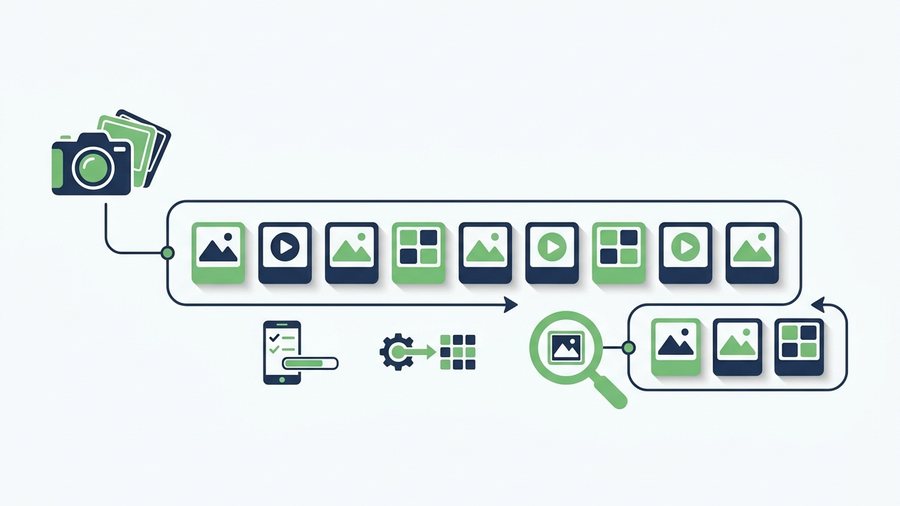
Instagram Carousels and Photo Dumps: The Complete Guide
Build better Instagram carousels with up to 20 slides, correct specs, smart ordering, mixed media, and full-quality originals.
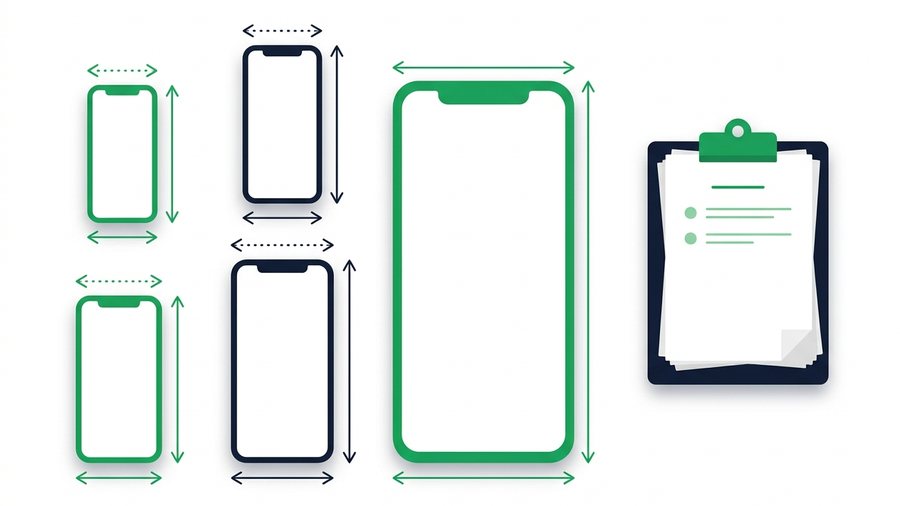
Instagram Video Limits: Reels, Stories, and Posts Specs
Every Instagram video limit in one place, from Reels length to Story segments, plus export settings that survive compression.
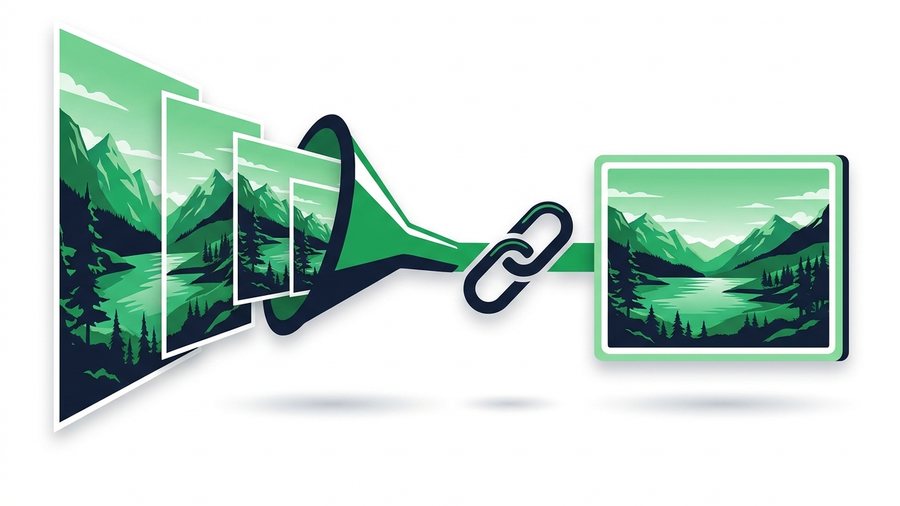
Share Full-Quality Photos Instagram Would Crush
Instagram shrinks photos to 1080 pixels and compresses them hard, so here's how to share your true originals instead.
Instagram - Frequently asked questions
How do I download all my Instagram photos at once?
Can I save a Story after 24 hours?
Why do my exported Reels look shorter or split up?
Can I download someone else's Reel or photo?
What's the easiest way to send my exported files?
More on sharing files: How large can my files be? · What is the 24-hour keep-alive on links? · Do the people I share with need an account? · all FAQs