Guides to moving files between phones and computers
Move files between phones, tablets and computers - Across Android, iPhone, Windows and Mac.
Getting a file from your phone to your laptop should be easy, but the built-in tools only work inside their own brand. AirDrop is fast between Apple devices, and Quick Share does the same for Android and Windows, yet neither talks to the other side. This guide shows how to cross those lines.
When both devices share an ecosystem, use the native tool. iPhone to Mac over AirDrop and Android to Windows over Quick Share are quick, wireless, and need no extra app. The catch is that they refuse to connect across brands, so an iPhone cannot AirDrop to a Windows PC.
That is where a browser share link fills the gap. Because it works in any web browser, it does not care whether you are on iOS, Android, macOS, Windows, or Linux. ShareIt.onl also shows a QR code, so you can point your phone camera at your laptop screen (or the other way around) and open the download instantly, no cables or matching brands required.
- When AirDrop and Quick Share are the fastest choice for same-brand devices
- Why built-in tools refuse to work across Apple, Android, and Windows
- How a browser link plus QR code bridges any operating system
- How to scan a QR code to move a file from phone to computer in seconds
Device-to-device transfer tools and cross-brand support
| From → To | Built-in tool | Cross-brand? |
|---|---|---|
| iPhone → Mac | AirDrop | No |
| Android → Windows | Quick Share | No |
| Any → Any | Browser link + QR | Yes |
Guides in this section
16 in-depth guides on between devices.

Android File Transfer Not Working on Mac? What to Use Instead
Google's Android File Transfer app is abandoned and fails on modern macOS. Here is why it breaks and four reliable ways to move files between Android and a Mac.
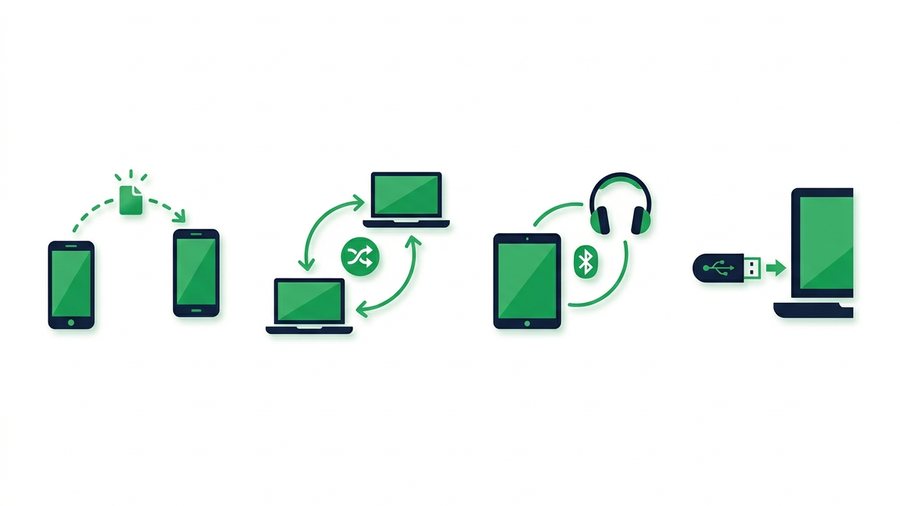
How to Share Files Without the Internet
Move files between nearby devices with no data using Quick Share, AirDrop, Wi-Fi Direct, Bluetooth, or a plain USB drive.

How to Transfer Photos to a New Phone (Any Combination)
Moving photos to a new phone is easy within one brand and awkward across brands. Here is the right method for iPhone to iPhone, Android to Android, and every mix in between.
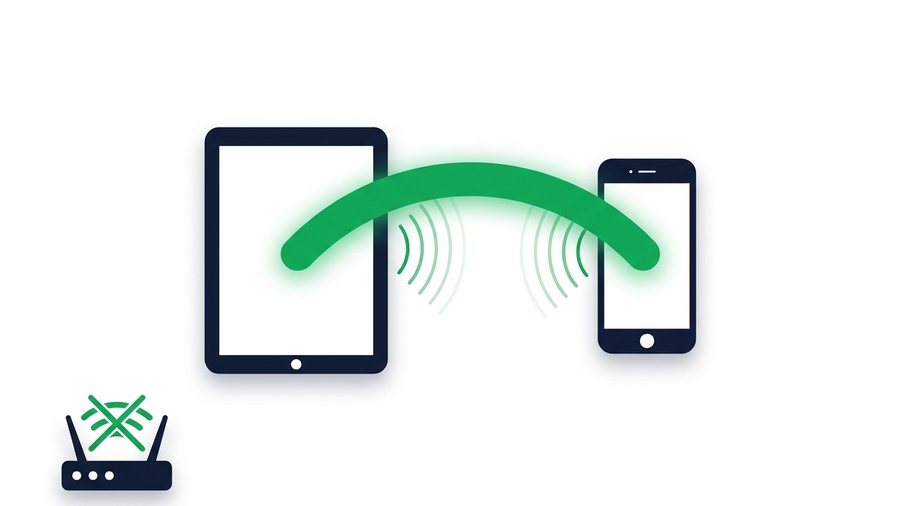
How to Use Wi-Fi Direct for File Transfer
Wi-Fi Direct lets two devices talk to each other without a router or internet. Here is what it is, how to use it on Android and Windows, and why iPhones do it differently.

How to Share Files With a QR Code (Fast and Free)
Turn any file into a scannable QR code so anyone nearby can download it with their camera app in seconds.
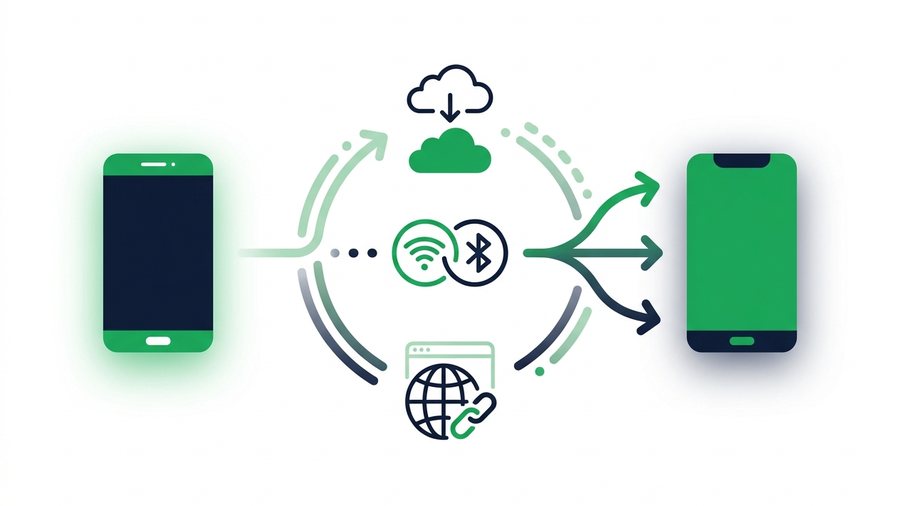
How to Transfer Files Between Two Phones (Any Brand)
Move files between any two phones, same brand or mixed, using built-in tools, cloud apps, or a universal browser link.
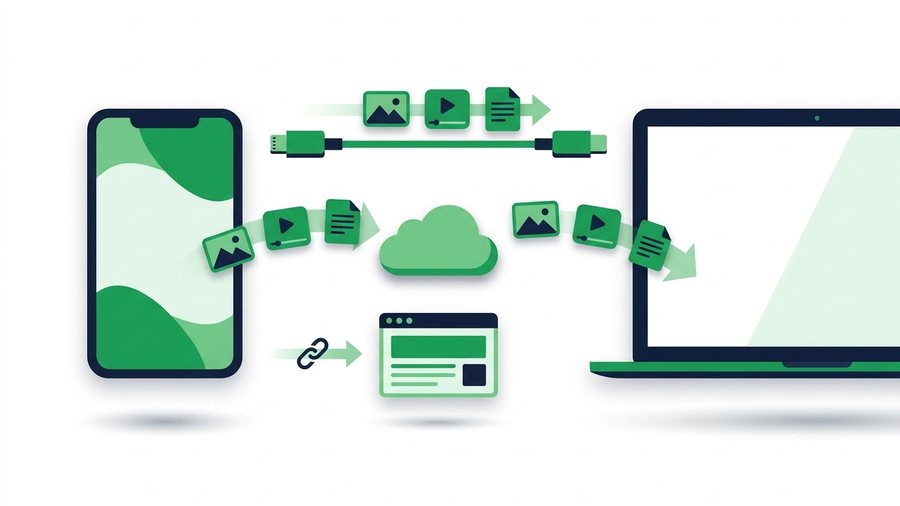
How to Transfer Files From Android to Mac
Move photos, videos, and documents from any Android phone to a Mac using cable tools, Google Drive, or a browser link.
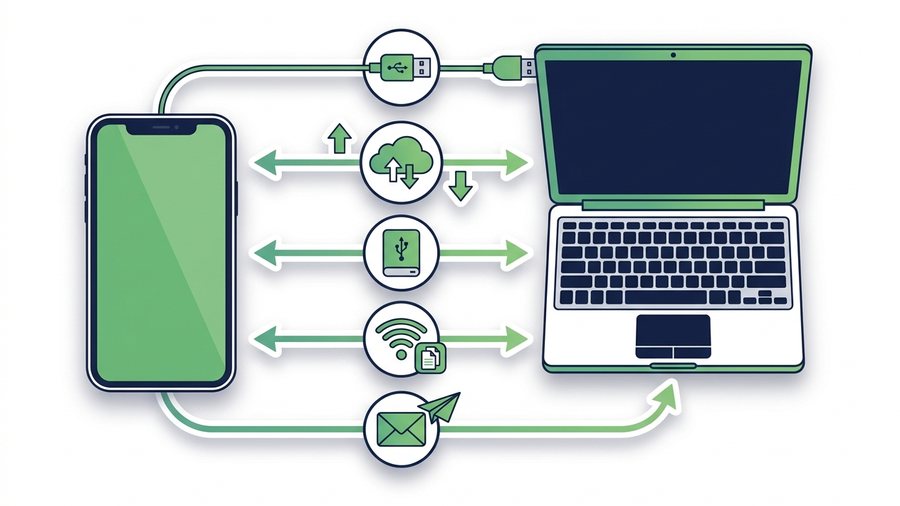
How to Transfer Files From iPhone to a Windows PC
Five reliable ways to move photos, videos, and documents from an iPhone to a Windows computer without AirDrop.

How to Transfer Files From a Laptop to a Phone
Move documents, photos, videos and ZIP files from a Windows, Mac, Linux or Chromebook laptop to a phone by uploading once and scanning a QR code.

Transfer Files From Mac to Windows (4 Easy Ways)
Four working ways to move files between Mac and Windows, from share links and USB drives to SMB folders and cloud sync.
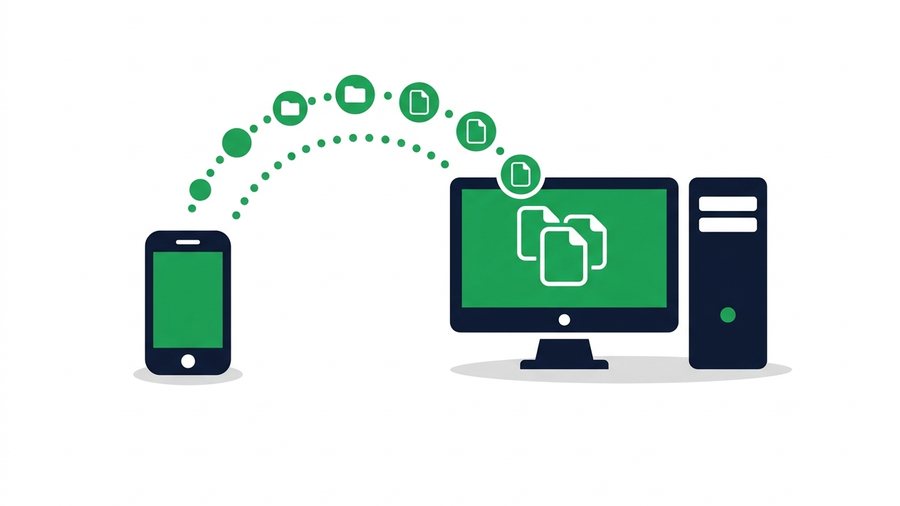
How to Transfer Files From Phone to PC or Laptop
Move photos, videos and documents from any phone to a desktop or laptop using a QR transfer room, browser links, cables or cloud sync.

How to Transfer Photos From a Computer to Your Phone
Send photos from a PC or Mac to an iPhone or Android phone, including why Windows will not let you drag files onto an iPhone and what to do instead.

How to Transfer Photos From iPhone to Computer (Mac and Windows)
Move photos off an iPhone to a Mac or Windows PC without iTunes, with fixes for HEIC files, missing devices, and the Photos app refusing to import.
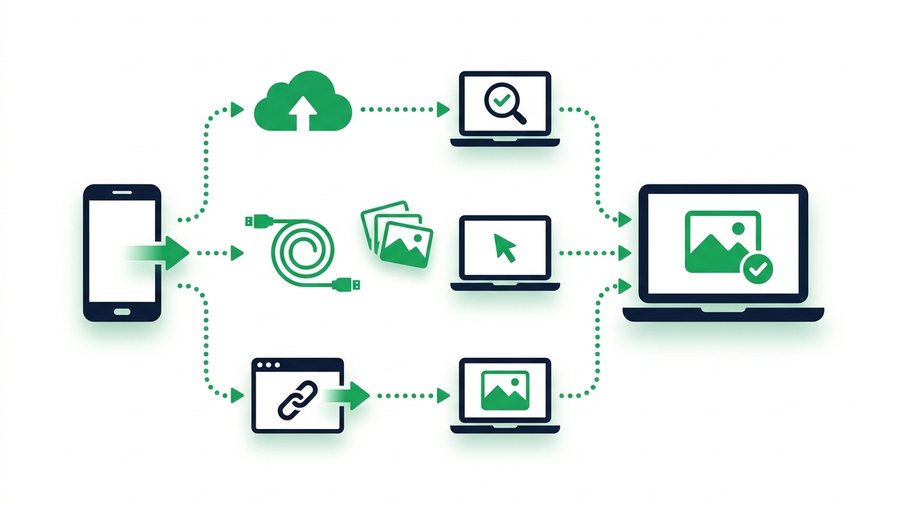
How to Transfer Photos From Phone to Laptop
Move photos from any phone to a laptop with a cable, cloud backup, or a browser link while keeping full resolution.

How to Transfer Photos From a Samsung Phone to a Computer
Four ways to get photos off a Samsung Galaxy onto Windows or a Mac, including Smart Switch, Link to Windows, USB and a no-cable browser transfer.

How to Transfer Photos to a Computer From Any Phone or Camera
One guide to getting photos onto a computer from an iPhone, Android phone, camera or SD card, with the right method for each and the traps in every one.
Try it now: Transfer Files Between Devices
Free, up to 3 GB, link + QR code in seconds - No sign-up.
Open the tool →