How to Share Files Online: The Basics
How online file sharing works, what share links are, and how to pick the right way to send your files.
Sharing a file used to mean handing over a floppy disk or burning a CD. Today most people send a share link instead: you upload a file once, and the tool gives you a web address that anyone can open to download it. This guide breaks down the basics so you can pick the right method without guessing.
A share link is simply a URL that points to your uploaded file. Instead of attaching the file to a message, you paste the link into a chat, email, or text. The person who clicks it downloads the file straight from the server, so the file never has to squeeze through an email size limit.
There are four common ways to move a file from one person to another: a browser share link, an email attachment, a cloud drive folder, and a physical USB drive. Each has trade-offs in size, speed, and whether both people need an account. Knowing those trade-offs saves you from failed uploads and blocked attachments.
- What a share link actually is and how the download works behind the scenes
- The four main file-sharing methods and the size ceiling for each one
- When an account is required and when you can share with zero sign-up
- How to send up to 100 files at once (3 GB total) using a plain browser link
Common file-sharing methods compared by size and account needs
| Method | Max size | Needs account? |
|---|---|---|
| ShareIt.onl link | 3 GB | No |
| Email attachment | ~25 MB | Yes |
| Cloud drive | Large | Yes |
| USB drive | Huge | No |
Guides in this section
10 in-depth guides on file sharing basics.
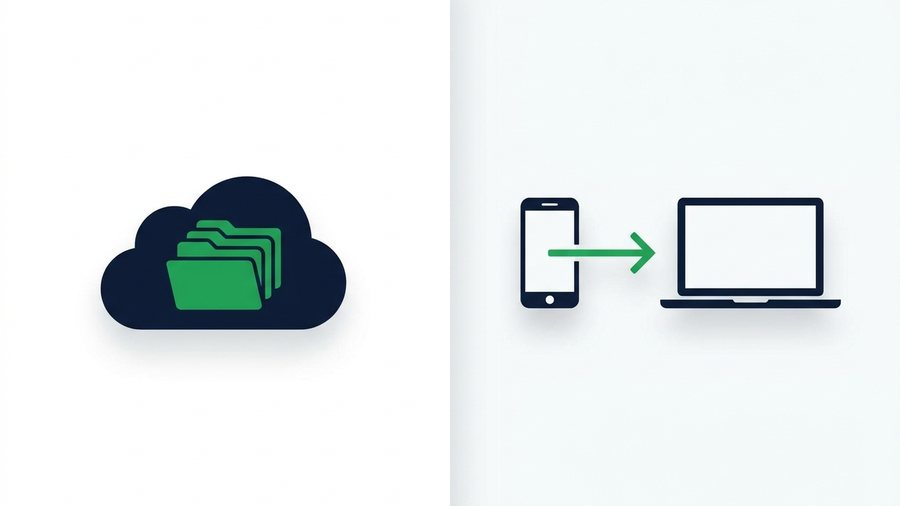
Cloud Storage vs Direct File Sharing: Which Do You Need?
Cloud drives store files forever behind accounts; direct sharing moves them with expiring links. Learn which fits your task.

File Sharing for Teams and Remote Work
When to use a quick expiring link versus a shared drive for team handoffs, client work, and remote collaboration without version chaos.
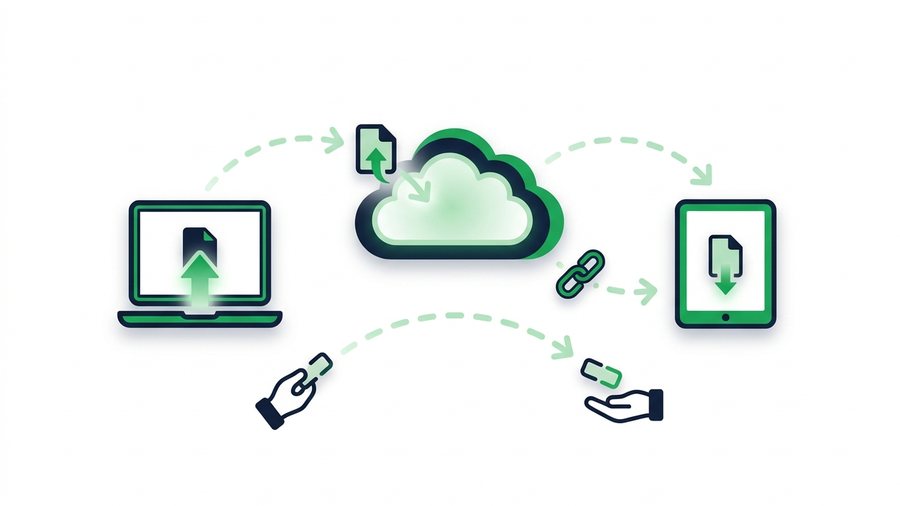
How File Sharing Works Behind the Scenes
A plain-English tour of what happens when you upload a file and hand someone a link to download it.

How Long Should a Share Link Last? Picking the Right Expiry
Match link expiry to the job - 1 hour, 12 hours, 24 hours, 3 days, or 7 days - And keep shared files from outliving their purpose.
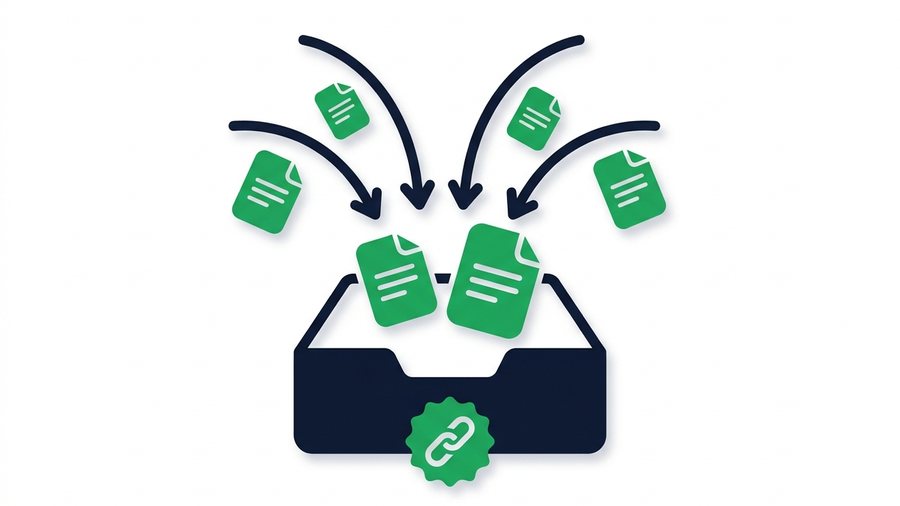
How to Create a File Upload Link (Let Others Send You Files)
An upload link turns the usual flow around - Instead of you sending files, you hand someone a link and they send files to you. Here is how to make one free in about thirty seconds.
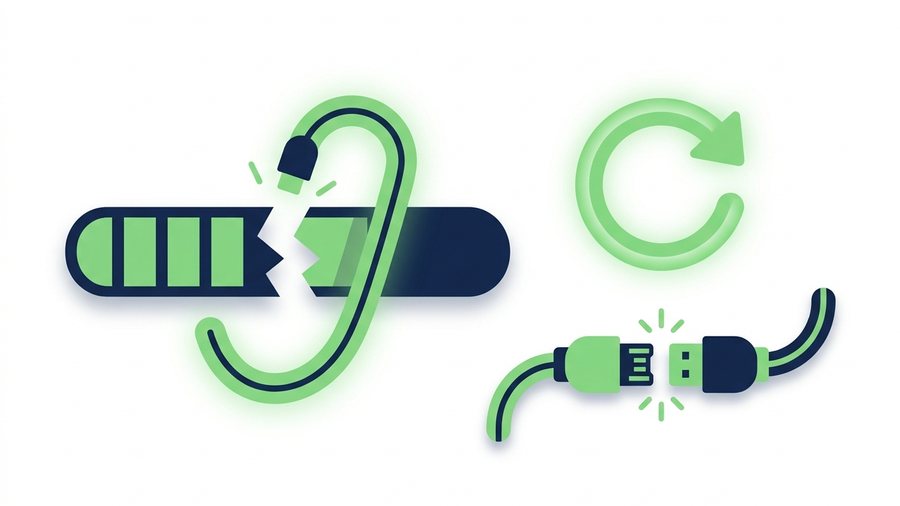
How to Recover a Failed File Transfer
Uploads fail for a handful of predictable reasons. Here is how to diagnose which one hit you, what you can resume, and how to stop it happening on the retry.
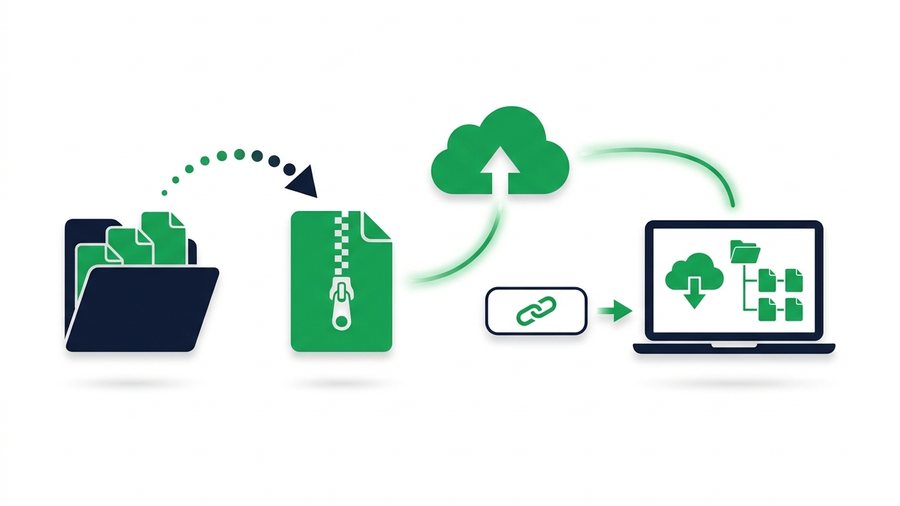
How to Send a Whole Folder or ZIP Online
Learn to zip a folder on any device and share it as a single clean link that keeps every file and subfolder in place.
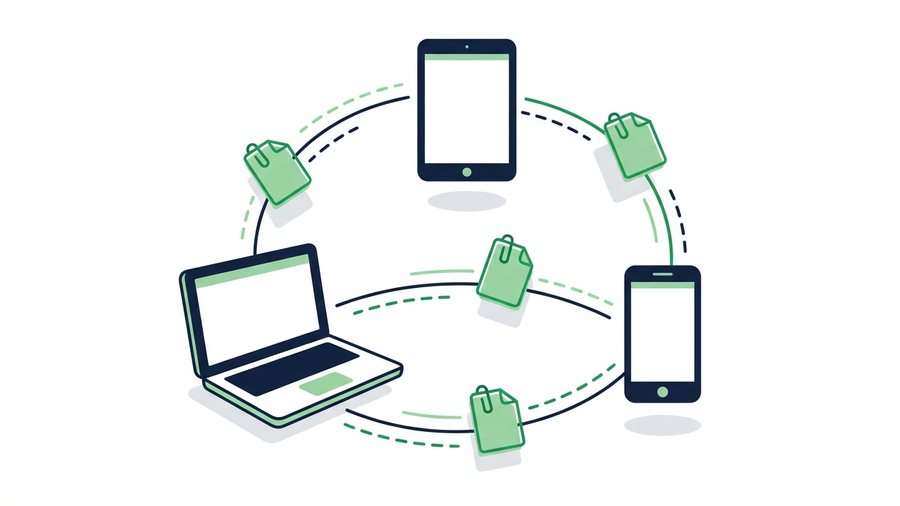
How to Share Files Online: Every Method Compared
Compare share links, email, cloud drives, USB, and messaging apps so you can pick the fastest way to send any file.
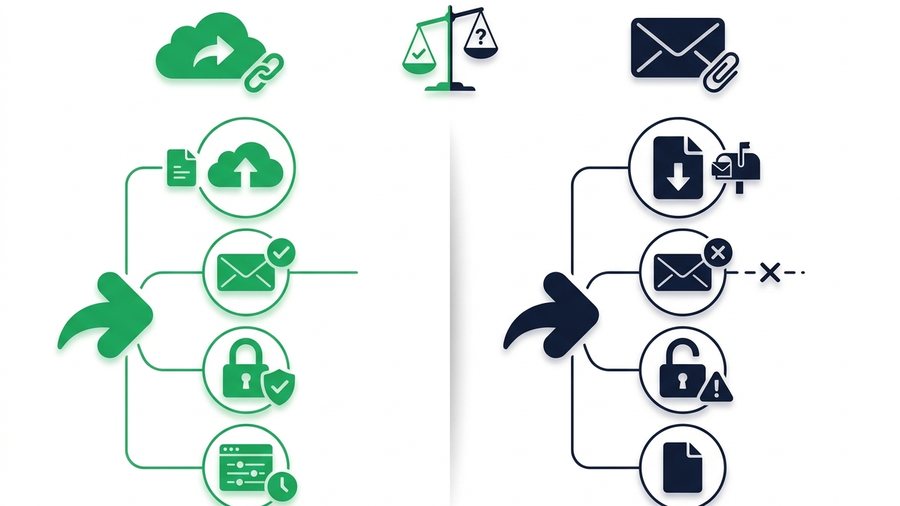
Link Sharing vs Email Attachments: Which Wins?
A head-to-head look at share links and email attachments across size, deliverability, security, and control to help you pick the right one.
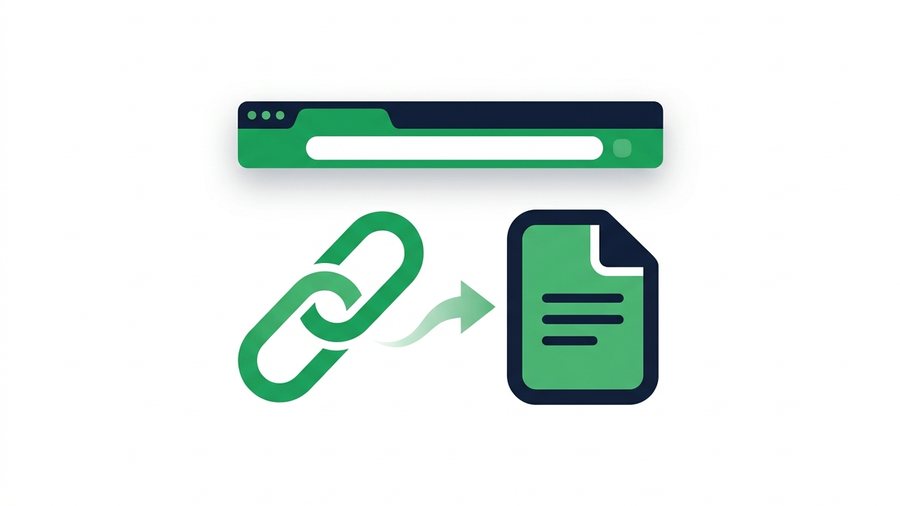
What Is a File Sharing Link and How Does It Work?
A file sharing link is a unique URL that points to your uploaded files; here is how tokens, expiry, and QR codes work.
Try it now: Transfer Files Between Devices
Free, up to 3 GB, link + QR code in seconds - No sign-up.
Open the tool →