Guides to exporting and sharing Facebook videos and photos
Export your videos and photos, beat Facebook compression, and control how your posts get shared.
Facebook keeps years of your photos and videos, and it offers a few built-in tools to get them back out. The most complete is Download Your Information, which packages everything you have posted. For a single clip, you can download it straight from the post, and for photos you can send a copy to another service entirely.
The right choice depends on how much you want and how clean you need the files. A full export is great for backups, while a per-post download is faster when you only need one video. Transfer a Copy is built for moving photos to places like Google Photos or Dropbox without downloading them to your device first.
Everything below uses Facebook's own tools, which only handle content you posted or own. Third-party downloaders that grab other people's videos violate Facebook's terms, so we skip them. After exporting, you are free to share your files any way you choose.
- How to run Download Your Information for a full archive
- How to save a single video you posted from its own post
- How Transfer a Copy moves photos to other services
- Which method keeps the closest quality to your original upload
Official ways to export Facebook media
| Method | Covers | Quality |
|---|---|---|
| Download Your Information | All of your posts | Original-ish, choose high quality |
| Per-post Save | A single video you own | As uploaded |
| Transfer a Copy | Photos to other services | High |
Guides in this section
7 in-depth guides on facebook.
How to Download Your Facebook Videos and Photos (Official Way)
Use Facebook's official Download Your Information tool to save every video and photo you ever uploaded, then share the originals safely.
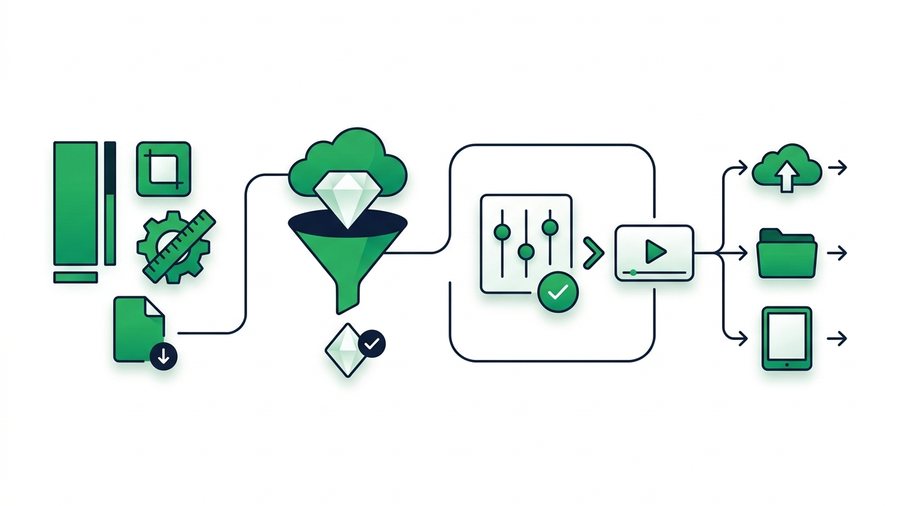
Facebook Reels: Specs, Quality, and Sharing
Learn the exact Facebook Reels specs, how the platform compresses them, the best export settings, and how to share the original clip anywhere.
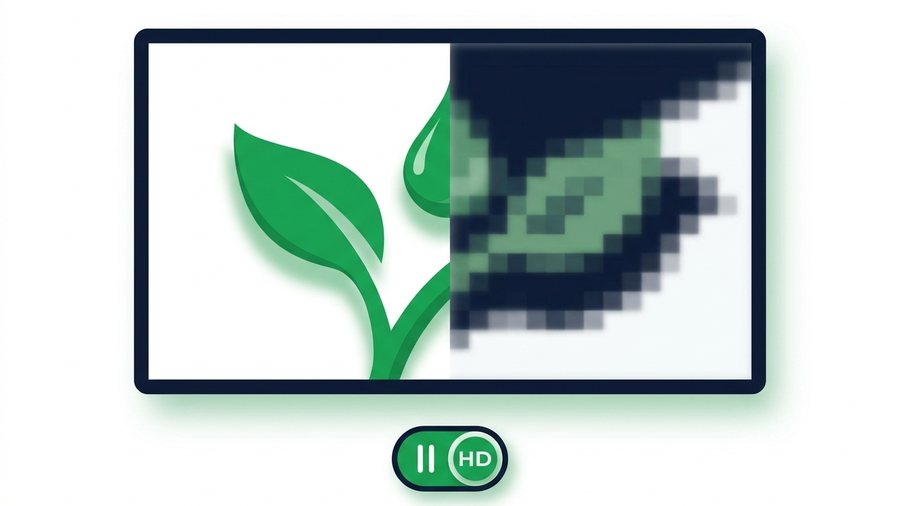
Why Facebook Videos Look Blurry (and How to Fix Quality)
Facebook compresses every upload. Learn why videos turn blurry, the settings that help, and how to share full-quality originals.
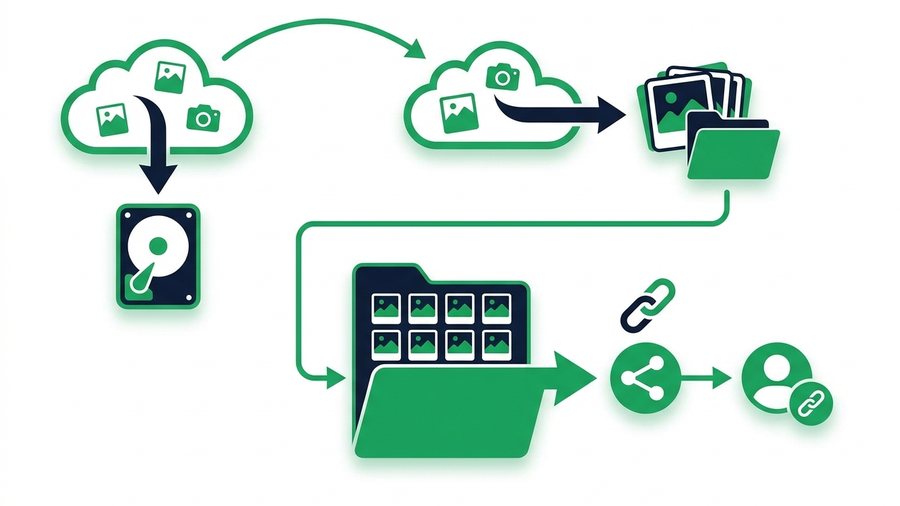
How to Back Up Your Facebook Photos and Memories
Use Download Your Information and Transfer a Copy to save every Facebook photo and album at full quality, then organize and re-share them by link.
How to Download Your Own Facebook Story
Save your Facebook Stories before they vanish at 24 hours using the Archive setting, per-story downloads, Memories, and original-file backups.
How to Share Videos on Facebook Without Losing Control
Control exactly who sees your Facebook videos with audience settings, the right format, scheduling, and a pre-post privacy checklist.
Send the Original Video Facebook Would Compress
Messenger and Facebook shrink every video you send. Here is how to deliver the untouched original with an expiring link and QR code.
Try it now: Share Videos Online
Free, up to 3 GB, link + QR code in seconds - No sign-up.
Open the tool → Facebook download & export tools →