Guides to saving and sharing Instagram photos, Reels and Stories
Official exports for photos, Reels and Stories, real size limits, and sharing full-quality originals.
Instagram stores your photos, Reels, and Stories, and it gives you official ways to get them back. The main tool lives in Accounts Center, where you can request a full export of your content in original quality. Stories are handled a little differently, since Instagram can auto-save them to a private archive for you.
Where you go depends on what you want. A data export is best for a complete backup of your posts and Reels, while the Story Archive is the spot to find those 24-hour clips after they disappear from your profile. Carousel posts come down together, up to the 20 items a single post can hold.
All of these steps use Instagram's built-in features, which only cover content you posted. Third-party apps that save other people's photos or Stories break Instagram's terms, so we leave them out. Once your files are exported, sharing them is entirely up to you.
- How to request a full content export from Accounts Center
- How to turn on and find your Story Archive
- How carousel posts export as a set of up to 20 items
- Which export keeps your photos and Reels at original quality
Where to export each Instagram content type
| Content | Where to export | Note |
|---|---|---|
| Photos & Reels | Accounts Center data export | Downloads as originals |
| Stories | Story Archive | Auto-saved after the 24h window |
| Carousel | Up to 20 items | Comes down per post |
Guides in this section
6 in-depth guides on instagram.
How to Download Your Instagram Photos and Videos (Official Export)
Use Instagram's official Download Your Information tool to export every photo, reel, and story, then back up your originals safely.
How to Download Your Own Instagram Reels
Save the Reels you posted using the three-dot menu, recover drafts, request a full Meta data export, and keep your originals.
How to Share Instagram Posts, Reels, and Stories the Right Way
Master every official Instagram sharing option, from story reshares and Collabs to DMs, links, and sending originals off-platform.
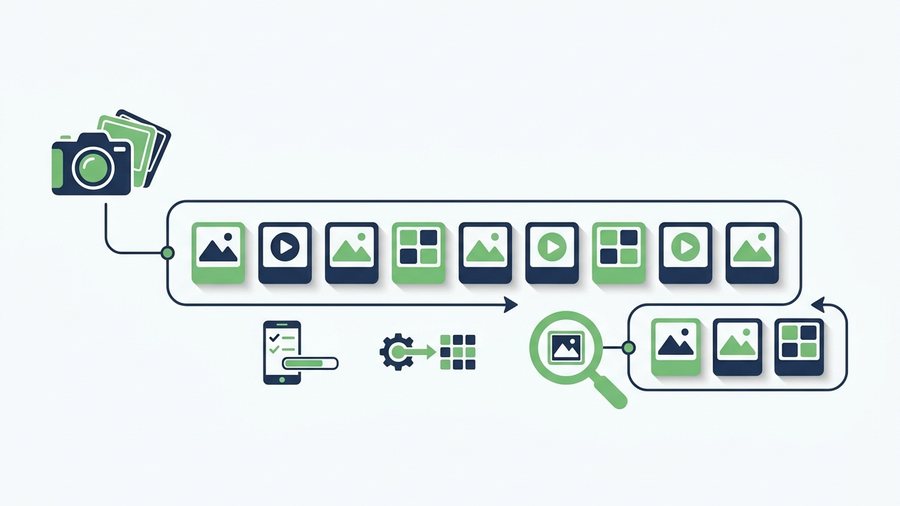
Instagram Carousels and Photo Dumps: The Complete Guide
Build better Instagram carousels with up to 20 slides, correct specs, smart ordering, mixed media, and full-quality originals.
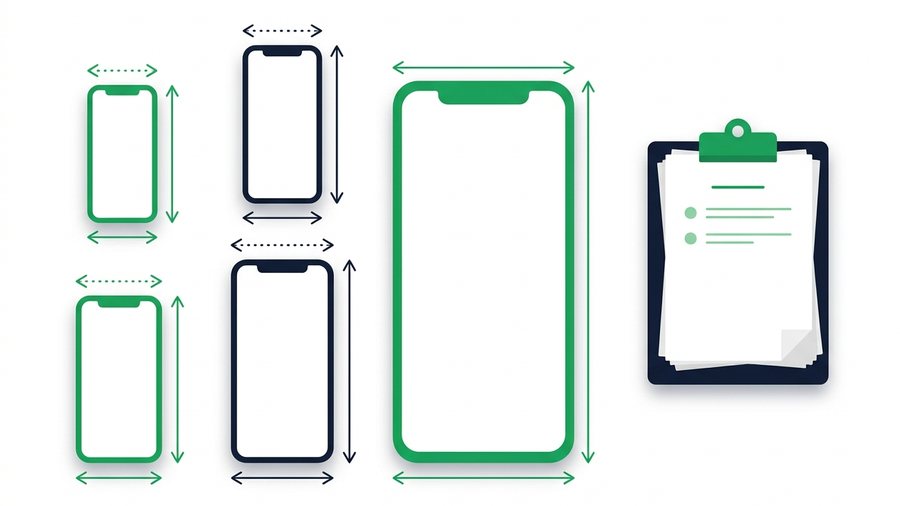
Instagram Video Limits: Reels, Stories, and Posts Specs
Every Instagram video limit in one place, from Reels length to Story segments, plus export settings that survive compression.
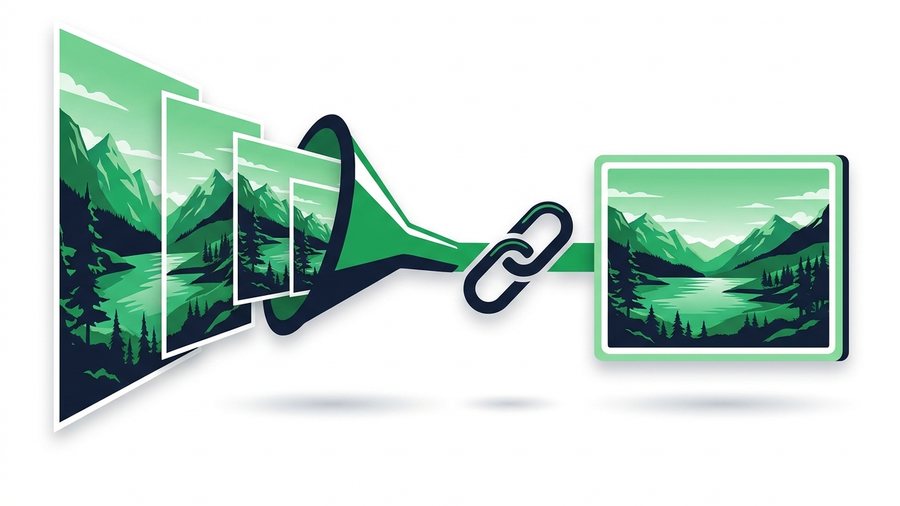
Share Full-Quality Photos Instagram Would Crush
Instagram shrinks photos to 1080 pixels and compresses them hard, so here's how to share your true originals instead.
Try it now: Share Photos Online
Free, up to 3 GB, link + QR code in seconds - No sign-up.
Open the tool → Instagram download & export tools →