Share Audio Files Online - Full Quality, No Re-compression
Chat apps re-compress audio and email bounces anything big. Upload your WAV, FLAC or mix here and send a link instead - The file arrives byte-for-byte, and recipients can even preview it in the browser.
Your link expires on the schedule you pick above (24 hours by default). Every download keeps it alive for another 24 hours. Expiry disables the public address; normal files remain private in My Files.
Copy and send it now - The files appear for the recipient as the upload finishes, using the security settings you chose before selecting them.
Scan the QR code with any phone camera to open the link instantly.
Send a track through a chat app and it often arrives re-compressed - A voice-note version of a mix you spent all week on. Email is worse: a 3-minute WAV runs about 30 MB, so two songs already break the 25 MB attachment cap. Here your audio travels byte for byte. The WAV, FLAC, or MP3 you upload is exactly the file that downloads on the other side.
One free share carries up to 100 files and 3 GB - Enough for a full album in 24-bit WAV, a batch of stems, or a season of podcast masters. Recipients can play tracks right on the page before downloading, so a client can listen on their phone without saving anything. Links expire on your schedule (1 hour to 7 days, or 30 days signed in), and a password keeps unreleased material private.
- WAV, FLAC, MP3, AIFF - Your audio travels unchanged
- Up to 3 GB free per share - Room for full sessions
- On-page audio player lets recipients listen before downloading
- Expiring links keep old mixes from floating around forever
Why share audio as untouched files?
Chat apps treat every sound file like a voice memo: they transcode it to a small compressed format so it sends fast. For a rough idea that is fine. For a mix reference, a mastering pass, or stems going to a collaborator, the details you worked hardest on are exactly what gets thrown away. A direct file link keeps sample rate, bit depth, and format intact - Send a 24-bit/96 kHz WAV and that is precisely what arrives. And because every share expires, last month's rough mix is not floating around contradicting the final master.
Start Sharing Free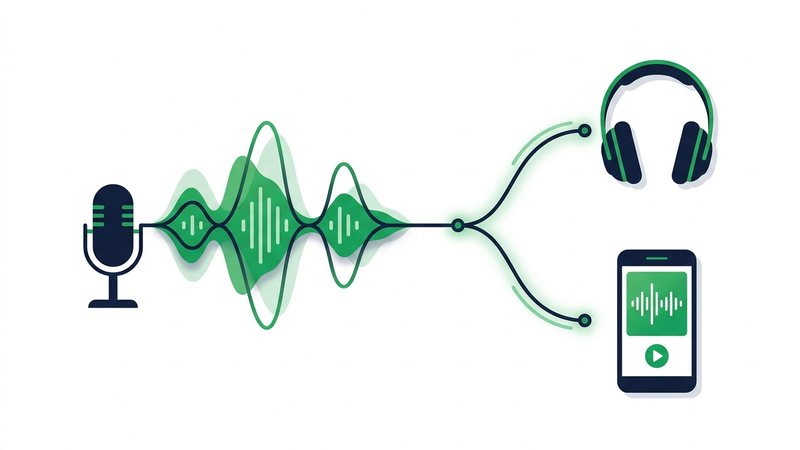
How to share audio files online
- Export your audio in the format the other person needs - WAV or FLAC for masters and stems, MP3 for quick references.
- Drag the files in - Up to 100 files and 3 GB free per share.
- Pick an expiry, and add a password if the material is unreleased.
- Send the link or QR code. Recipients can preview tracks in the browser, then download the originals.
When to use it
Mixes to clients
Send a mix for approval that sounds like your mix, not a re-compressed copy of it.
Stems to collaborators
Hand a producer or remixer the full multitrack - Dozens of WAV stems fit in one share.
Podcast masters
Deliver finished episodes to a host, editor, or sponsor at full quality, with room for a whole season.
Demos to labels and venues
Share a private, expiring link instead of a public streaming upload the whole world can find.
Voice-over and session files
Collect raw recordings from a session player or client without setting up a shared drive.
Audio formats and real-world sizes
| Format | Size per 3-min track | Best for |
|---|---|---|
| MP3 (320 kbps) | ~7 MB | References and demos |
| FLAC | ~15-60 MB | Lossless at smaller sizes |
| WAV (16-bit/44.1 kHz) | ~30 MB | CD-quality masters |
| WAV (24-bit/96 kHz) | ~100 MB | Mixing and mastering |
Share Audio Files Online - FAQ
Will my audio be re-compressed?
How much audio fits in one share?
Can the other person listen before downloading?
What formats can I send?
How do I keep an unreleased track private?
Guides that go deeper
How to Send Large Files Online Free (5 Ways That Work)
Five free, proven ways to send large files online, from expiring share links to zip compression, with real size limits.
How to Compress Files Before Sharing (Windows, Mac, Phone)
Zip files on Windows, Mac, iPhone, or Android in seconds, and know when compression helps and when it wastes time.
Email Attachment Size Limits: Gmail, Outlook, and How to Beat Them
Real attachment caps for Gmail, Outlook, Yahoo, and iCloud, why they exist, and free ways to send bigger files.
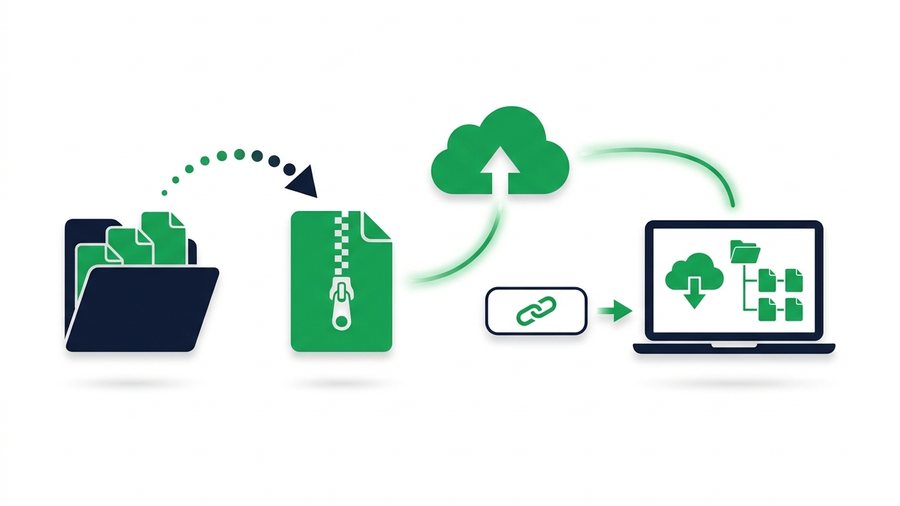
How to Send a Whole Folder or ZIP Online
Learn to zip a folder on any device and share it as a single clean link that keeps every file and subfolder in place.