Collect files from anyone with a single upload link
Stop chasing attachments. Create an inbox link, send it to anyone, and their files land straight in your ShareIt.onl dashboard - They don't need to sign up, install an app, or learn a new workflow.
Your link expires on the schedule you pick above (24 hours by default). Every download keeps it alive for another 24 hours. Expiry disables the public address; normal files remain private in My Files.
Copy and send it now - The files appear for the recipient as the upload finishes, using the security settings you chose before selecting them.
Scan the QR code with any phone camera to open the link instantly.
Collecting files from other people is usually harder than sending your own. You ask for photos and get seven emails with four attachments each. You ask a client for a folder and they hit their inbox limit halfway through. An upload inbox link fixes that: you create one link, they open it, drop their files, and everything lands in your ShareIt.onl dashboard - Labeled with their name.
The person sending needs no sign-up, app, or instructions beyond "open this link." Each delivery can be up to 100 files or 3 GB in total. You see every delivery in one place, download individual files or everything as a ZIP, and close the link the moment you have what you need.
- One link collects files from anyone - Senders never need to sign up
- Each delivery can be up to 100 files / 3 GB
- Everything arrives in your dashboard with the sender's name
- Close the link anytime; it also expires on its own
Why request files with an inbox link?
Email works against you when you are the one collecting. Attachments cap out around 25 MB, replies scatter across threads, and half the files arrive renamed or re-compressed. An inbox link gives everyone the same simple target and gives you one tidy list of what arrived, from whom, and when. Because the link is yours, you stay in control: it expires on its own schedule, you can close it early, and senders never see each other's files - Or anything else in your dashboard.
Start Sharing Free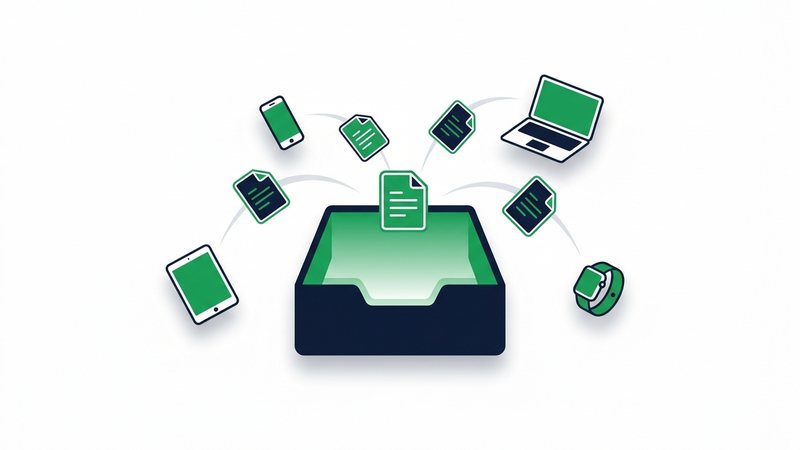
How to request files from anyone
- Sign in free with Google - One click, no forms - And open My Files, your dashboard.
- Click "Inbox links" and create a link: give it a name like "Wedding photos" and an optional note for senders.
- Send the link to one person or a hundred - Chat, email, or a QR code all work.
- They open it, drop their files (up to 100 files / 3 GB per delivery), and add their name so you know who sent what.
- Watch deliveries appear under "Received" in your dashboard - Download files individually or as a ZIP, then close the link when you're done.
When to use it
Event photos
One link in the group chat collects everyone's photos and videos from the wedding, trip, or party - Full quality, no app installs.
Client hand-offs
Ask a client for their logo files, contracts, or raw footage without walking them through a file-sharing tool they've never used.
Homework and submissions
Collect assignments or entries as one labeled list instead of an inbox full of attachments.
Print and design jobs
Get print-ready PDFs and images from customers exactly as they exported them - No email compression.
Family archives
Gather old scans and home videos from relatives who only know how to click a link - Because that's all it takes.
Upload inbox limits at a glance
| Limit | Value | Notes |
|---|---|---|
| Per delivery | 100 files / 3 GB | One big file or many together |
| Deliveries per link | No counter while open | Counts toward your 20 GB of storage |
| Link lifetime | 7 or 30 days | Close it early anytime |
| Delivered files kept | Until the owner deletes them | Counts toward the owner's storage |
| Sender requirements | None | No sign-up, works in any browser |
| Open links per account | Up to 10 | Close finished ones to make room |
Request Files - FAQ
Does the person sending me files need an account?
Can senders see my files or each other's uploads?
How big can each delivery be?
How long do received files stick around?
Can I stop people from sending me more files?
Guides that go deeper
How to Share Files Online: Every Method Compared
Compare share links, email, cloud drives, USB, and messaging apps so you can pick the fastest way to send any file.
How to Send Large Files Online Free (5 Ways That Work)
Five free, proven ways to send large files online, from expiring share links to zip compression, with real size limits.

Secure File Sharing: A Practical Guide for Normal People
Learn who can actually see your shared files and the simple habits that keep them private without special software.
How to Transfer Files From Phone to PC (No Cable Needed)
Move photos, videos, and documents from any phone to your PC wirelessly using browser links, QR codes, or cloud sync.