Facebook Videos & Photos - Export and Share in Full Quality
Get your own videos and photos out of Facebook with the official export tool, understand why Facebook compresses your uploads, and share the full-quality originals with a simple expiring link.
Your link expires on the schedule you pick above (24 hours by default). Every download keeps it alive for another 24 hours. Expiry disables the public address; normal files remain private in My Files.
Copy and send it now - The files appear for the recipient as the upload finishes, using the security settings you chose before selecting them.
Scan the QR code with any phone camera to open the link instantly.
Everything you've posted to Facebook can be pulled back out with the tools Meta already gives you. Download Your Information builds a full copy of your posts, photos, and videos, while a per-post Save handles a single clip. If you only want your photos, the Transfer a Copy tool sends them straight to another service in high quality. You don't need any extra apps to do this.
We only cover Meta's own export tools here. Using a third-party downloader to grab content you don't own goes against Facebook's Terms of Service, so it's not something we recommend or explain. After you export your own files, ShareIt.onl gives you a fast way to pass them along, with an expiring link and QR code and no account to create.
What you can do with Facebook content
- Export everything with Facebook's Download Your Information tool
- Fix blurry videos with the right upload settings
- Control exactly who sees what you post
- Skip Messenger compression - Send originals with a ShareIt link
Related Facebook tools
Download public, non-DRM Facebook videos with Orbit Downloader.
Official ways to export your Facebook videos and photos
- Open Settings & privacy, go to Your information, and choose Download your information to request an archive of your posts, photos, and videos in HTML or JSON.
- For one video, open the post, click the three-dot menu, and pick Download video to save that single file to your device.
- Use Transfer a Copy of Your Information under Meta's tools to send your photos and videos directly to a service like Google Photos or Dropbox in high quality.
- In the archive request screen, set Media quality to High so your exported photos and videos come out as close to the originals as Facebook allows.
How each Facebook export tool compares
| Tool | Covers | Quality |
|---|---|---|
| Download Your Information | All your posts | Original-ish, set to High |
| Per-post Save | One video | As uploaded |
| Transfer a Copy | Your photos | High |
Facebook guides
Step-by-step, official-methods-only guides for Facebook.
How to Download Your Facebook Videos and Photos (Official Way)
Use Facebook's official Download Your Information tool to save every video and photo you ever uploaded, then share the originals safely.
Facebook Reels: Specs, Quality, and Sharing
Learn the exact Facebook Reels specs, how the platform compresses them, the best export settings, and how to share the original clip anywhere.
Why Facebook Videos Look Blurry (and How to Fix Quality)
Facebook compresses every upload. Learn why videos turn blurry, the settings that help, and how to share full-quality originals.
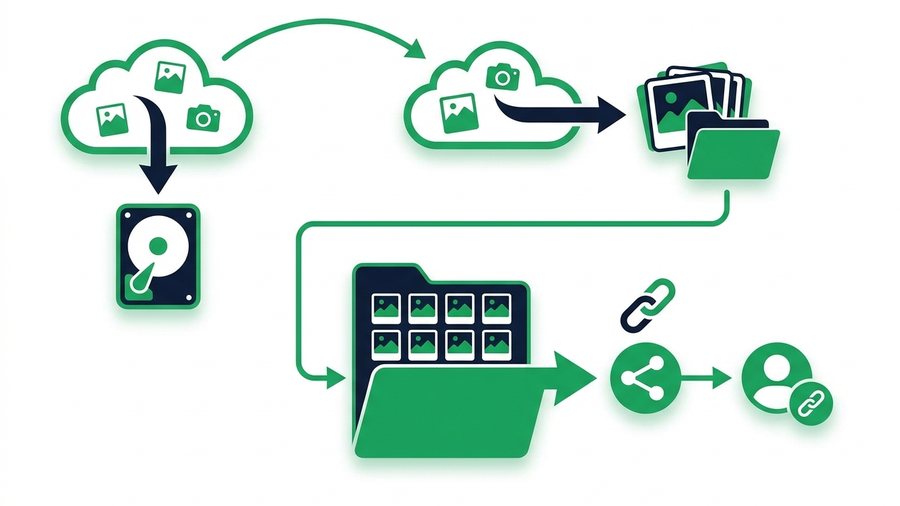
How to Back Up Your Facebook Photos and Memories
Use Download Your Information and Transfer a Copy to save every Facebook photo and album at full quality, then organize and re-share them by link.
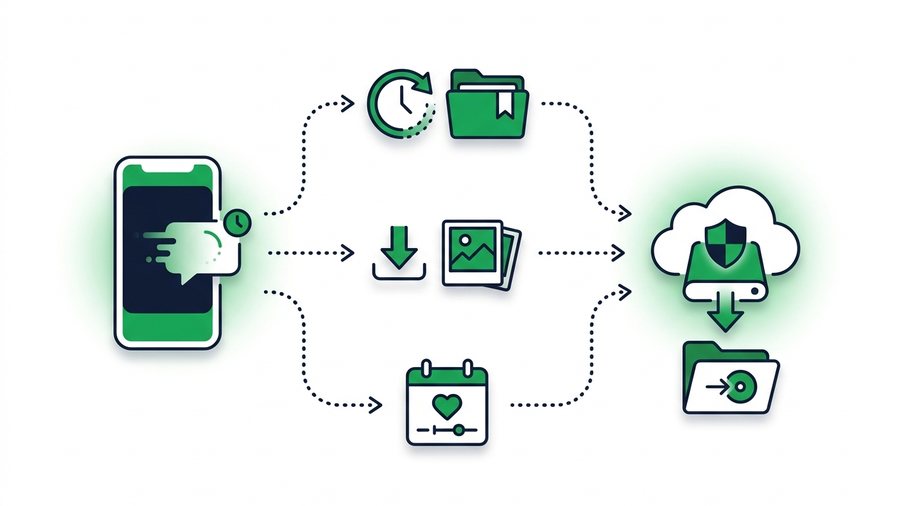
How to Download Your Own Facebook Story
Save your Facebook Stories before they vanish at 24 hours using the Archive setting, per-story downloads, Memories, and original-file backups.
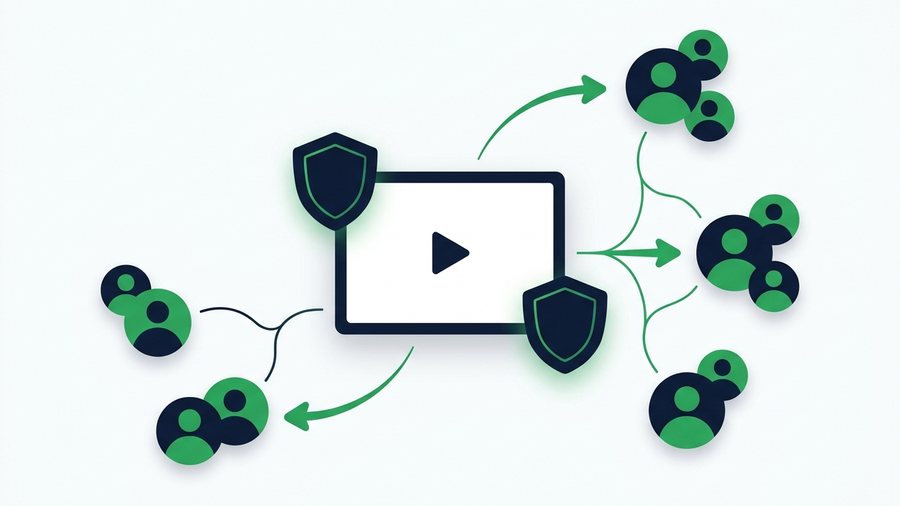
How to Share Videos on Facebook Without Losing Control
Control exactly who sees your Facebook videos with audience settings, the right format, scheduling, and a pre-post privacy checklist.
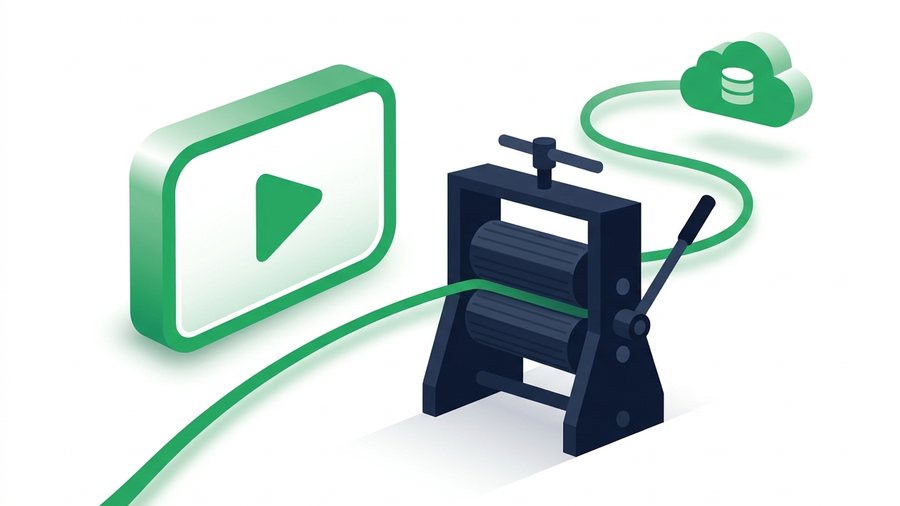
Send the Original Video Facebook Would Compress
Messenger and Facebook shrink every video you send. Here is how to deliver the untouched original with an expiring link and QR code.
Facebook - Frequently asked questions
How long does Download Your Information take?
Should I pick HTML or JSON for my archive?
Can I download photos I'm tagged in but didn't post?
Why does Transfer a Copy send to another service instead of my device?
How can I share my exported Facebook files?
More on sharing files: Are my shared files private? · How long do share links last? · The link expired - What can I do? · all FAQs