YouTube Videos - Download Yours, Share Originals
Everything you can legitimately do with YouTube videos - Export your own uploads, watch offline with Premium, share smarter with timestamps and clips - Plus the easy way to send your original video files to anyone.
Your link expires on the schedule you pick above (24 hours by default). Every download keeps it alive for another 24 hours. Expiry disables the public address; normal files remain private in My Files.
Copy and send it now - The files appear for the recipient as the upload finishes, using the security settings you chose before selecting them.
Scan the QR code with any phone camera to open the link instantly.
If you post to YouTube, you can get your own videos back in a few official ways. YouTube Studio lets you download any video you uploaded, Google Takeout hands you a full archive, and Premium keeps videos ready for offline viewing. Each path gives you a slightly different file, so it helps to pick the one that matches what you need. None of these ask you to install extra software.
This guide sticks to the tools Google actually provides. Grabbing videos you don't own with a third-party downloader or ripper breaks YouTube's Terms of Service, so we don't cover those here. Once you've exported your own clips, you can drop them on ShareIt.onl to send a quick, expiring link and QR code to a client, editor, or friend, with no account needed.
What you can do with YouTube content
- Download videos you uploaded via YouTube Studio or Google Takeout
- Watch offline the official way with YouTube Premium
- Share with timestamps, Clips and unlisted links
- Send your original files - No re-encoding - With a ShareIt link
Related YouTube tools
Download public, non-DRM YouTube videos with Orbit Downloader.
Turn any YouTube video into a full text transcript you can search, quote and translate.
Official ways to download your own YouTube videos
- Open YouTube Studio, go to Content, hover over the video, click the three-dot menu, and choose Download to save the file you uploaded.
- Use Google Takeout, select YouTube and YouTube Music, and request an export to get an archive of your original videos plus playlists and comments.
- With YouTube Premium, tap the Download button under a video in the app to keep it offline; downloads refresh about every 30 days while your plan is active.
- Grab a transcript by opening a video's description, clicking Show transcript, then copy the text; creators can also download captions as .srt or .vtt files from Studio.
How each official method compares
| Method | What you get | Limit |
|---|---|---|
| YouTube Studio | Your uploaded file | Some older videos cap at 720p |
| Google Takeout | Original video files | Full archive, large exports split into parts |
| YouTube Premium | Offline copy in the app | Expires after about 30 days |
YouTube guides
Step-by-step, official-methods-only guides for YouTube.
How to Download Your Own YouTube Videos (3 Official Ways)
Three official ways to download your own YouTube videos, plus how to keep originals safe and share them without compression.
How to Share YouTube Videos: Timestamps, Clips, and Unlisted Links
Master YouTube's sharing tools - Timestamped links, Clips, unlisted videos, and embeds - And know when to send the original file instead.
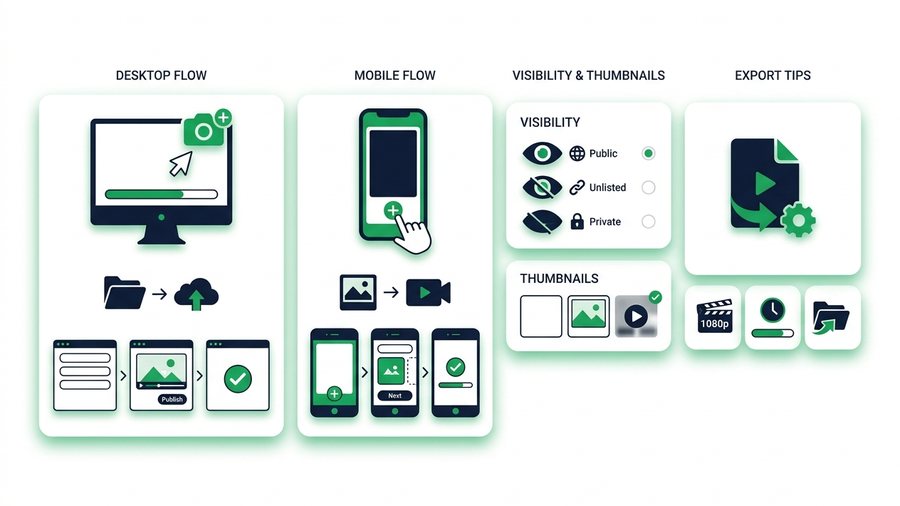
How to Upload a Video to YouTube (Step by Step)
A clear step-by-step walkthrough for uploading a video to YouTube on desktop and mobile, with visibility, thumbnails, and export tips.
How to Watch YouTube Videos Offline the Legal Way
Use YouTube Premium's official download feature to watch offline, understand the 30-day rules, and skip risky ripper sites.
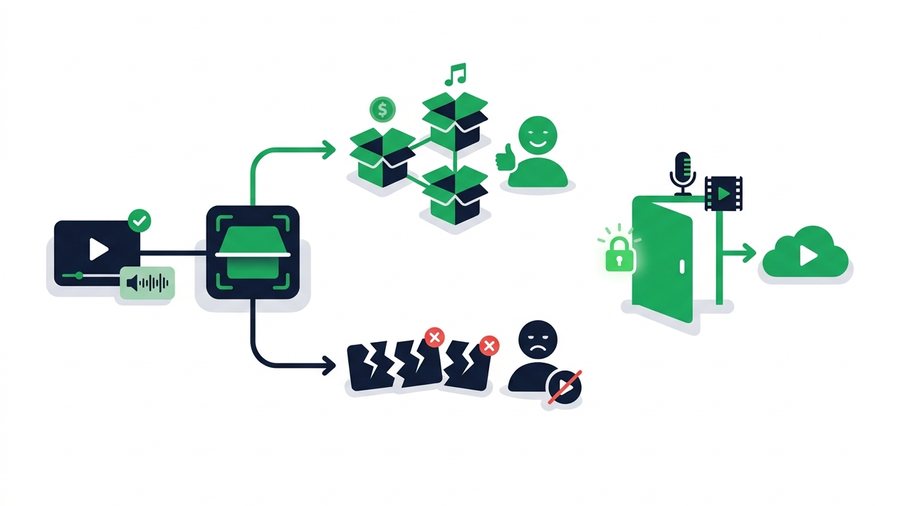
YouTube Copyright and Content ID Explained
A plain-English guide to how YouTube Content ID works, the difference between claims and strikes, and how to use music and clips legally.
YouTube Shorts: Download Yours and Share Them
Learn the specs behind YouTube Shorts, how to save your own vertical clips officially, and the fastest ways to reshare your original file.
YouTube Video Size, Format, and Upload Limits Explained
YouTube's real upload limits, best formats, and bitrate targets, plus why your original file always beats the re-encoded version.
YouTube - Frequently asked questions
Can I download a YouTube video I did not upload?
Why is my Studio download only 720p?
Do Premium downloads work on a computer?
How do I get a transcript of my video?
How do I share my exported video with someone?
More on sharing files: What file types can I share? · How many times can a link be downloaded? · What happens to my files after the link expires? · all FAQs