Guides to saving and sharing your YouTube videos
Download your own uploads, watch offline legally, master upload specs, and share YouTube videos the right way.
YouTube gives creators and viewers a few built-in ways to get video files without any outside apps. If you uploaded a video, you can pull a copy back down from YouTube Studio or grab your whole channel archive through Google Takeout. If you just want to watch later, YouTube Premium lets you save videos for offline playback right inside the app.
Each path serves a different need, and each has its own limits on quality, timing, and what content it covers. Knowing which one to reach for saves time and avoids surprises, like a lower resolution than you expected or a download that quietly expires after a month.
This hub walks through the official options only. Using third-party downloaders or rippers to save videos you do not own breaks YouTube's Terms of Service, so we stick to the tools Google actually provides. Once you have your file, you can share it however you like.
- How to redownload a video you uploaded using YouTube Studio
- How to export your full channel archive with Google Takeout
- How YouTube Premium offline saves work and when they expire
- Which method gives you the best quality for your own footage
Official ways to get YouTube video files
| Method | What you get | Notes |
|---|---|---|
| YouTube Studio download | Your processed upload | Some older videos cap at 720p |
| Google Takeout | Original channel files | Full archive, can be a large export |
| YouTube Premium | Offline copy in the app | Playable in-app only, expires around 30 days |
Guides in this section
7 in-depth guides on youtube.
How to Download Your Own YouTube Videos (3 Official Ways)
Three official ways to download your own YouTube videos, plus how to keep originals safe and share them without compression.

How to Share YouTube Videos: Timestamps, Clips, and Unlisted Links
Master YouTube's sharing tools - Timestamped links, Clips, unlisted videos, and embeds - And know when to send the original file instead.
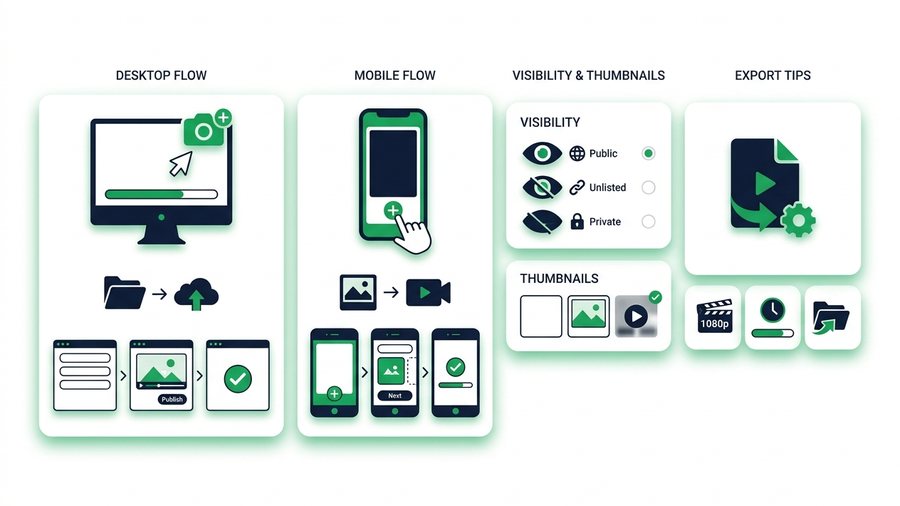
How to Upload a Video to YouTube (Step by Step)
A clear step-by-step walkthrough for uploading a video to YouTube on desktop and mobile, with visibility, thumbnails, and export tips.
How to Watch YouTube Videos Offline the Legal Way
Use YouTube Premium's official download feature to watch offline, understand the 30-day rules, and skip risky ripper sites.
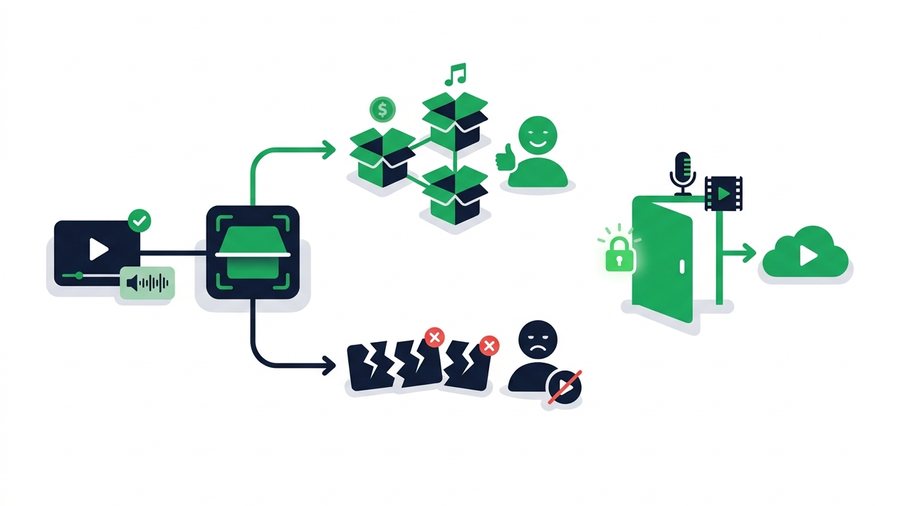
YouTube Copyright and Content ID Explained
A plain-English guide to how YouTube Content ID works, the difference between claims and strikes, and how to use music and clips legally.
YouTube Shorts: Download Yours and Share Them
Learn the specs behind YouTube Shorts, how to save your own vertical clips officially, and the fastest ways to reshare your original file.

YouTube Video Size, Format, and Upload Limits Explained
YouTube's real upload limits, best formats, and bitrate targets, plus why your original file always beats the re-encoded version.
Try it now: Share Videos Online
Free, up to 3 GB, link + QR code in seconds - No sign-up.
Open the tool → YouTube download & export tools →