Secure File Sharing: Privacy & Safety
Keep shared files safe: expiring links, passwords, encryption and what really happens to uploads.
Sharing a file means letting it out of your hands, so it is worth thinking about who can see it and for how long. The good news is that a few simple protections cover most everyday risks. This guide explains what each safeguard actually stops, in plain terms.
The first layer is encryption in transit. When a link uses HTTPS, the file is scrambled while it travels between the server and the person downloading it, so someone snooping on the same Wi-Fi cannot read it. ShareIt.onl serves every link over HTTPS by default, with no setting to turn on.
The next layers control who reaches the file and how long it stays online. An expiring link deletes itself after a set time, a password blocks anyone without the code, and a one-time link removes the file after the first download. On ShareIt.onl you can set an expiry of 1 hour, 12 hours, 24 hours, 3 days, or 7 days, add an optional password, and switch on delete-after-first-download. Every download also gives the link a 24-hour keep-alive so short expiries do not cut off an active transfer.
- How HTTPS protects your file from eavesdroppers while it downloads
- Why expiring links matter and the four expiry options available (1h, 12h, 24h, 3d, 7d)
- When to add a password and when a one-time link is the safer choice
- How the 24-hour keep-alive keeps a link alive right after each download
File-sharing protections and what each one guards against
| Protection | What it stops | On ShareIt.onl? |
|---|---|---|
| HTTPS in transit | Eavesdropping | Yes |
| Expiring link | Forever-links | Yes |
| Password | Wrong people | Optional |
| One-time link | Re-downloads | Optional |
Guides in this section
9 in-depth guides on privacy & security.
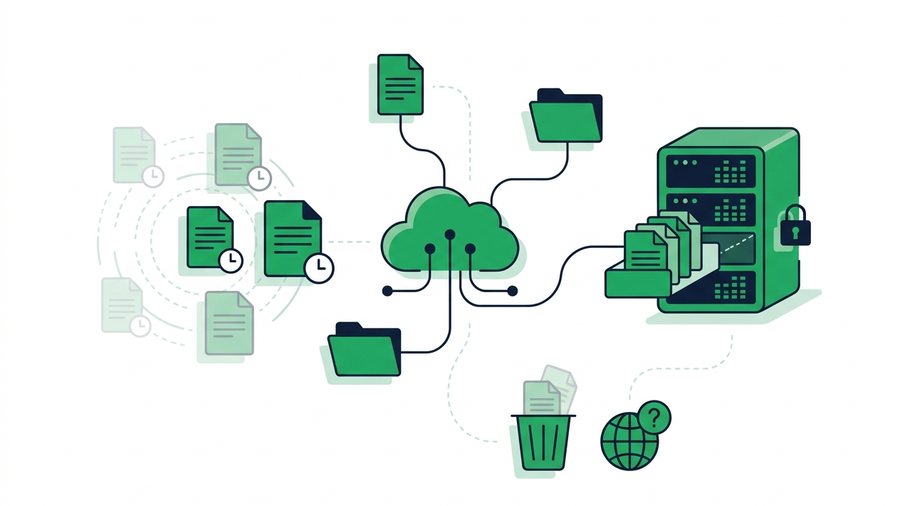
Do Shared Files Stay Online Forever?
Most shared files linger far longer than people think; expiring services and cached copies decide how long they truly last.
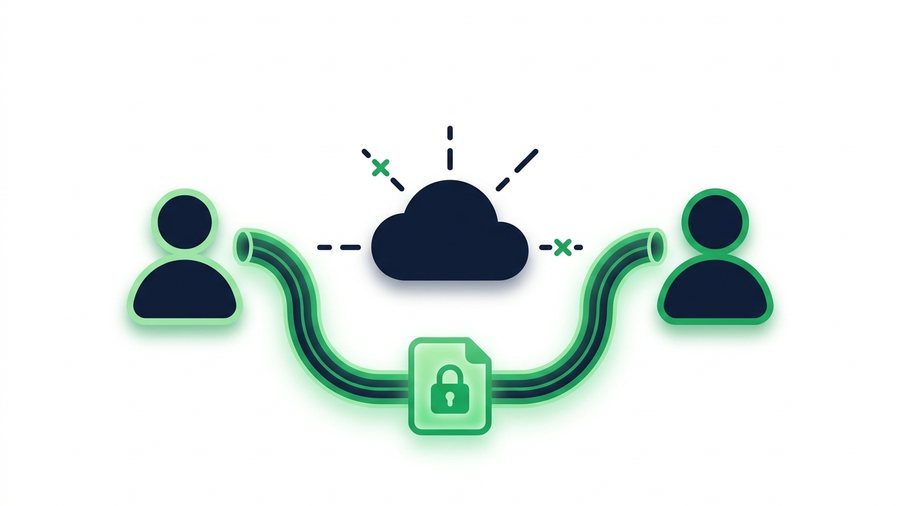
End-to-End Encryption Explained Simply
End-to-end encryption locks a file so only the sender and receiver can read it, not even the service in between.
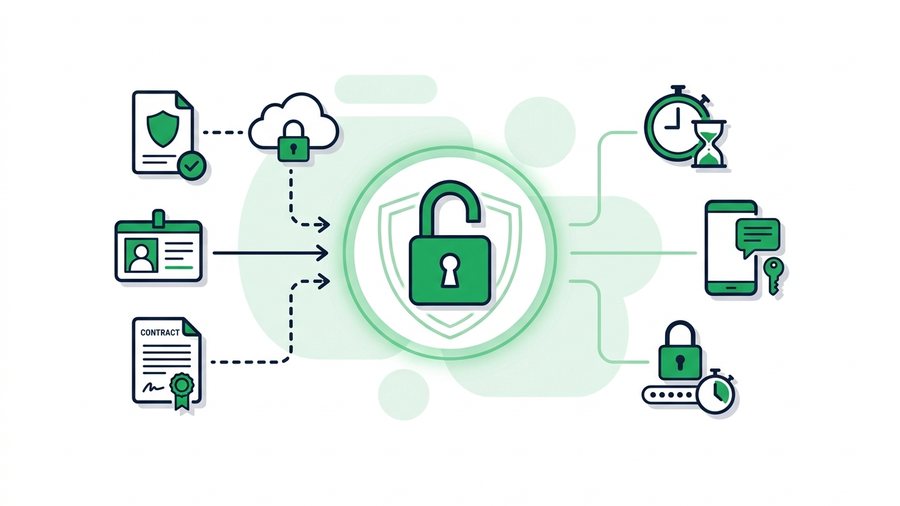
How to Send Sensitive Documents Securely
Send tax forms, IDs, contracts, and medical files safely using passwords, short expiry, and a separate channel for the password.

Is It Safe to Share Files Online? What to Check
Sharing files online is safe when you check the connection, the link's lifespan, and who can actually open it.
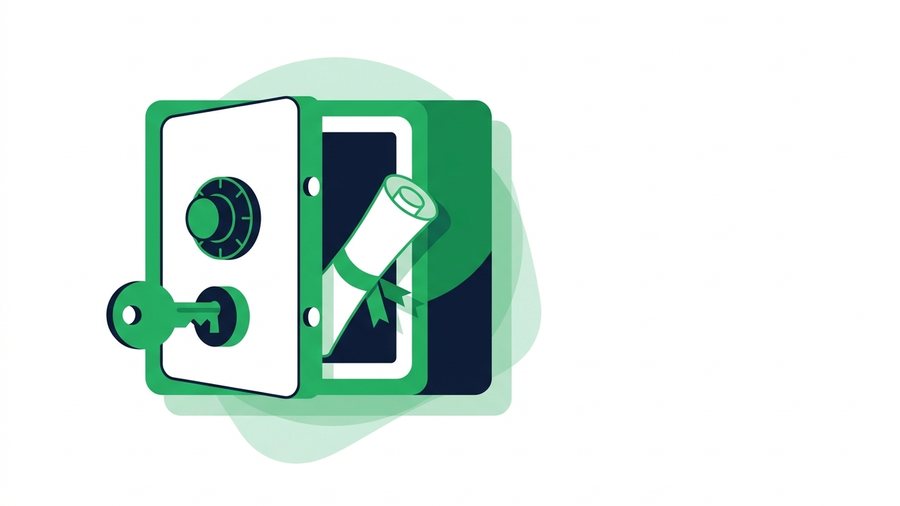
How to Password-Protect Files Before You Share Them
Encrypt files into a password-protected zip on Windows, Mac, or phone, then send the password over a separate channel.

Secure File Sharing: A Practical Guide for Normal People
Learn who can actually see your shared files and the simple habits that keep them private without special software.
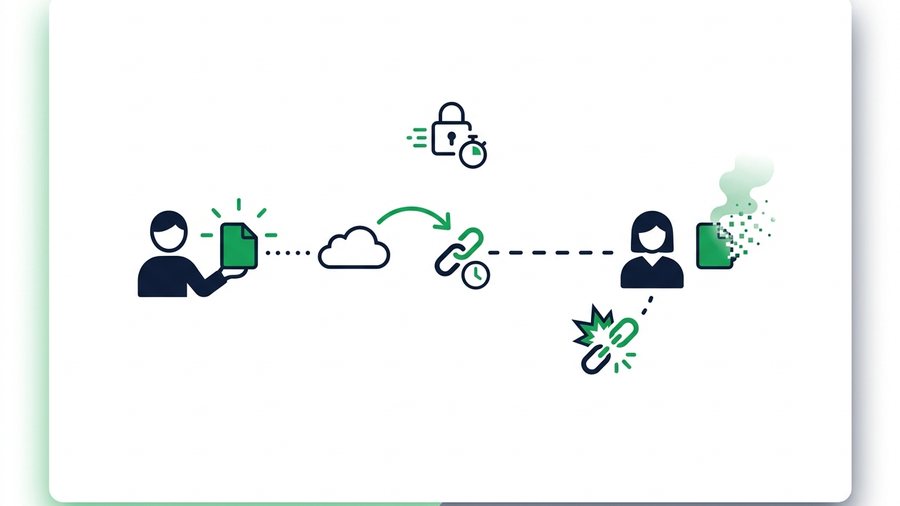
Self-Destructing File Sharing: Temporary Links Explained
Temporary and one-time links delete your files automatically, shrinking the window in which a shared file can leak.
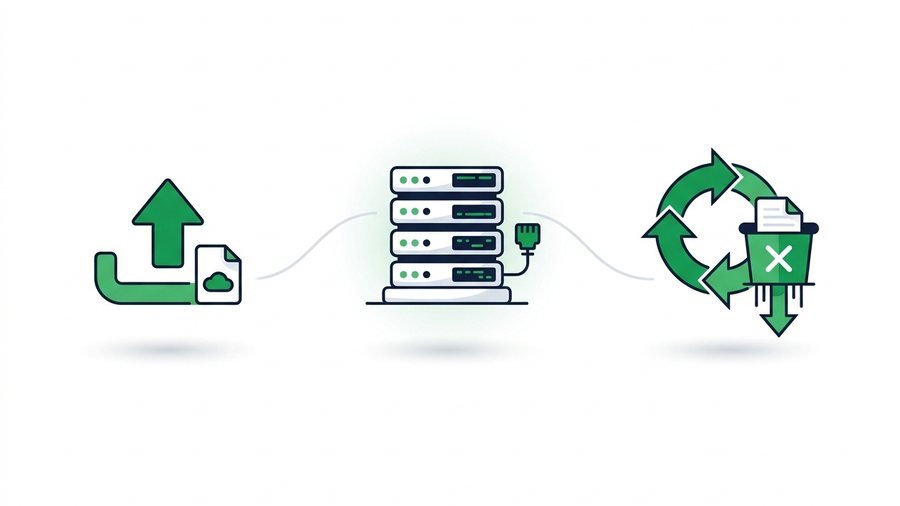
What Really Happens to Files After You Share Them Online
Your uploads live on real servers under wildly different retention rules - Here's where files go and when they truly disappear.

Why Expiring Links Are Safer Than Permanent Ones
Permanent share links accumulate risk forever; expiring links shrink the attack window to hours or days.
Try it now: Share Documents Online
Free, up to 3 GB, link + QR code in seconds - No sign-up.
Open the tool →