Share Photos Online in Full Quality
Messaging apps crush your photos down to blurry thumbnails. ShareIt.onl sends the original files - Every pixel intact - With one simple link.
Your link expires on the schedule you pick above (24 hours by default). Every download keeps it alive for another 24 hours. Expiry disables the public address; normal files remain private in My Files.
Copy and send it now - The files appear for the recipient as the upload finishes, using the security settings you chose before selecting them.
Scan the QR code with any phone camera to open the link instantly.
Most chat apps shrink your photos before they send. A crisp 6 MB shot can arrive as a soft 400 KB copy that looks fine on a phone but falls apart when printed or zoomed. Here your files travel exactly as they left your camera roll, pixel for pixel. What you upload is what the other person downloads.
You can send up to 100 photos per share, up to 3 GB together, which covers a whole event's worth of phone pictures or a serious set of heavy RAW frames. There is no app to install. Set the link to last 1 hour, 12 hours, 24 hours, 3 days, or 7 days - or 30 days if you sign in - and add a password if the shots are personal. Every download keeps the link alive another 24 hours.
- Original resolution preserved - Zero compression
- Share up to 100 photos in one link
- QR code makes phone-to-phone sharing instant
- Recipients download without creating an account
Why share photos as full-quality files?
Messaging apps compress images to save data, and that quiet squishing throws away detail you can never get back. A link sends the original file untouched, so colors stay true and prints stay sharp. This matters for anyone handing photos to a client, a photo lab, or a designer who needs the real thing. When the private moment is over, the expiry clock or a one-time-download setting removes the pictures for you.
Start Sharing Free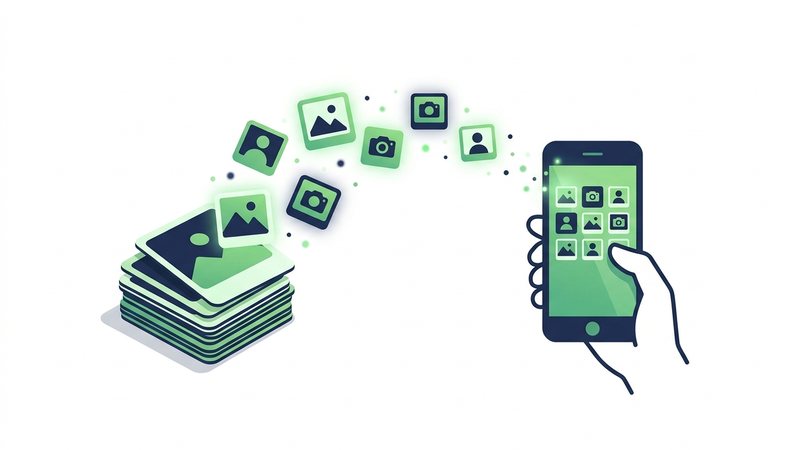
How to share photos without losing quality
- Drag up to 100 photos into the upload box, keeping the total under 3 GB.
- Leave the files as they are; nothing is resized or re-compressed.
- Choose an expiry of 1 hour, 12 hours, 24 hours, 3 days, or 7 days, and add a password if needed.
- Share the link or QR code so the other person downloads the originals.
When to use it
Sending to a print lab
Deliver full-resolution JPEGs so your enlargements come out sharp instead of pixelated at the edges.
Family photo swap
Pass a batch of holiday pictures to relatives at real quality, not the blurry versions group chats produce.
Handing off RAW files
Give an editor untouched RAW frames so they have every bit of color and detail to work with.
Photo formats and their true sizes
| Format | Typical size (12MP) | Keeps quality? |
|---|---|---|
| JPEG | 3-6 MB | Yes |
| HEIC | 1.5-3 MB | Yes |
| RAW | 25-50 MB | Yes |
Share Photos Online - FAQ
Will my photos be compressed?
How many photos can I send at once?
Can I send HEIC files from my iPhone?
Can I keep the photos private?
Related conversion tools
Convert, compress and resize JPG photos for free at jpg.now.
Turn iPhone HEIC photos into JPG or PNG for free at heic.now.
Guides that go deeper
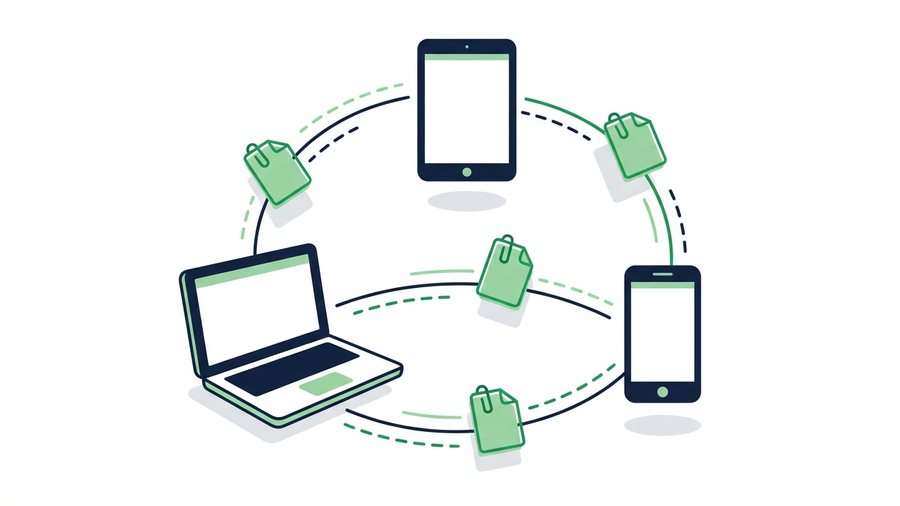
How to Share Files Online: Every Method Compared
Compare share links, email, cloud drives, USB, and messaging apps so you can pick the fastest way to send any file.
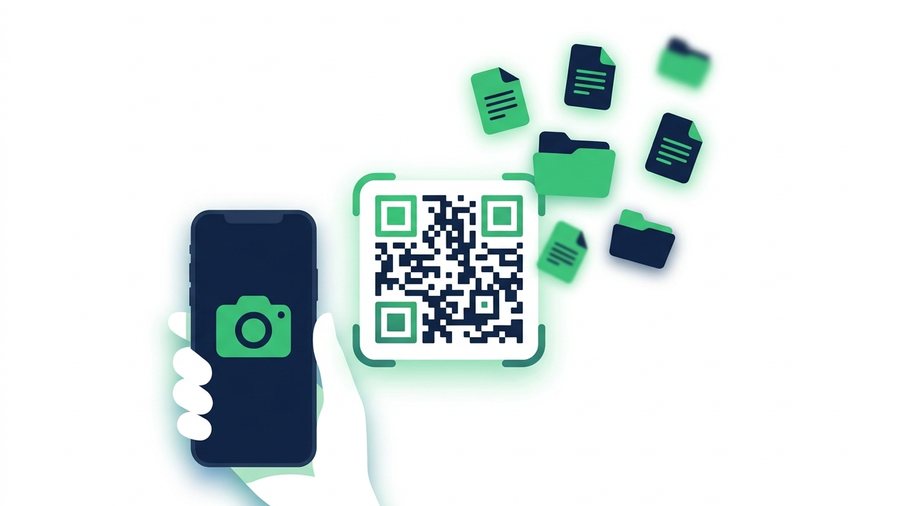
How to Share Files With a QR Code (Fast and Free)
Turn any file into a scannable QR code so anyone nearby can download it with their camera app in seconds.
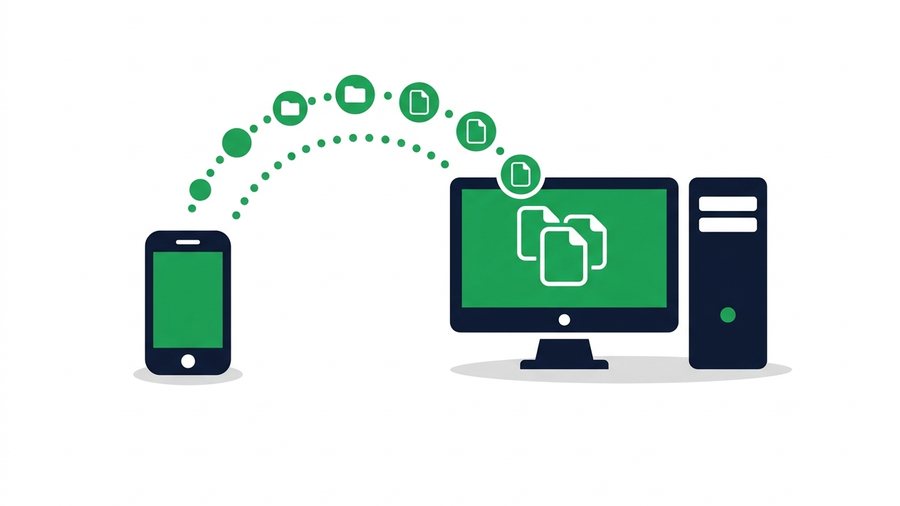
How to Transfer Files From Phone to PC or Laptop
Move photos, videos and documents from any phone to a desktop or laptop using a QR transfer room, browser links, cables or cloud sync.