Send Large Files by Email - Without the Bounce
Gmail, Outlook and Yahoo all stop attachments around 25 MB. The fix is simple: upload your files here, then paste the short link into your email. The link weighs a few bytes, so it always arrives.
Your link expires on the schedule you pick above (24 hours by default). Every download keeps it alive for another 24 hours. Expiry disables the public address; normal files remain private in My Files.
Copy and send it now - The files appear for the recipient as the upload finishes, using the security settings you chose before selecting them.
Scan the QR code with any phone camera to open the link instantly.
Gmail and Outlook cap attachments around 25 MB, and Yahoo draws the line in the same place. Anything bigger bounces back or refuses to attach at all. The fix is not shrinking your file - It is not attaching it in the first place. Upload the file here, copy the short link, and paste that into your email instead. The link weighs a few bytes, so no mail server on Earth will reject it.
One free share holds up to 100 files and 3 GB - One big file or a whole batch, over a hundred times the email cap. Your recipient clicks the link and downloads; they never make an account. You pick when the link expires, from 1 hour to 7 days (30 days signed in), and if the files are sensitive you can add a password and send that password in a separate message.
- Send up to 3 GB free per share - 120x the email cap
- The link never bounces, clogs an inbox, or trips a spam filter
- Recipients click and download - No account on their end
- Public access ends when the link expires; you control stored-file deletion
Why a link beats a big attachment
Attachments get copied to every inbox they touch, count against everyone's storage, and are scanned, blocked, or silently dropped by strict company filters. A link stays one short line of text: it arrives reliably, the file downloads at full speed, and the public address stops working when it expires. Gmail and Outlook offer their own version through Google Drive and OneDrive links, which work well when both sides live in the same ecosystem. ShareIt.onl needs no sign-up to send and no account to receive; normal files remain private in My Files until their owner deletes them.
Start Sharing Free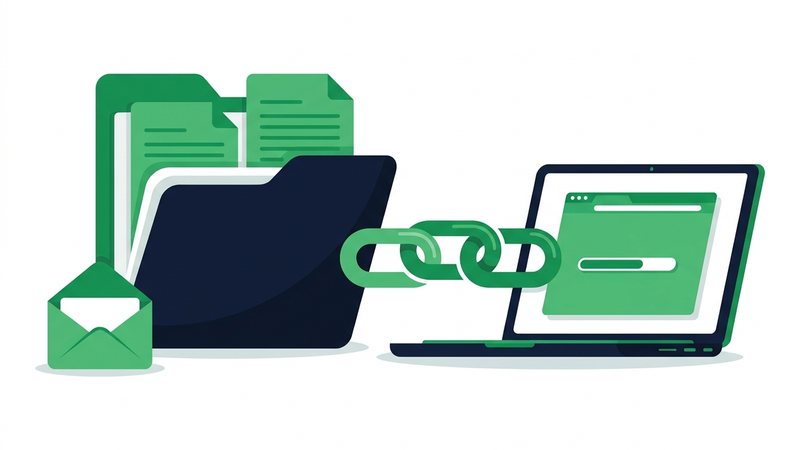
How to email a file bigger than 25 MB
- Upload your files here - Up to 100 files and 3 GB free, no account.
- Pick an expiry (1 hour to 7 days) and add a password if the contents are private.
- Copy the short link - Or, if you are signed in, have the site email it to your recipient for you.
- Paste the link into your Gmail, Outlook, or Yahoo message right where the attachment would have gone.
- Send. Your recipient clicks and downloads - No account on their end, and nothing bounces.
When to use it
Portfolios and applications
Send a full portfolio or showreel to a recruiter whose inbox stops accepting files at 25 MB.
Videos to clients or family
Email a link to a 2 GB video that no mail server would ever accept as an attachment.
Heavy PDFs and design files
Contracts full of scans, blueprints, and layered design files often pass 25 MB on their own - As a link they always arrive.
One file, many inboxes
Email the same link to a whole list without copying a giant file into every single mailbox.
Strict company filters
Reach recipients whose mail servers strip ZIP files or quarantine large attachments - A plain link passes through.
Email attachment limits, and the way around them
| Provider | Attachment cap | Built-in workaround |
|---|---|---|
| Gmail | 25 MB | Google Drive link |
| Outlook / Microsoft 365 | 20-25 MB | OneDrive link |
| Yahoo Mail | 25 MB | None built in |
| ShareIt.onl link | 3 GB free | Works in any email |
Send Large Files by Email - FAQ
How do I email a file bigger than 25 MB?
Why do Gmail and Outlook block large attachments?
Is Google Drive or OneDrive the same thing?
Is it safe to email private files this way?
Can the site send the email for me?
Guides that go deeper
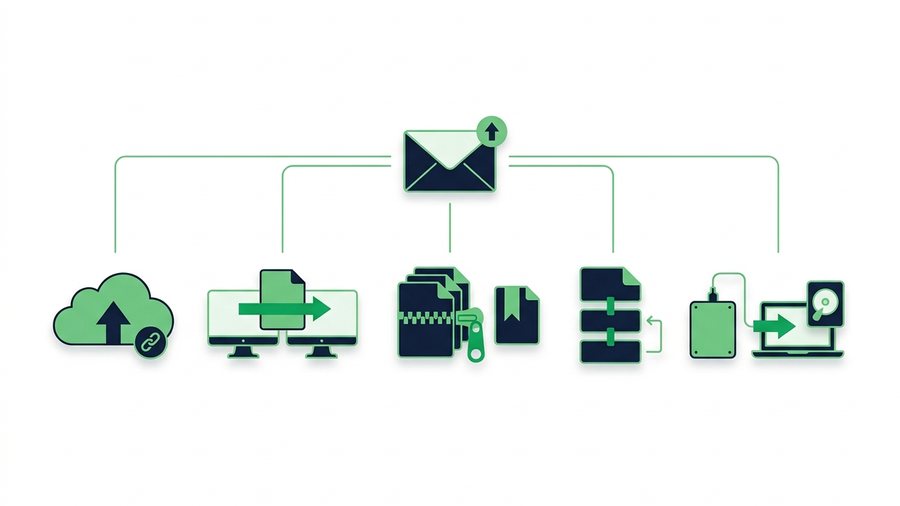
How to Email a Large File That's Over the Limit
Gmail and Outlook cap attachments near 25 MB, so here are five reliable ways to email a large file that fits.
Email Attachment Size Limits: Gmail, Outlook, and How to Beat Them
Real attachment caps for Gmail, Outlook, Yahoo, and iCloud, why they exist, and free ways to send bigger files.
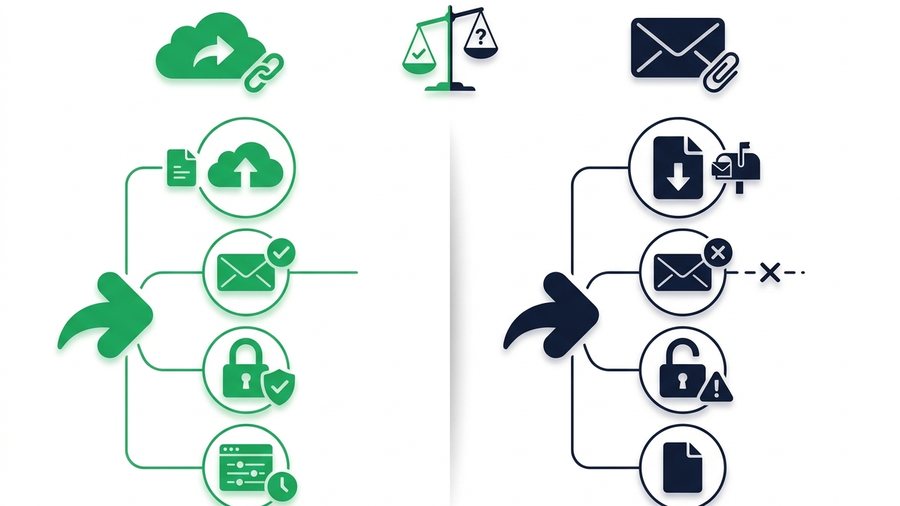
Link Sharing vs Email Attachments: Which Wins?
A head-to-head look at share links and email attachments across size, deliverability, security, and control to help you pick the right one.
How to Compress Files Before Sharing (Windows, Mac, Phone)
Zip files on Windows, Mac, iPhone, or Android in seconds, and know when compression helps and when it wastes time.