Send files securely with a password and a link that expires
Files sent as email attachments or chat uploads can sit in inboxes for years. Here every share travels over HTTPS, hides behind a private link, and deletes itself on a timer you set.
Your link expires on the schedule you pick above (24 hours by default). Every download keeps it alive for another 24 hours. Expiry disables the public address; normal files remain private in My Files.
Copy and send it now - The files appear for the recipient as the upload finishes, using the security settings you chose before selecting them.
Scan the QR code with any phone camera to open the link instantly.
Most file leaks are not dramatic hacks. They are old links, forgotten attachments, and files that stayed online long after the job was done. Secure transfer starts with limiting how long and how widely a file can be reached. Every share here travels encrypted over HTTPS, sits behind a long unguessable link that is never listed anywhere, and deletes itself on a timer you choose.
You control the locks. Add a password so the link alone is not enough, or make it a one-time link that removes the file the moment it is downloaded. Up to 100 files and 3 GB per share is free with no account - Which also means there is no profile, address book, or account history connected to your files. Recipients never need to register either.
- Encrypted in transit with HTTPS, stored behind private unlisted links
- Optional password and one-time delete-after-first-download links
- Every link expires on your schedule - 1 hour to 7 days (30 signed in)
- No identity or sign-up needed for the browser/device account
What makes a transfer secure, honestly
Straight talk matters more than buzzwords here. Files on ShareIt.onl are encrypted in transit with HTTPS, and public access is controlled by unlisted links, optional passwords, one-time downloads, and link expiry. What we do not offer is end-to-end encryption: like nearly every mainstream transfer service, the server holds your files so it can show previews, serve downloads, and keep them in My Files until you delete them. If your situation demands that no server ever sees the file, use an end-to-end encrypted tool such as Wormhole, or encrypt the file yourself (7-Zip with AES-256) before uploading it anywhere.
Start Sharing Free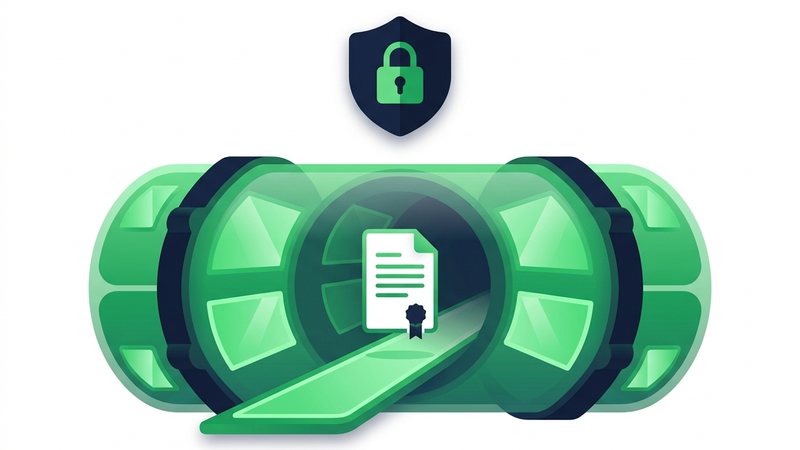
How to send files securely
- Upload your files - Up to 100 files and 3 GB free, over an encrypted HTTPS connection.
- Set a short expiry. The less time a file exists, the less time anything can go wrong.
- Add a password, and share it through a different channel than the link - Text one, email the other.
- Turn on delete-after-first-download for single-recipient handoffs, so the file cannot be fetched twice.
- Send the link. When the timer runs out, that public address stops working permanently; the normal files remain private in My Files until you delete them.
When to use it
Contracts and agreements
Send signed paperwork behind a password instead of leaving it in an inbox forever.
ID and personal documents
Pass a scan with a one-time link so it disappears right after the recipient saves it.
Payroll and finance files
Move statements and spreadsheets on a link that expires the same day it is sent.
Client work handoffs
Deliver files without opening a shared folder that quietly outlives the project.
Replacing USB sticks
A link dies on schedule. A lost USB stick with the same files does not.
The security layers on every share
| Layer | What it does | Cost |
|---|---|---|
| HTTPS in transit | Encrypts files during upload and download | Free, always on |
| Unlisted link | Long random address - Never indexed, not guessable | Free, always on |
| Auto-expiry | Deletes files after 1 hour to 7 days (30 days signed in) | Free, always on |
| Password | Requires a code on top of the link | Free, optional |
| One-time link | Deletes the file after the first download | Free, optional |
Secure File Transfer - FAQ
Are my files encrypted?
Can someone guess my link?
What happens after the link expires?
Do I need an account for the security features?
What if I need end-to-end encryption?
Guides that go deeper
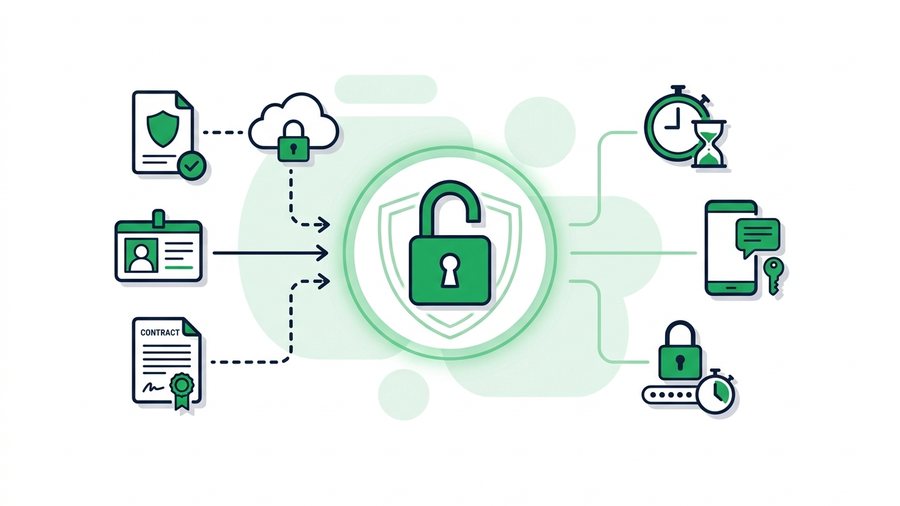
How to Send Sensitive Documents Securely
Send tax forms, IDs, contracts, and medical files safely using passwords, short expiry, and a separate channel for the password.
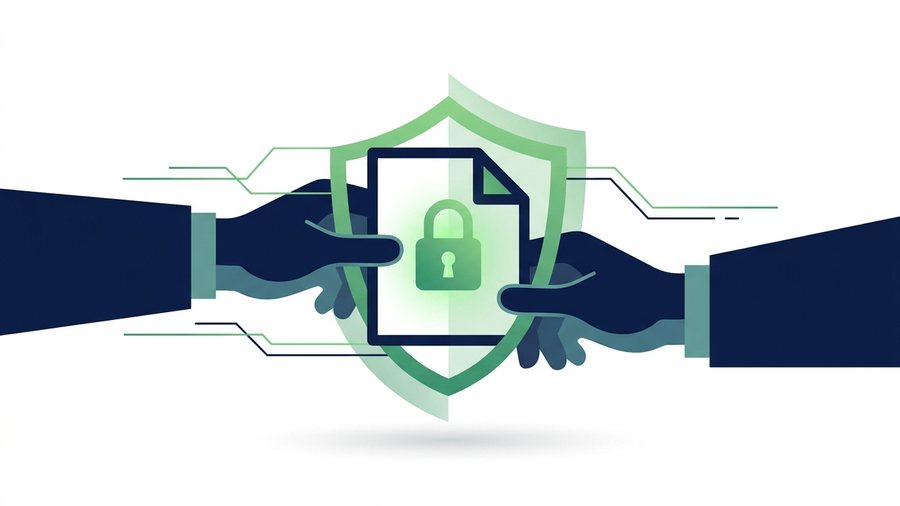
Secure File Sharing: A Practical Guide for Normal People
Learn who can actually see your shared files and the simple habits that keep them private without special software.

Why Expiring Links Are Safer Than Permanent Ones
Permanent share links accumulate risk forever; expiring links shrink the attack window to hours or days.
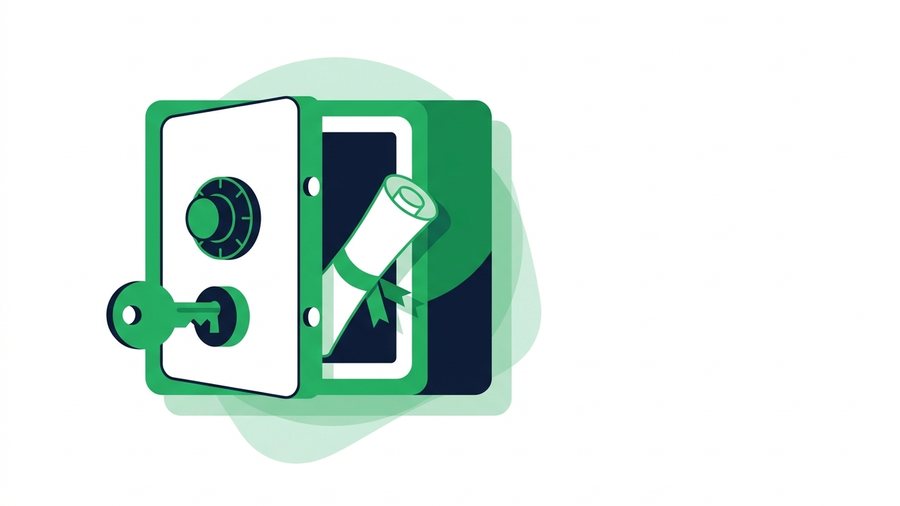
How to Password-Protect Files Before You Share Them
Encrypt files into a password-protected zip on Windows, Mac, or phone, then send the password over a separate channel.