Guides to getting past file size limits
Beat email attachment limits: practical guides to sending big files, videos and folders online.
Almost everyone has hit the same wall: you try to email a video or a folder of photos and the message bounces back because the file is too big. Email attachments usually stop at about 25 MB, which fills up fast with modern phone photos and clips. This guide shows the free ways around that ceiling.
The trick is to stop attaching the file and start sharing a link instead. Upload the file once, and the tool hands you a URL that carries the download without pushing the whole file through email. That single change takes you from a 25 MB limit to several gigabytes.
Different services draw the line in different places, and many make you create an account or hand over an email address first. ShareIt.onl keeps it simple with a 3 GB free ceiling and no sign-up at all, while other tools trade their limits for a required account. The table below lays out the trade-offs so you can pick what fits.
- Why email attachments bounce at roughly 25 MB and how to get past it
- Free size limits for Gmail, WhatsApp, WeTransfer, and ShareIt.onl side by side
- Which tools demand an account or email and which need nothing at all
- How to send up to 3 GB with no sign-up using a browser share link
Free file-sending services ranked by size limit and sign-up
| Service | Free size limit | Sign-up? |
|---|---|---|
| Gmail | 25 MB | Yes |
| 2 GB as file | Yes | |
| ShareIt.onl | 3 GB | No |
| WeTransfer free | 3 GB | Account required |
Guides in this section
12 in-depth guides on sending large files.

The Best Way to Share Large Videos Without Losing Quality
Chat apps crush video quality with re-encoding; direct download links deliver the original file at full resolution.
Email Attachment Size Limits: Gmail, Outlook, and How to Beat Them
Real attachment caps for Gmail, Outlook, Yahoo, and iCloud, why they exist, and free ways to send bigger files.
How to Compress Files Before Sharing (Windows, Mac, Phone)
Zip files on Windows, Mac, iPhone, or Android in seconds, and know when compression helps and when it wastes time.
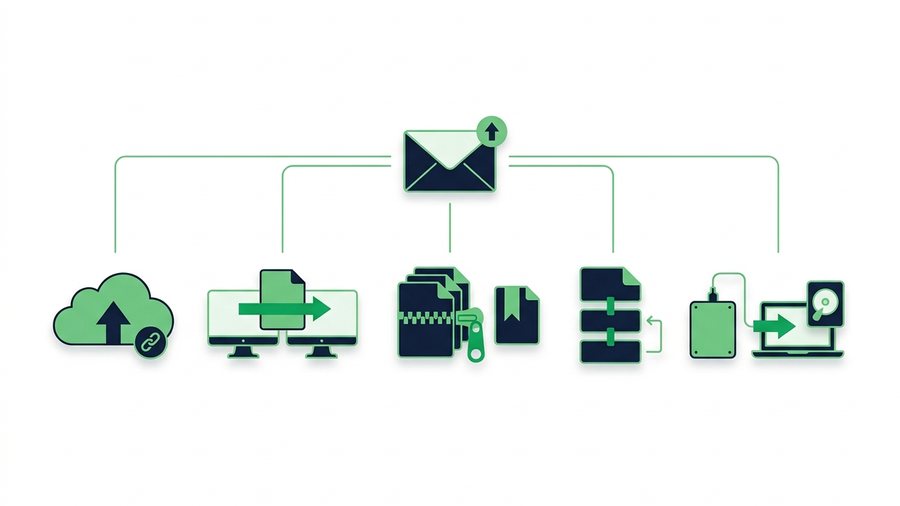
How to Email a Large File That's Over the Limit
Gmail and Outlook cap attachments near 25 MB, so here are five reliable ways to email a large file that fits.
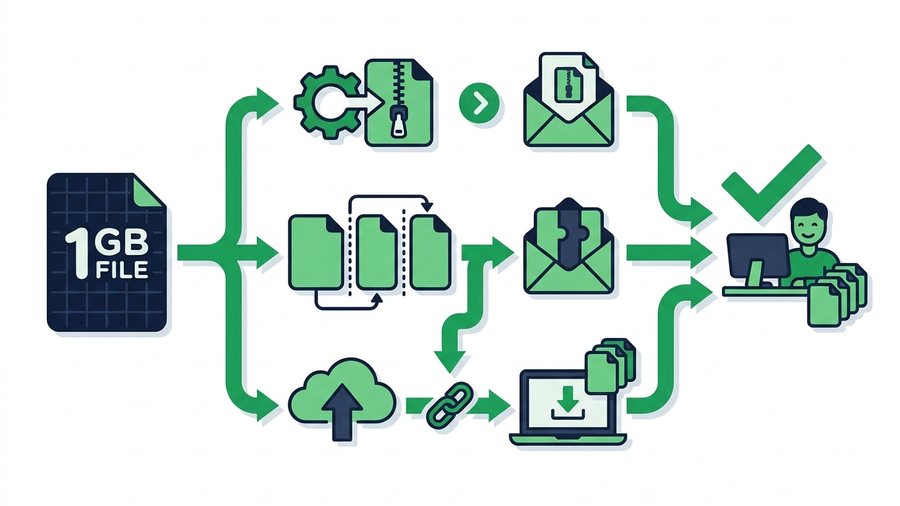
How to Send a 1 GB File (Free Ways That Work)
A 1 GB file fits easily in a free ShareIt.onl share (up to 3 GB, no account). Upload it, send the link, and you're done - with compressing, splitting, and cloud drives as backups for special cases.
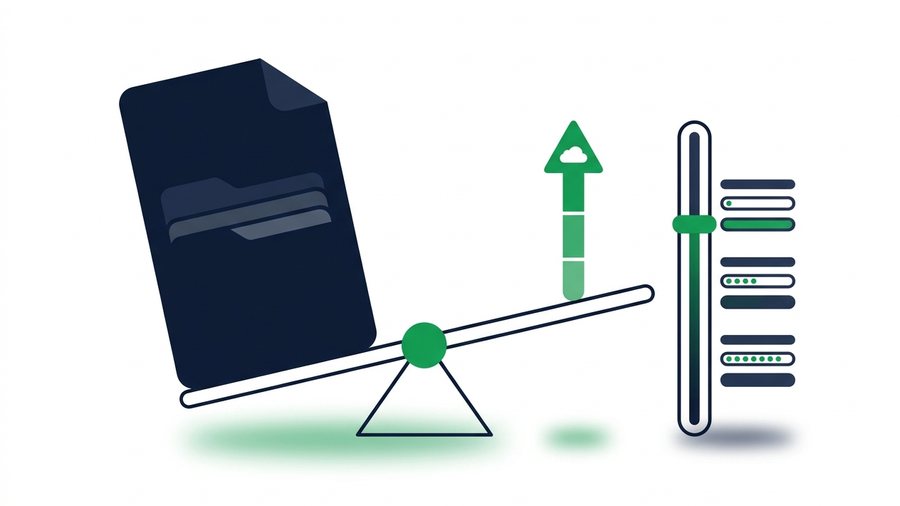
How to Send Files Larger Than 2 GB (Free Methods)
A 2 GB file is past every email limit and past several free transfer services. Here is what still works free, including a 3 GB no-account share link.
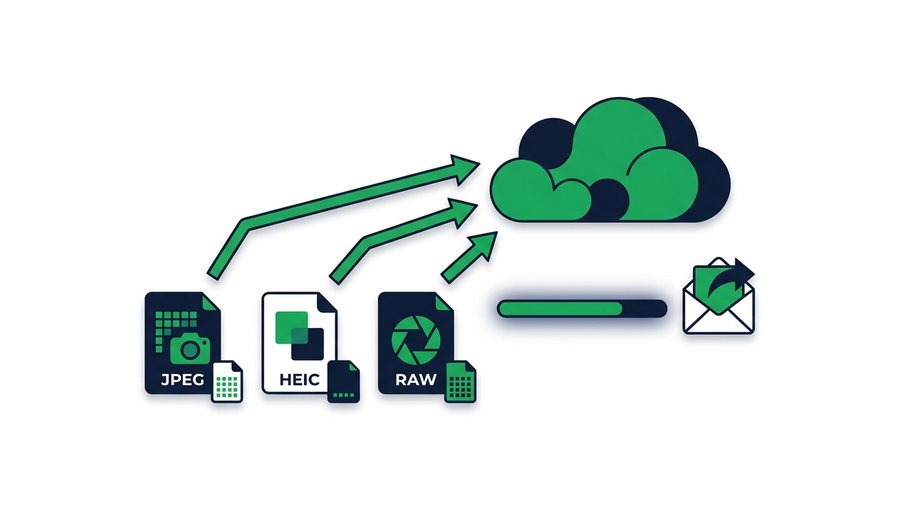
How to Send High-Resolution Photos Without Compression
Keep every pixel when you share photos, with real file sizes for JPEG, HEIC, and RAW and the fastest full-quality methods.
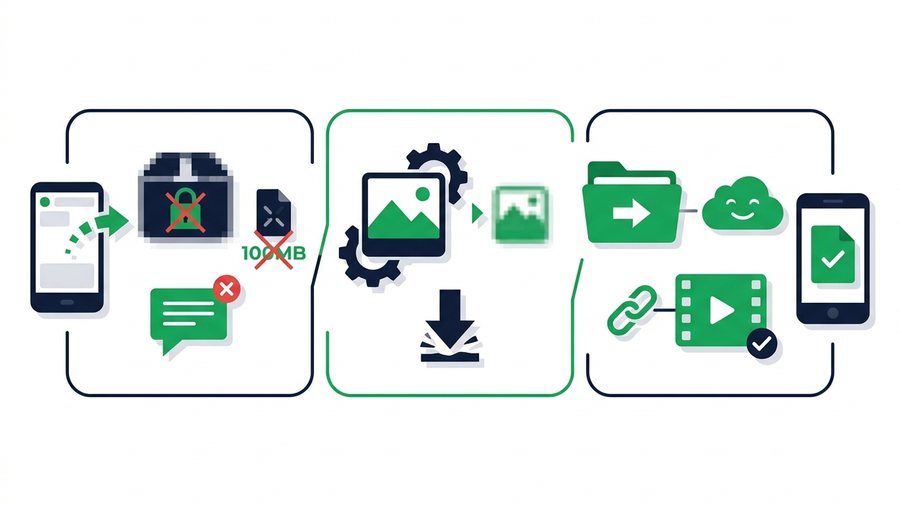
How to Send Large Files on WhatsApp (and Its Limits)
Learn WhatsApp's real file limits, why it crushes photos and videos, and how to send big files at full quality instead.
How to Send Large Files Online Free (5 Ways That Work)
Five free, proven ways to send large files online, from expiring share links to zip compression, with real size limits.
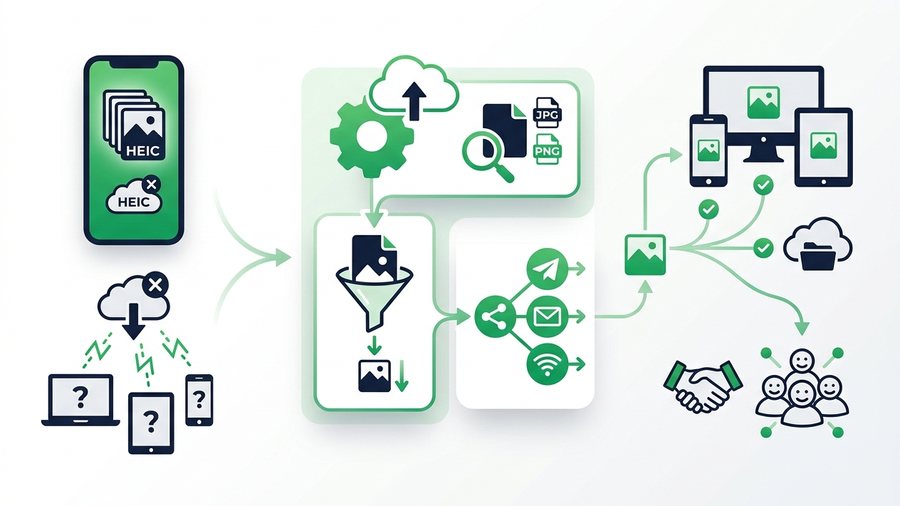
How to Share Large HEIC Files (and Fix Compatibility)
Understand what HEIC is, why some devices cannot open it, and how to convert, compress, and share iPhone photos with anyone.
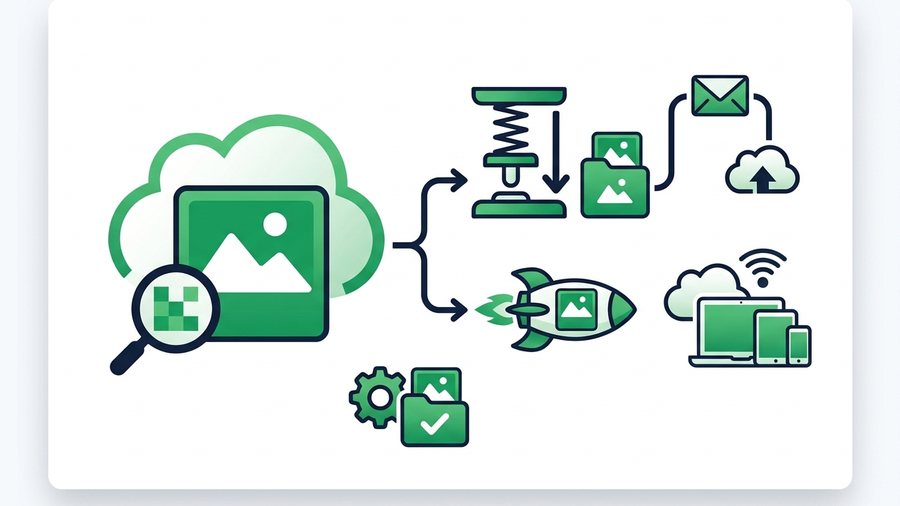
How to Share Large JPG Files (Compress or Send Full-Size)
Learn why JPGs balloon in size, how to shrink them without losing quality, and the fastest way to share full-size photos.
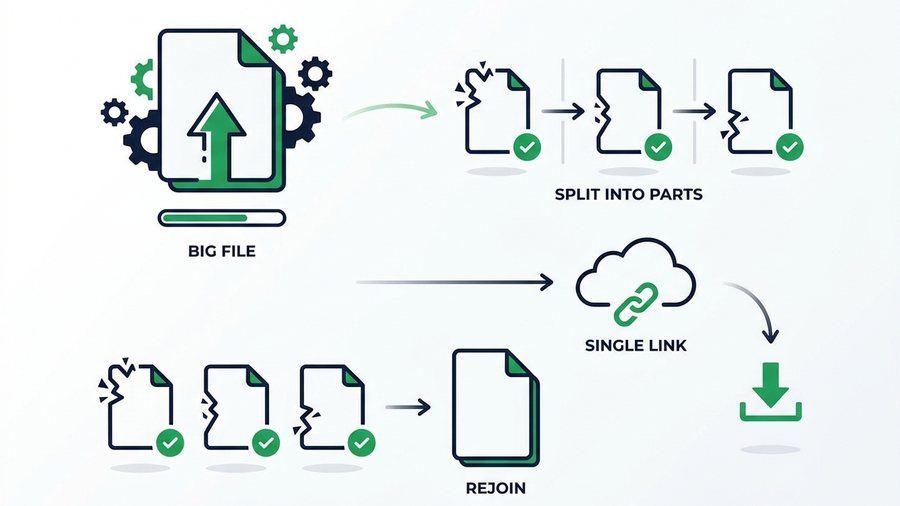
How to Split a Large File Into Smaller Parts
Split a big file into smaller chunks with 7-Zip, WinRAR, or Keka, then rejoin them, plus when a single link is simpler.
Try it now: Send Large Files Online
Free, up to 3 GB, link + QR code in seconds - No sign-up.
Open the tool →