Step-by-step guides to sharing and transferring files
84 practical guides on getting files from A to B - Large files, privacy, phones, computers and everything in between.
- Browse by topic below - Each section groups related how-tos.
- New to sharing? Start with File Sharing Basics. Fighting size limits? See Sending Large Files.
- Every guide is written in plain English with real numbers, step-by-steps and tables.
File Sharing Basics
How online file sharing works, what share links are, and how to pick the right way to send your files.
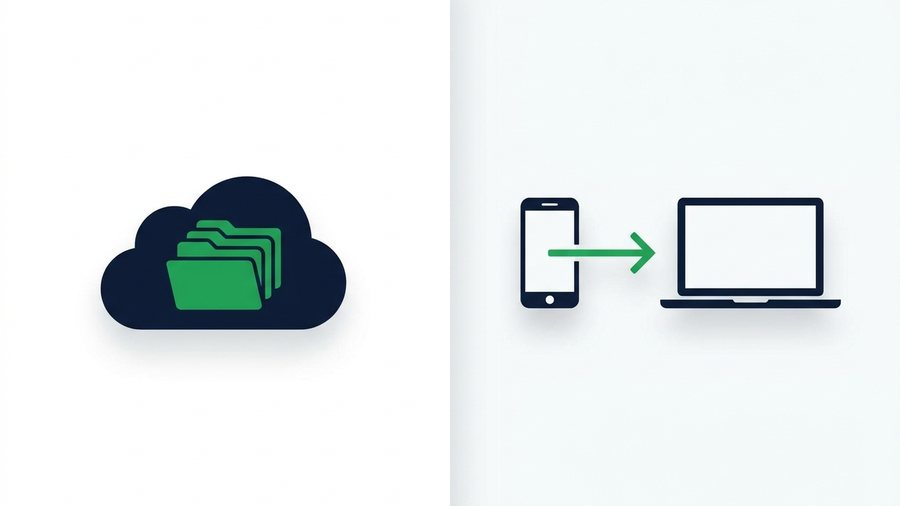
Cloud Storage vs Direct File Sharing: Which Do You Need?
Cloud drives store files forever behind accounts; direct sharing moves them with expiring links. Learn which fits your task.

File Sharing for Teams and Remote Work
When to use a quick expiring link versus a shared drive for team handoffs, client work, and remote collaboration without version chaos.
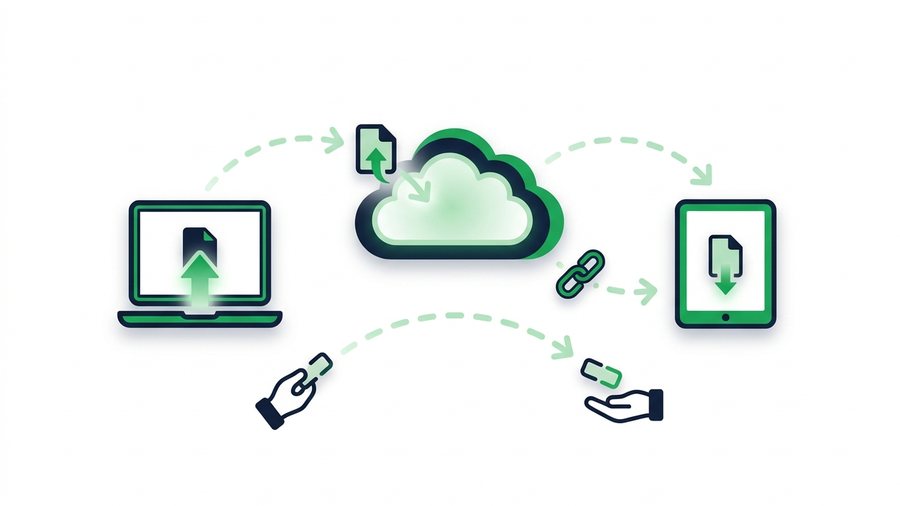
How File Sharing Works Behind the Scenes
A plain-English tour of what happens when you upload a file and hand someone a link to download it.

How Long Should a Share Link Last? Picking the Right Expiry
Match link expiry to the job - 1 hour, 12 hours, 24 hours, 3 days, or 7 days - And keep shared files from outliving their purpose.
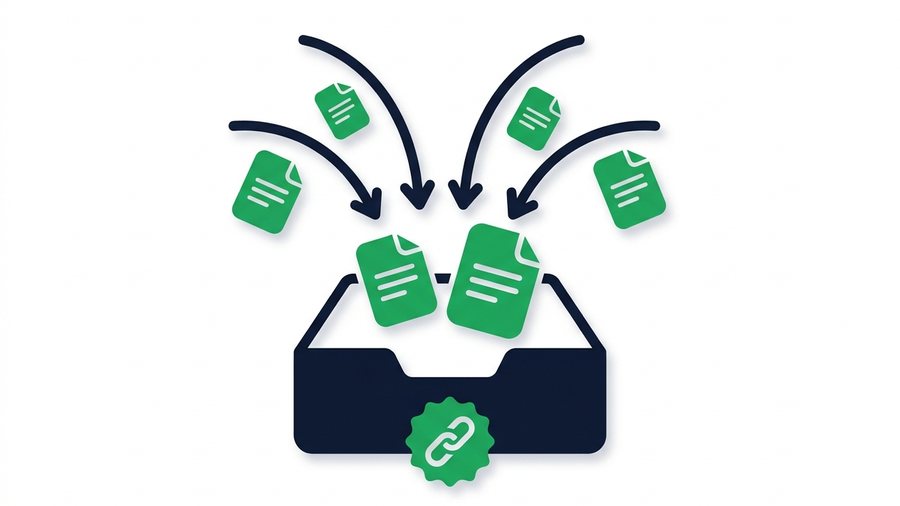
How to Create a File Upload Link (Let Others Send You Files)
An upload link turns the usual flow around - Instead of you sending files, you hand someone a link and they send files to you. Here is how to make one free in about thirty seconds.
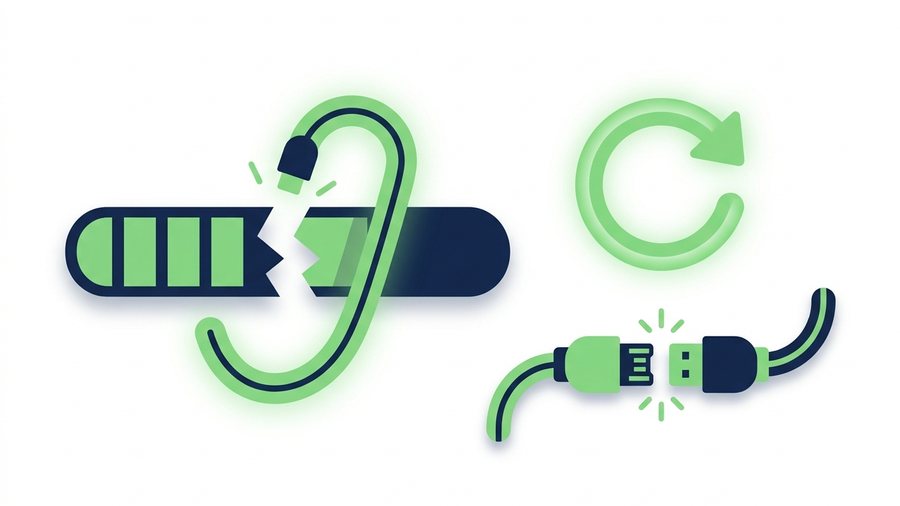
How to Recover a Failed File Transfer
Uploads fail for a handful of predictable reasons. Here is how to diagnose which one hit you, what you can resume, and how to stop it happening on the retry.
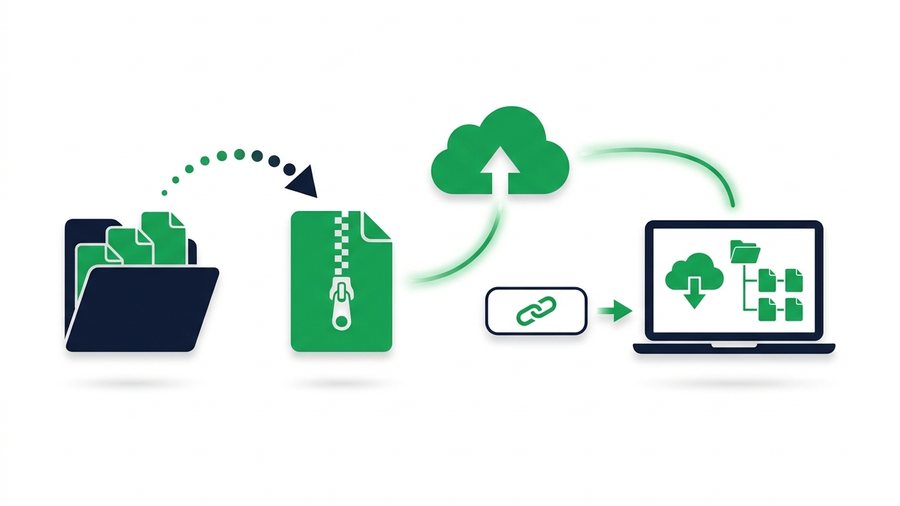
How to Send a Whole Folder or ZIP Online
Learn to zip a folder on any device and share it as a single clean link that keeps every file and subfolder in place.
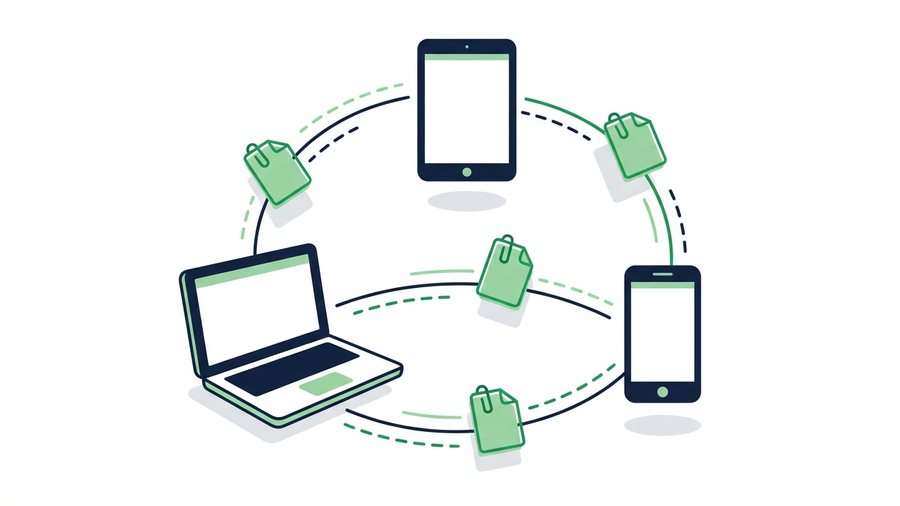
How to Share Files Online: Every Method Compared
Compare share links, email, cloud drives, USB, and messaging apps so you can pick the fastest way to send any file.
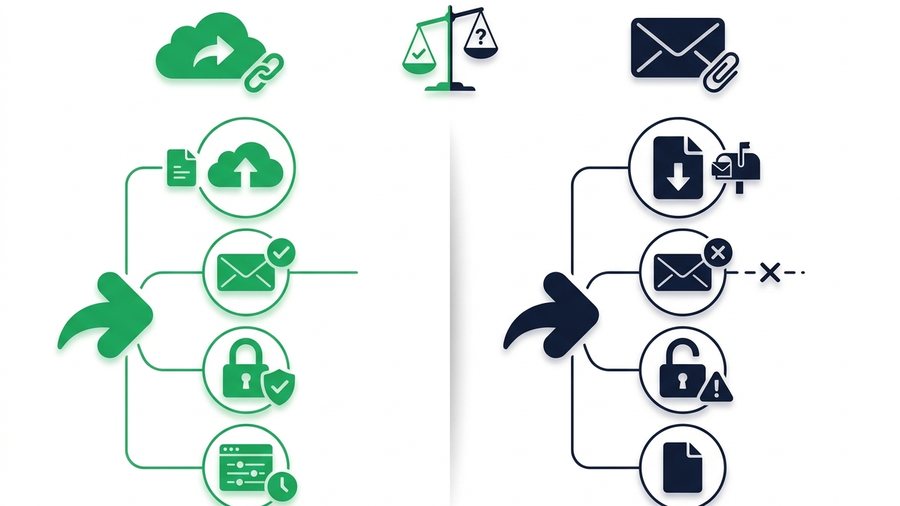
Link Sharing vs Email Attachments: Which Wins?
A head-to-head look at share links and email attachments across size, deliverability, security, and control to help you pick the right one.
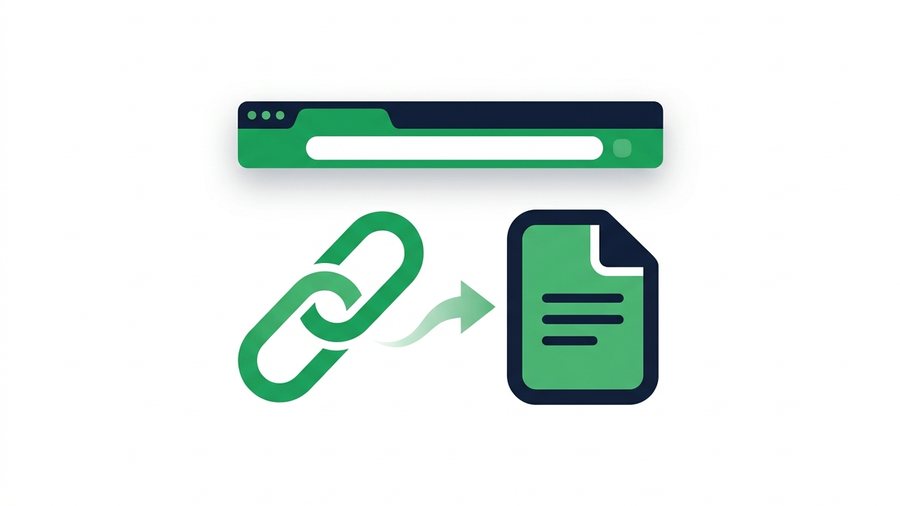
What Is a File Sharing Link and How Does It Work?
A file sharing link is a unique URL that points to your uploaded files; here is how tokens, expiry, and QR codes work.
Sending Large Files
Beat email attachment limits: practical guides to sending big files, videos and folders online.

The Best Way to Share Large Videos Without Losing Quality
Chat apps crush video quality with re-encoding; direct download links deliver the original file at full resolution.

Email Attachment Size Limits: Gmail, Outlook, and How to Beat Them
Real attachment caps for Gmail, Outlook, Yahoo, and iCloud, why they exist, and free ways to send bigger files.

How to Compress Files Before Sharing (Windows, Mac, Phone)
Zip files on Windows, Mac, iPhone, or Android in seconds, and know when compression helps and when it wastes time.
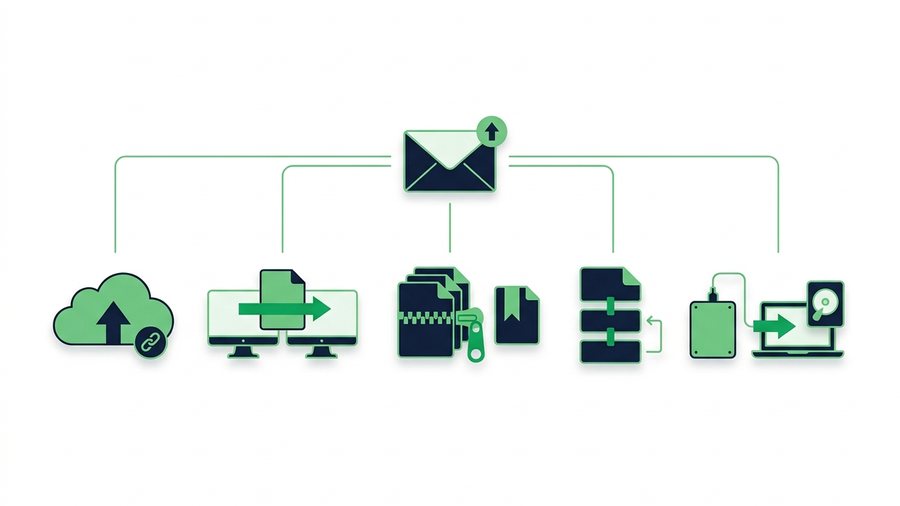
How to Email a Large File That's Over the Limit
Gmail and Outlook cap attachments near 25 MB, so here are five reliable ways to email a large file that fits.
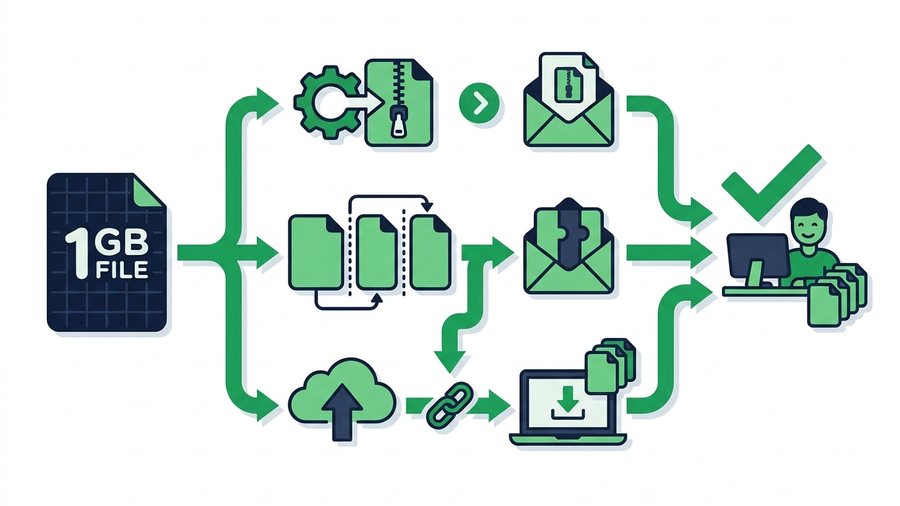
How to Send a 1 GB File (Free Ways That Work)
A 1 GB file fits easily in a free ShareIt.onl share (up to 3 GB, no account). Upload it, send the link, and you're done - with compressing, splitting, and cloud drives as backups for special cases.

How to Send Files Larger Than 2 GB (Free Methods)
A 2 GB file is past every email limit and past several free transfer services. Here is what still works free, including a 3 GB no-account share link.
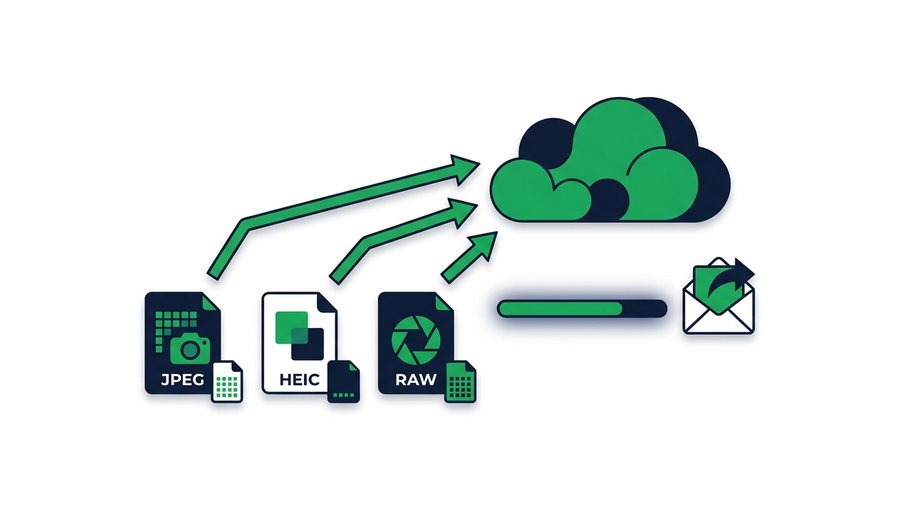
How to Send High-Resolution Photos Without Compression
Keep every pixel when you share photos, with real file sizes for JPEG, HEIC, and RAW and the fastest full-quality methods.
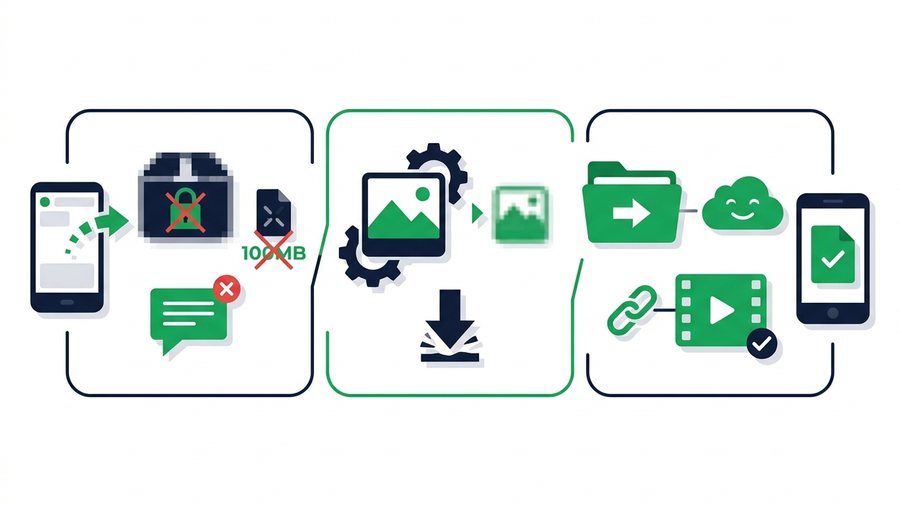
How to Send Large Files on WhatsApp (and Its Limits)
Learn WhatsApp's real file limits, why it crushes photos and videos, and how to send big files at full quality instead.

How to Send Large Files Online Free (5 Ways That Work)
Five free, proven ways to send large files online, from expiring share links to zip compression, with real size limits.
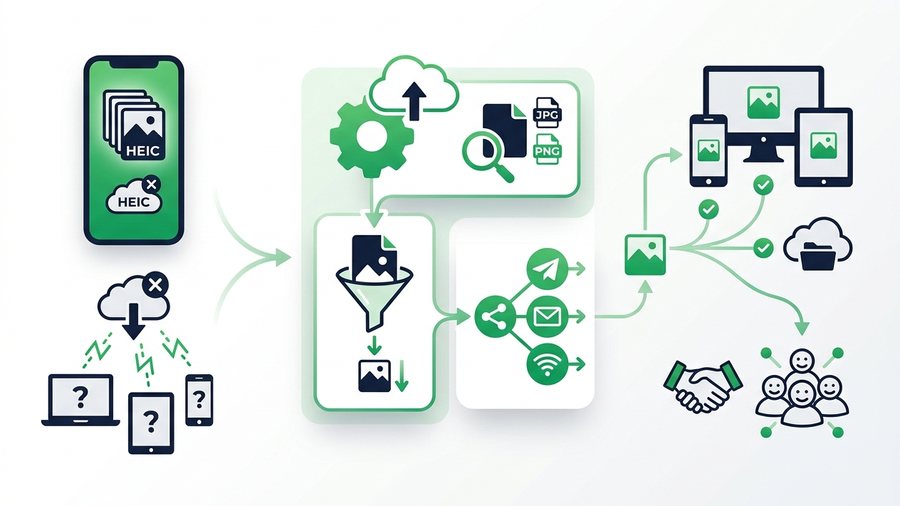
How to Share Large HEIC Files (and Fix Compatibility)
Understand what HEIC is, why some devices cannot open it, and how to convert, compress, and share iPhone photos with anyone.

How to Share Large JPG Files (Compress or Send Full-Size)
Learn why JPGs balloon in size, how to shrink them without losing quality, and the fastest way to share full-size photos.
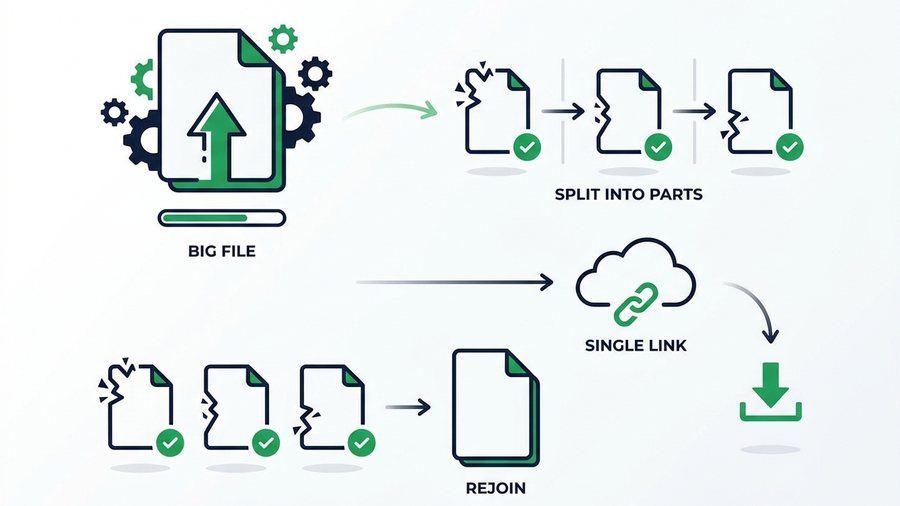
How to Split a Large File Into Smaller Parts
Split a big file into smaller chunks with 7-Zip, WinRAR, or Keka, then rejoin them, plus when a single link is simpler.
Privacy & Security
Keep shared files safe: expiring links, passwords, encryption and what really happens to uploads.
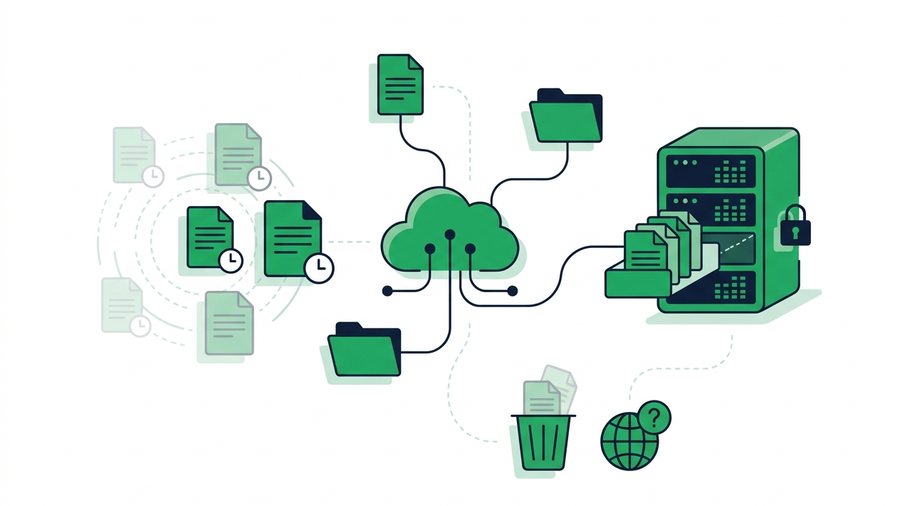
Do Shared Files Stay Online Forever?
Most shared files linger far longer than people think; expiring services and cached copies decide how long they truly last.

End-to-End Encryption Explained Simply
End-to-end encryption locks a file so only the sender and receiver can read it, not even the service in between.

How to Send Sensitive Documents Securely
Send tax forms, IDs, contracts, and medical files safely using passwords, short expiry, and a separate channel for the password.

Is It Safe to Share Files Online? What to Check
Sharing files online is safe when you check the connection, the link's lifespan, and who can actually open it.
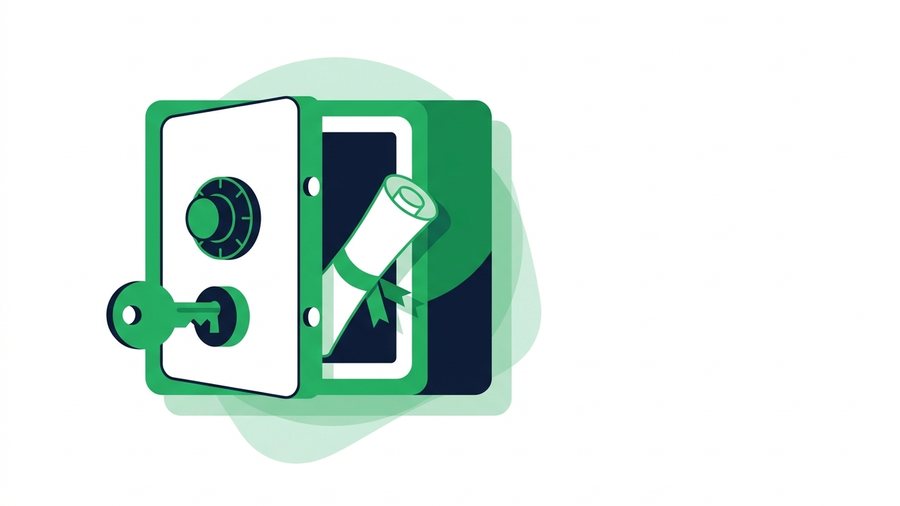
How to Password-Protect Files Before You Share Them
Encrypt files into a password-protected zip on Windows, Mac, or phone, then send the password over a separate channel.

Secure File Sharing: A Practical Guide for Normal People
Learn who can actually see your shared files and the simple habits that keep them private without special software.
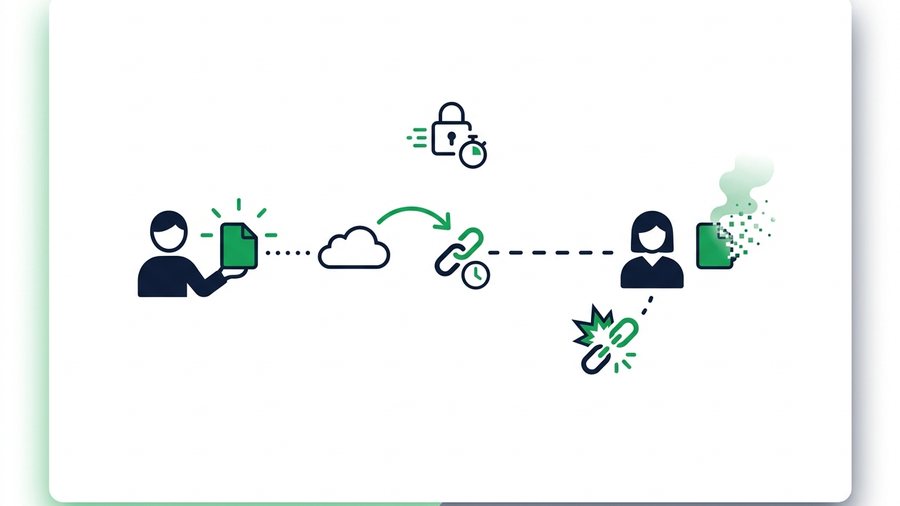
Self-Destructing File Sharing: Temporary Links Explained
Temporary and one-time links delete your files automatically, shrinking the window in which a shared file can leak.
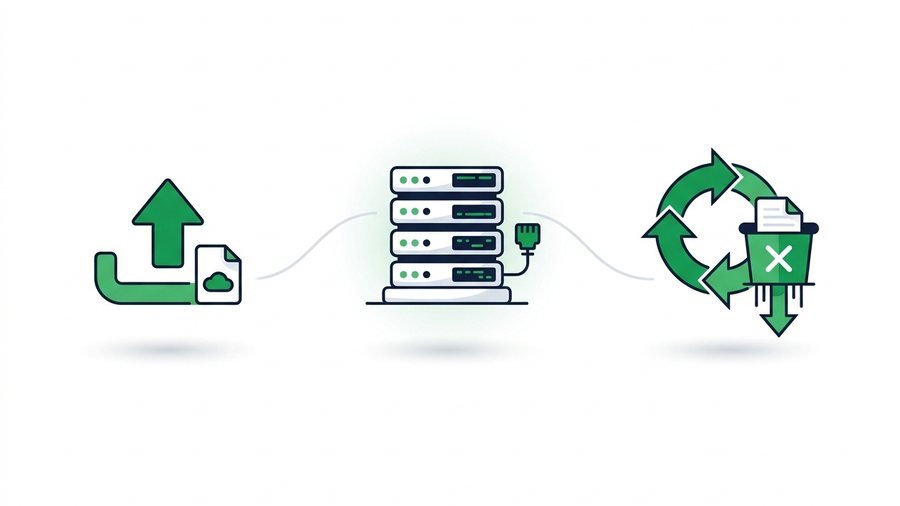
What Really Happens to Files After You Share Them Online
Your uploads live on real servers under wildly different retention rules - Here's where files go and when they truly disappear.

Why Expiring Links Are Safer Than Permanent Ones
Permanent share links accumulate risk forever; expiring links shrink the attack window to hours or days.
Between Devices
Move files between phones, tablets and computers - Across Android, iPhone, Windows and Mac.

Android File Transfer Not Working on Mac? What to Use Instead
Google's Android File Transfer app is abandoned and fails on modern macOS. Here is why it breaks and four reliable ways to move files between Android and a Mac.
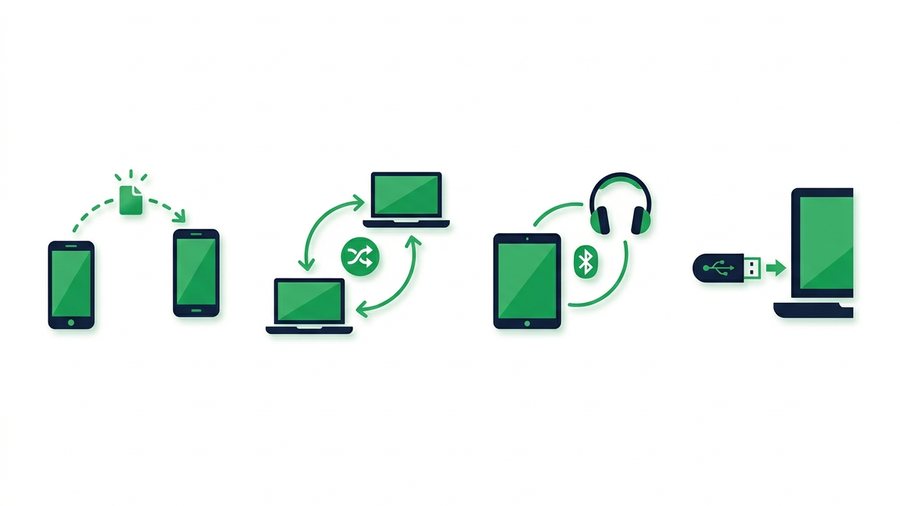
How to Share Files Without the Internet
Move files between nearby devices with no data using Quick Share, AirDrop, Wi-Fi Direct, Bluetooth, or a plain USB drive.

How to Transfer Photos to a New Phone (Any Combination)
Moving photos to a new phone is easy within one brand and awkward across brands. Here is the right method for iPhone to iPhone, Android to Android, and every mix in between.
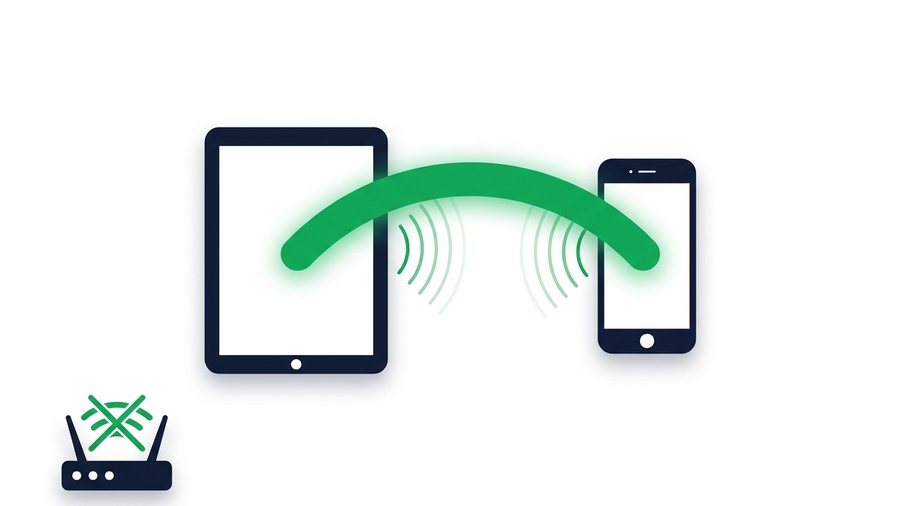
How to Use Wi-Fi Direct for File Transfer
Wi-Fi Direct lets two devices talk to each other without a router or internet. Here is what it is, how to use it on Android and Windows, and why iPhones do it differently.

How to Share Files With a QR Code (Fast and Free)
Turn any file into a scannable QR code so anyone nearby can download it with their camera app in seconds.
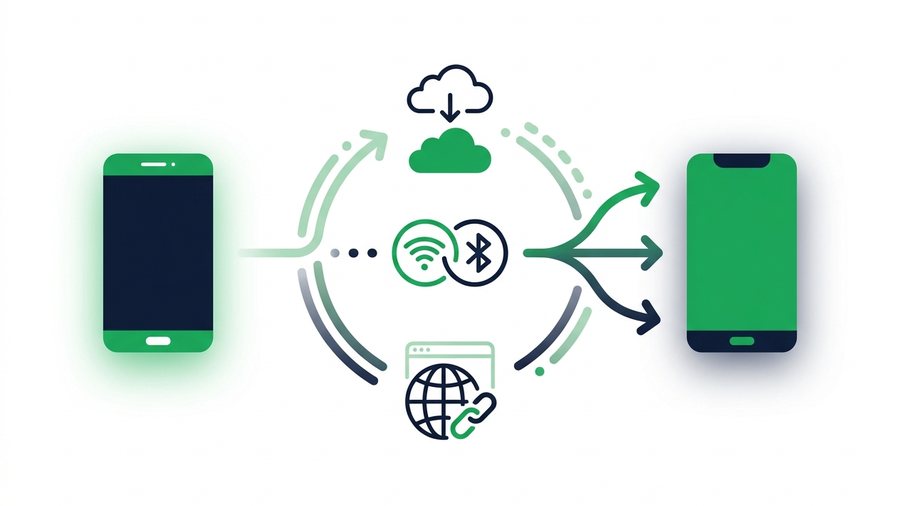
How to Transfer Files Between Two Phones (Any Brand)
Move files between any two phones, same brand or mixed, using built-in tools, cloud apps, or a universal browser link.
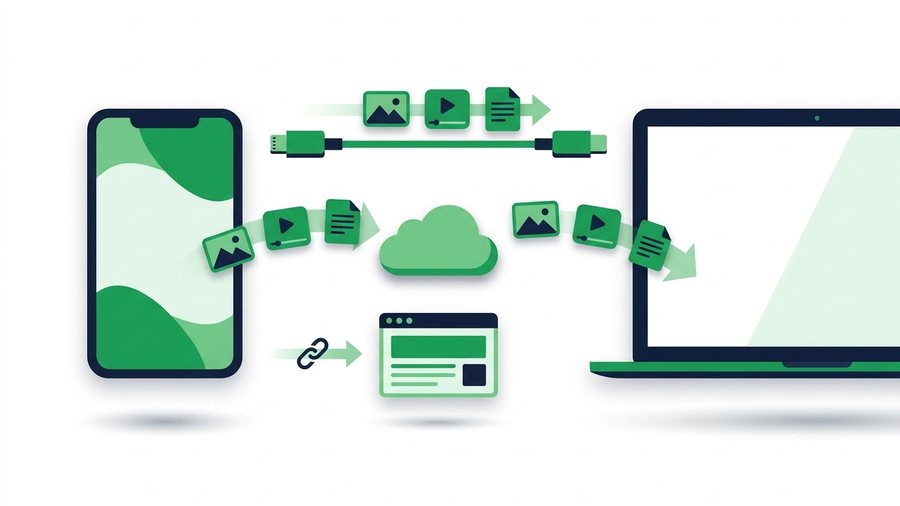
How to Transfer Files From Android to Mac
Move photos, videos, and documents from any Android phone to a Mac using cable tools, Google Drive, or a browser link.
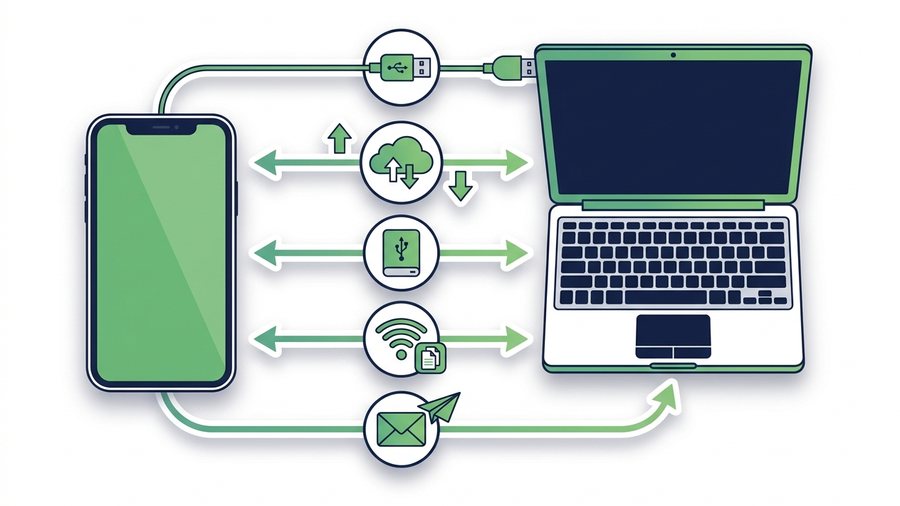
How to Transfer Files From iPhone to a Windows PC
Five reliable ways to move photos, videos, and documents from an iPhone to a Windows computer without AirDrop.

How to Transfer Files From a Laptop to a Phone
Move documents, photos, videos and ZIP files from a Windows, Mac, Linux or Chromebook laptop to a phone by uploading once and scanning a QR code.

Transfer Files From Mac to Windows (4 Easy Ways)
Four working ways to move files between Mac and Windows, from share links and USB drives to SMB folders and cloud sync.
How to Transfer Files From Phone to PC or Laptop
Move photos, videos and documents from any phone to a desktop or laptop using a QR transfer room, browser links, cables or cloud sync.

How to Transfer Photos From a Computer to Your Phone
Send photos from a PC or Mac to an iPhone or Android phone, including why Windows will not let you drag files onto an iPhone and what to do instead.

How to Transfer Photos From iPhone to Computer (Mac and Windows)
Move photos off an iPhone to a Mac or Windows PC without iTunes, with fixes for HEIC files, missing devices, and the Photos app refusing to import.
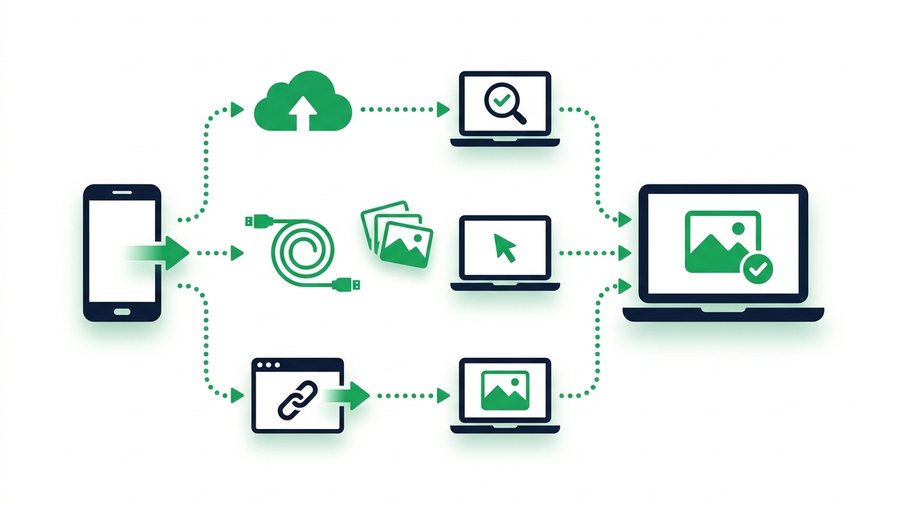
How to Transfer Photos From Phone to Laptop
Move photos from any phone to a laptop with a cable, cloud backup, or a browser link while keeping full resolution.

How to Transfer Photos From a Samsung Phone to a Computer
Four ways to get photos off a Samsung Galaxy onto Windows or a Mac, including Smart Switch, Link to Windows, USB and a no-cable browser transfer.

How to Transfer Photos to a Computer From Any Phone or Camera
One guide to getting photos onto a computer from an iPhone, Android phone, camera or SD card, with the right method for each and the traps in every one.
YouTube
Download your own uploads, watch offline legally, master upload specs, and share YouTube videos the right way.
How to Download Your Own YouTube Videos (3 Official Ways)
Three official ways to download your own YouTube videos, plus how to keep originals safe and share them without compression.

How to Share YouTube Videos: Timestamps, Clips, and Unlisted Links
Master YouTube's sharing tools - Timestamped links, Clips, unlisted videos, and embeds - And know when to send the original file instead.
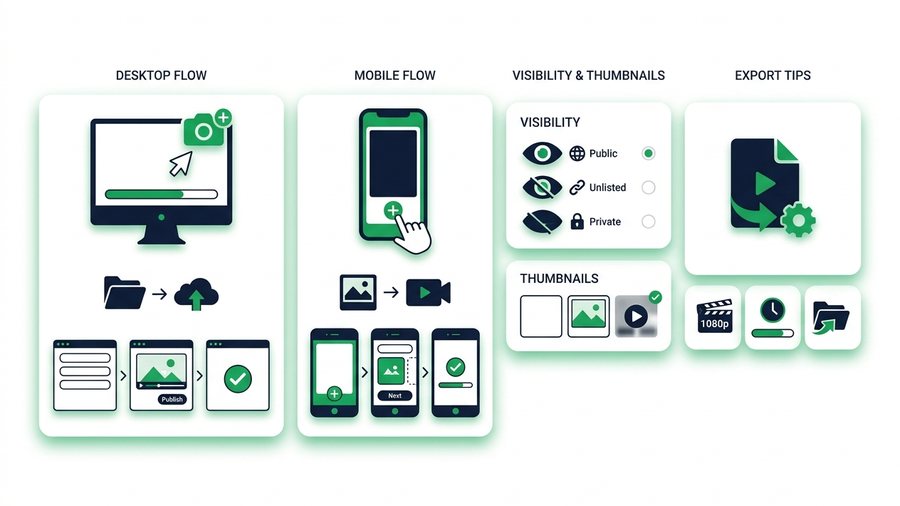
How to Upload a Video to YouTube (Step by Step)
A clear step-by-step walkthrough for uploading a video to YouTube on desktop and mobile, with visibility, thumbnails, and export tips.

How to Watch YouTube Videos Offline the Legal Way
Use YouTube Premium's official download feature to watch offline, understand the 30-day rules, and skip risky ripper sites.
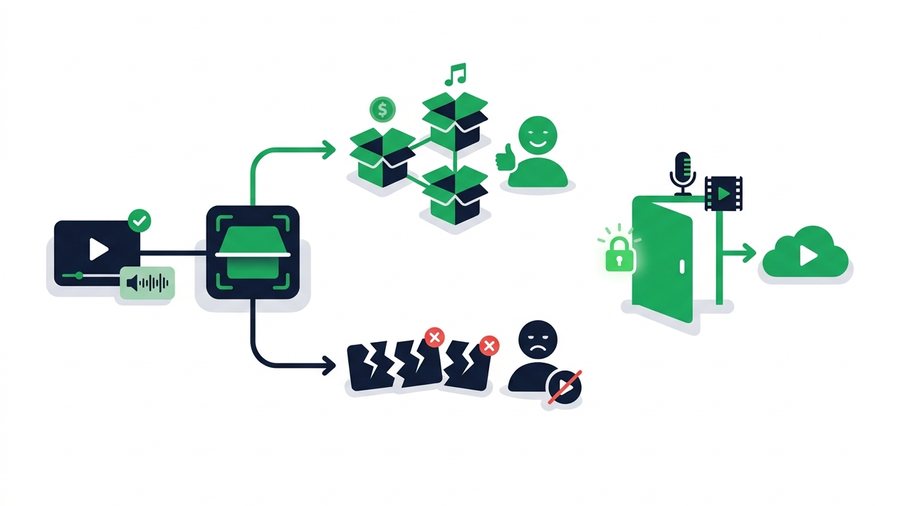
YouTube Copyright and Content ID Explained
A plain-English guide to how YouTube Content ID works, the difference between claims and strikes, and how to use music and clips legally.
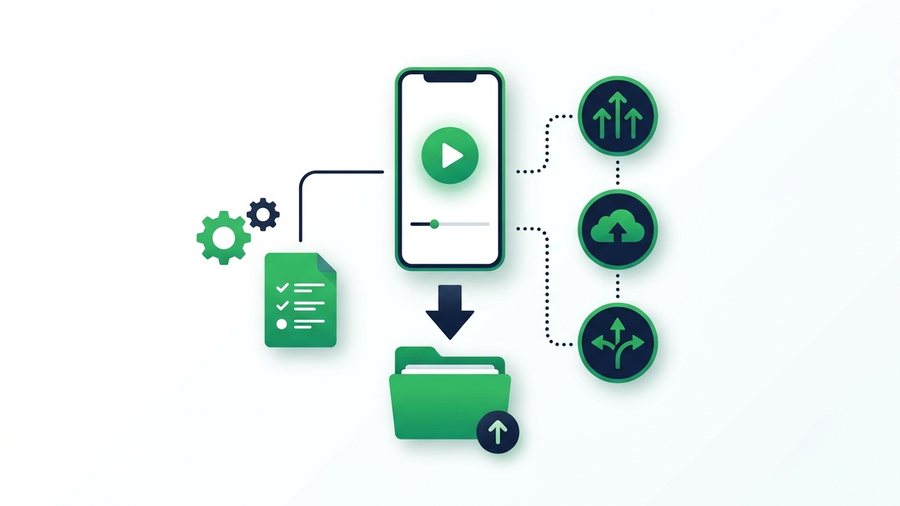
YouTube Shorts: Download Yours and Share Them
Learn the specs behind YouTube Shorts, how to save your own vertical clips officially, and the fastest ways to reshare your original file.

YouTube Video Size, Format, and Upload Limits Explained
YouTube's real upload limits, best formats, and bitrate targets, plus why your original file always beats the re-encoded version.
Export your videos and photos, beat Facebook compression, and control how your posts get shared.

How to Download Your Facebook Videos and Photos (Official Way)
Use Facebook's official Download Your Information tool to save every video and photo you ever uploaded, then share the originals safely.
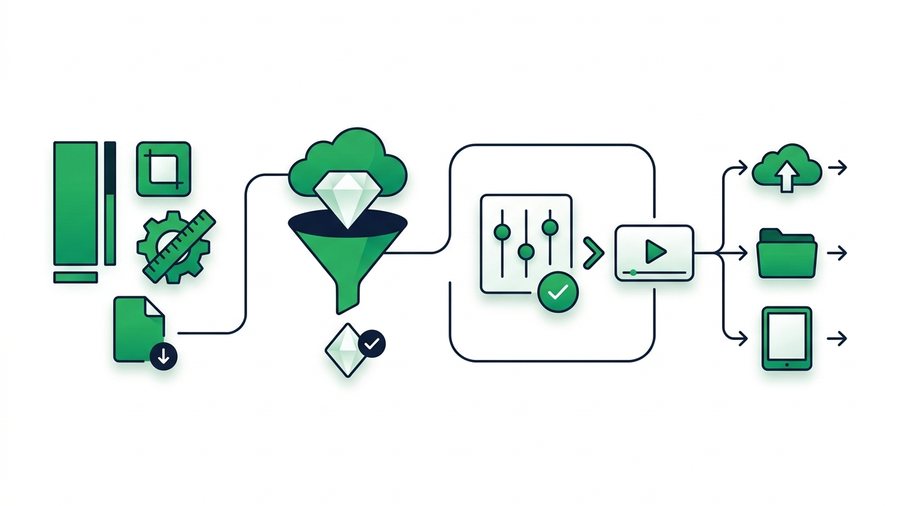
Facebook Reels: Specs, Quality, and Sharing
Learn the exact Facebook Reels specs, how the platform compresses them, the best export settings, and how to share the original clip anywhere.
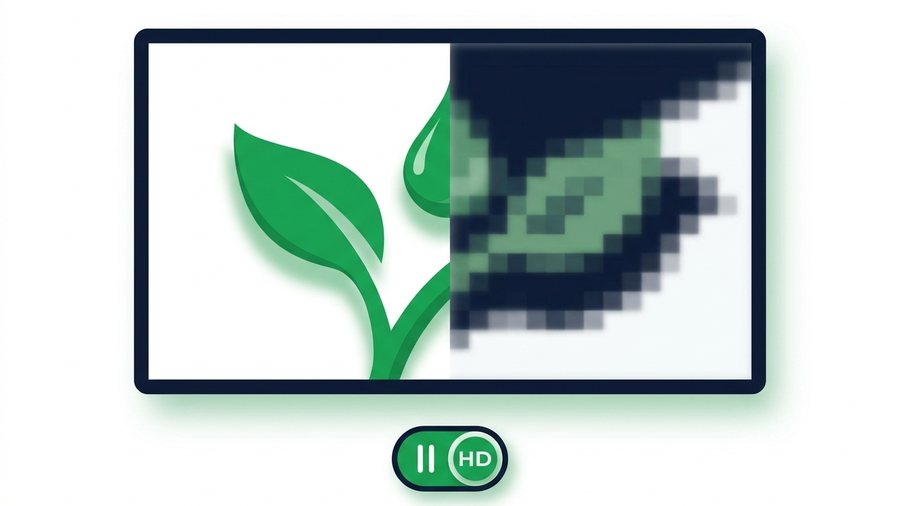
Why Facebook Videos Look Blurry (and How to Fix Quality)
Facebook compresses every upload. Learn why videos turn blurry, the settings that help, and how to share full-quality originals.
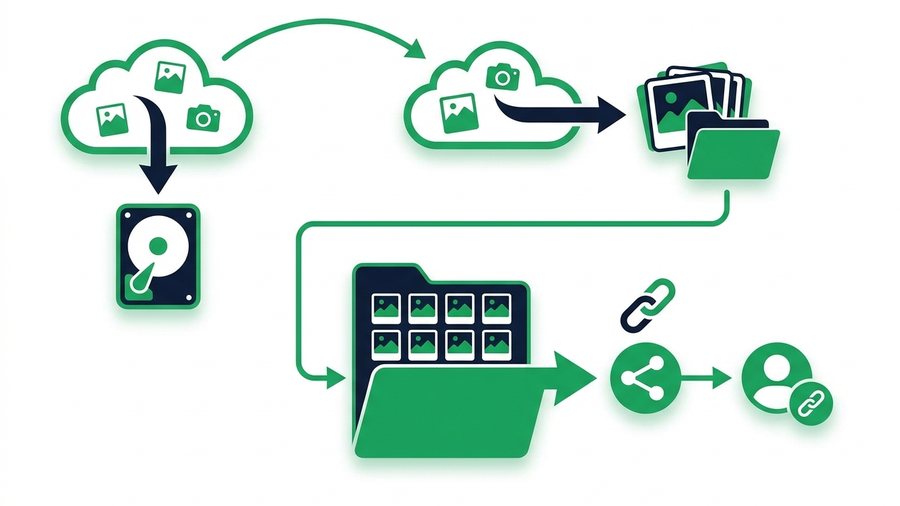
How to Back Up Your Facebook Photos and Memories
Use Download Your Information and Transfer a Copy to save every Facebook photo and album at full quality, then organize and re-share them by link.
How to Download Your Own Facebook Story
Save your Facebook Stories before they vanish at 24 hours using the Archive setting, per-story downloads, Memories, and original-file backups.
How to Share Videos on Facebook Without Losing Control
Control exactly who sees your Facebook videos with audience settings, the right format, scheduling, and a pre-post privacy checklist.

Send the Original Video Facebook Would Compress
Messenger and Facebook shrink every video you send. Here is how to deliver the untouched original with an expiring link and QR code.
Official exports for photos, Reels and Stories, real size limits, and sharing full-quality originals.
How to Download Your Instagram Photos and Videos (Official Export)
Use Instagram's official Download Your Information tool to export every photo, reel, and story, then back up your originals safely.
How to Download Your Own Instagram Reels
Save the Reels you posted using the three-dot menu, recover drafts, request a full Meta data export, and keep your originals.
How to Share Instagram Posts, Reels, and Stories the Right Way
Master every official Instagram sharing option, from story reshares and Collabs to DMs, links, and sending originals off-platform.
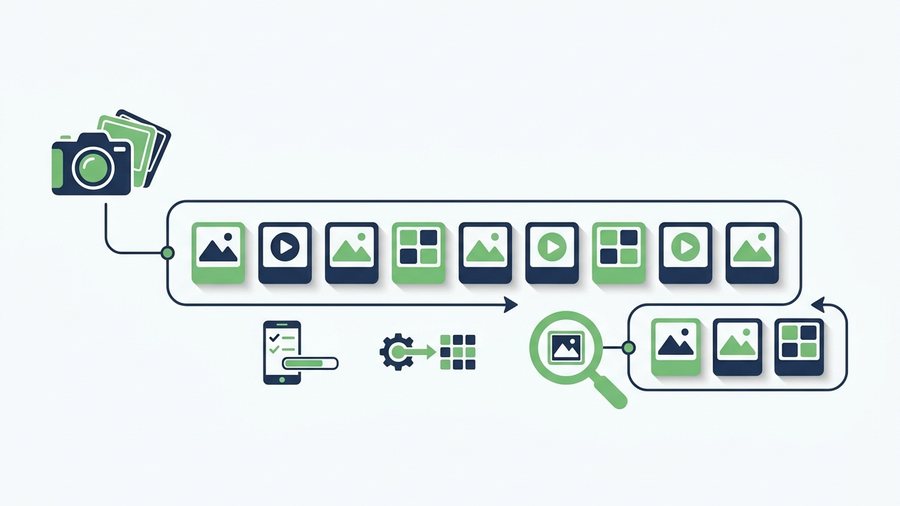
Instagram Carousels and Photo Dumps: The Complete Guide
Build better Instagram carousels with up to 20 slides, correct specs, smart ordering, mixed media, and full-quality originals.
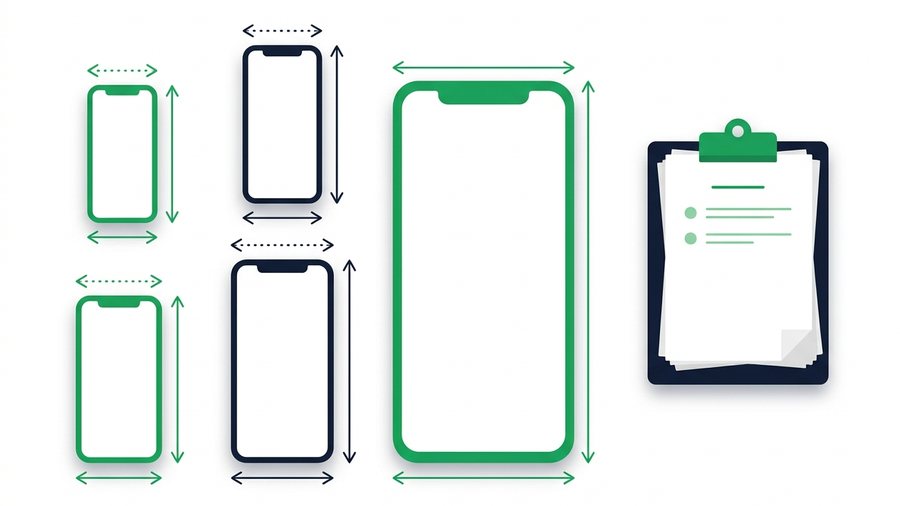
Instagram Video Limits: Reels, Stories, and Posts Specs
Every Instagram video limit in one place, from Reels length to Story segments, plus export settings that survive compression.

Share Full-Quality Photos Instagram Would Crush
Instagram shrinks photos to 1080 pixels and compresses them hard, so here's how to share your true originals instead.
TikTok
Save your own TikToks, protect drafts, know the size limits, and share clean original clips.
Back Up TikTok Drafts and Originals Before You Lose Them
TikTok drafts live only on your phone and vanish if the app does - Here's how to save, organize, and back up everything.

How to Download Your Own TikTok Videos (With and Without Watermark)
Three official ways to get copies of your own TikTok videos, and why your original export is the only true watermark-free file.

How to Share TikTok Videos: Links, DMs, and Duets Explained
Every official way to share TikTok videos - Links, DMs, other apps, Duets and Stitches - Plus the privacy settings that control them.

TikTok Photo Mode Explained (and How to Share It)
What TikTok Photo Mode is, how many images and specs it supports, how music works, and how to save and share your own photo posts.
TikTok Video Size Limits and Specs (2026 Guide)
TikTok's current length limits, file size caps, resolution, formats, and bitrate targets, plus why keeping your original file matters.
SHAREit App & Web
SHAREit web, APK safety, PC options and alternatives - And how to share files online with no app at all.

7 Best SHAREit Alternatives for Fast File Sharing (2026)
Seven honest SHAREit alternatives compared - Quick Share, AirDrop, LAN web apps, cloud drives, email, USB, and browser links.

SHAREit APK Download: Risks and the Safe Way to Get It
Why people sideload the SHAREit APK, the real risks of mirror sites, and safer ways to install or skip the app.
SHAREit for Android: Setup, Use, and Safer Options
A plain-English guide to installing SHAREit on Android the safe way, how its offline transfers work, and a zero-install browser alternative.
SHAREit for iPhone and iPad: What Works
What SHAREit can and cannot do on iPhone and iPad, why iOS limits it, and the universal browser fix for cross-platform sharing.
SHAREit for Mac: What Works and the No-Install Way to Share
Whether SHAREit runs on a Mac, why AirDrop stops at Apple devices, and the browser method that sends files from a Mac to any phone or PC.

SHAREit for PC: Official Options and Browser Alternatives
How to get SHAREit on a PC the official way, plus a browser method that moves files with no install.
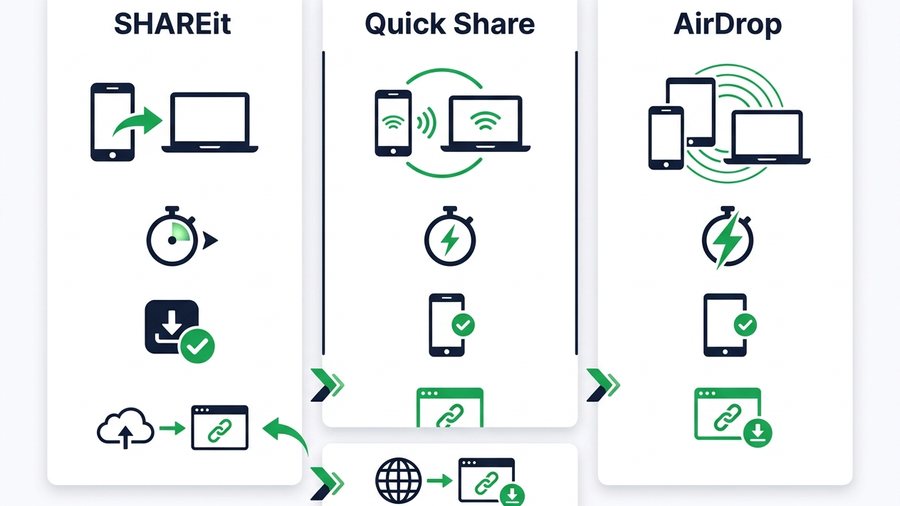
SHAREit vs Quick Share vs AirDrop: Which to Use
A clear comparison of SHAREit, Quick Share, and AirDrop by platform, speed, and install needs, plus where a browser link fits.
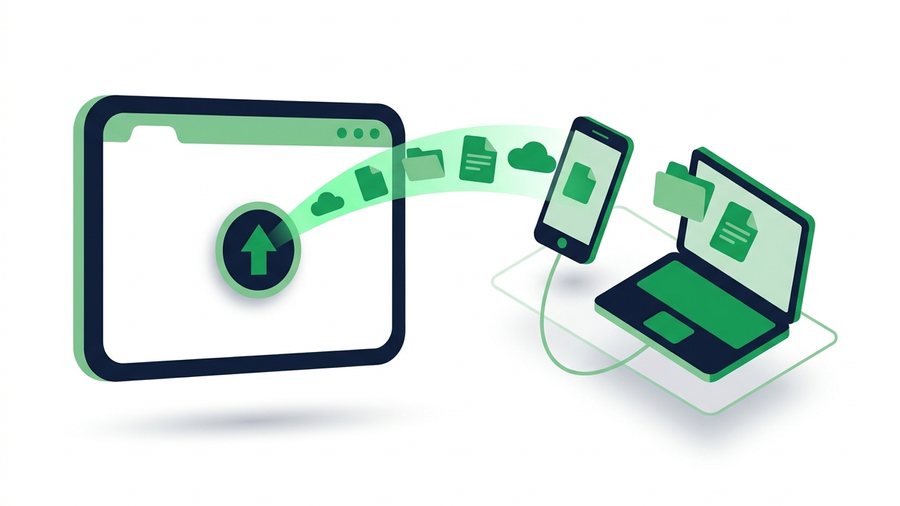
SHAREit Web: How to Share Files Online Without the App
What "SHAREit web" really means, how the app's WebShare feature works, and how to share files online with just a browser.
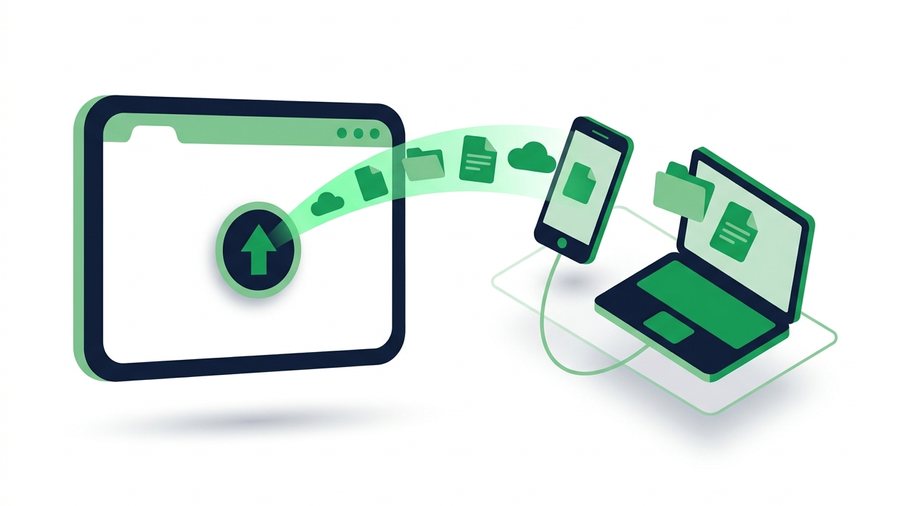
192.168.43.1:2999 - The SHAREit WebShare Address, and What to Do When It Won't Open
192.168.43.1:2999 is the local address SHAREit WebShare uses. Here is why it only works on the same hotspot, the fixes when it refuses to load, and a browser method that needs no address at all.
Comparisons & Alternatives
How ShareIt.onl and browser link-sharing stack up against WeTransfer, Google Drive, AirDrop and the rest.
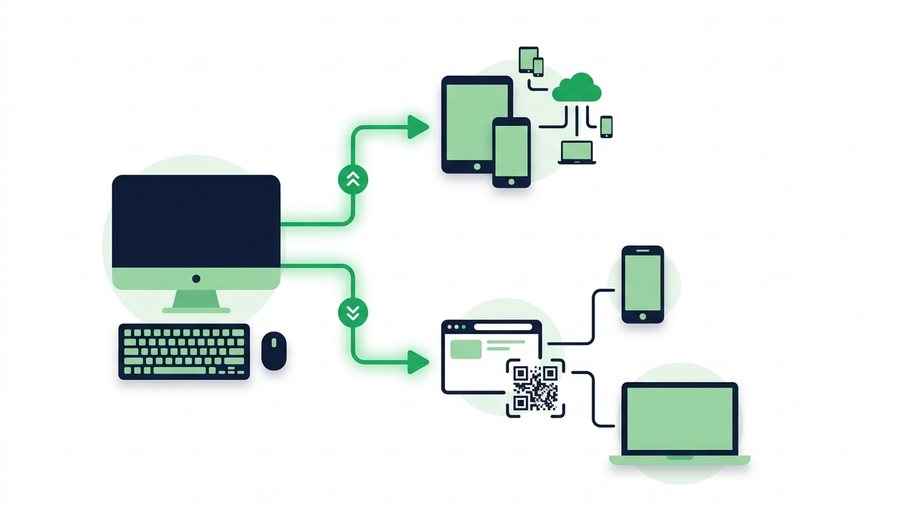
AirDrop for Windows: How to Send to Any Device
AirDrop is Apple-only, so here are the real Windows equivalents plus a browser link and QR that work on any device.
Best Free File Sharing Services Compared
Compare free file sharing categories - Transfer links, cloud drives, P2P, and messaging - By size, account needs, and privacy.

7 Best Free WeTransfer Alternatives (2026)
Seven free WeTransfer alternatives compared by size limit, sign-up needs, link expiry, and password options to match your scenario.
More from ShareIt.onl
The blog
Roundups, comparisons and what's changed - written alongside these guides.
What's actually free
Every limit in plain numbers, and what a free account adds.
Plans compared
Anonymous, free account and what each one gets you, side by side.