For years, the simple rule was that Quick Share served Android and AirDrop served Apple. That rule is no longer complete. Google now documents AirDrop interoperability on select Android devices, but availability still depends on the hardware, software and receiving settings involved.
TL;DR: Check Google's current device documentation before assuming the feature is present. If the Android device supports AirDrop interoperability, make the Apple device discoverable and try the nearby transfer. If either phone remains unavailable, open Phone to Phone Transfer on the receiver and use the browser room code instead.
Key points
- Quick Share and AirDrop interoperability is real but not universal.
- Supported device lists can change with software and hardware releases.
- The Apple receiver may need AirDrop visibility set appropriately.
- Nearby transfer is best for compatible devices in the same room.
- Browser transfer is the stable fallback across Android and Apple models.
Start with the official requirements
Google's current Quick Share help describes sharing with iPhone, iPad and macOS on select Android devices. Use that page as the source of truth because supported models and setup requirements can change.
| Situation | First choice | Fallback |
|---|---|---|
| Supported Android and nearby iPhone | Quick Share and AirDrop path | Browser room code |
| Unsupported Android model | Browser room code | Shared cloud folder |
| Phones in different places | Browser link | Cloud link |
| No internet on either phone | Compatible nearby tool | Cable or local storage |
Do not turn a limited rollout into a universal promise. An article written around a fixed model list can become stale quickly. Check the official page on the day you use the feature.
Try the native nearby transfer
- Update both devices to their current supported software.
- Turn on Wi-Fi and Bluetooth.
- Set the Apple device's AirDrop receiving visibility as required.
- Open the file on Android and choose Quick Share.
- Select the Apple device if it appears.
- Accept the transfer on the receiving device.
compatible Android + visible Apple device
                 |
                 v
      nearby discovery and acceptance
                 |
          success / no device shown
                        |
                        v
               browser fallback
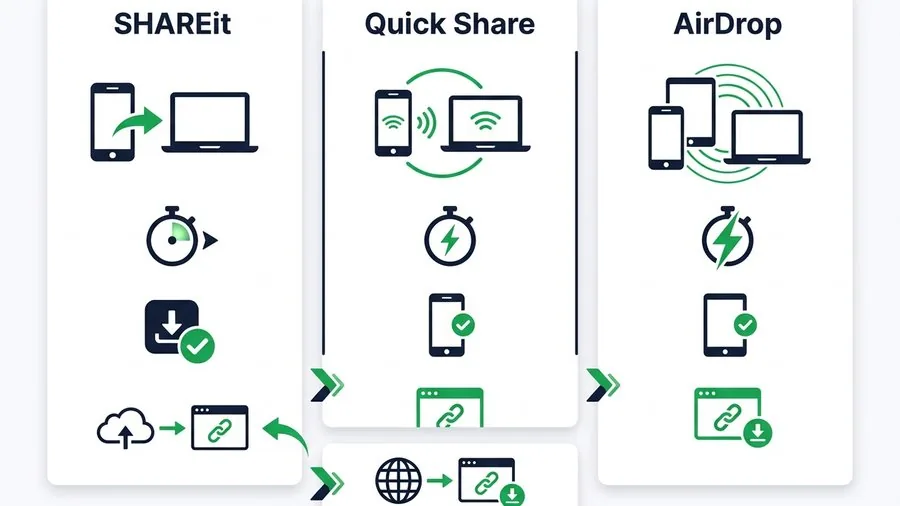
Nearby tools are fast because they are designed for local device discovery. They can also fail for ordinary reasons such as visibility, managed-device restrictions or an unsupported model. The comparison of SHAREit, Quick Share and AirDrop explains their different platform and installation assumptions.
Use the browser fallback
On the phone receiving the files, open Phone to Phone Transfer. It displays a private room code. The sending phone scans that code, selects the files and sends them into the receiving browser.
This flow does not attempt to imitate AirDrop. It solves a different problem: moving a selected set of files when the two phones cannot discover each other or are not in the same place. The existing two-phone transfer guide covers same-brand and mixed-brand choices, while the Android and iPhone guide focuses on cross-platform quality.
If both phones are not together, copy the room link through a trusted message instead of scanning. For large video, review the large-video sharing guide before choosing a transfer method.
Compatibility check form
| Question | Your answer |
|---|---|
| Android model | |
| Android software version | |
| Apple device and version | |
| Same room | Yes / No |
| Official support confirmed today | Yes / No |
Read next
- Browser transfer versus AirDrop and Quick Share
- How to share files without internet
- How to transfer files between two phones
- How to share files with a QR code
FAQ
Does every Android phone work with AirDrop now?
No. Google describes the capability for select Android devices. Check its current documentation for the model and software you use.
Why does the iPhone not appear in Quick Share?
The Android phone may be unsupported, the Apple device may not be visible, or wireless settings and policy may be blocking discovery.
Does browser transfer require the same Wi-Fi?
No. Each device needs internet access, but they can use different networks and can even be in different places.